
How to fill a marriage biodata in Word
- Download the template that fits your family: Hindu, Muslim, Jain, or the simple format with no horoscope.
- Open it in Microsoft Word, or upload it to Google Drive and open with Google Docs.
- Type over the dotted lines. Delete any row you don't need, like blood group or income, by right-clicking it and choosing Delete row.
- Add your photo: click inside the photo box, then Insert > Pictures, and resize it to fit.
- Save as PDF (File > Save As > PDF) before sending it on WhatsApp.
Which Word format should you choose?
| Format | Best for |
|---|---|
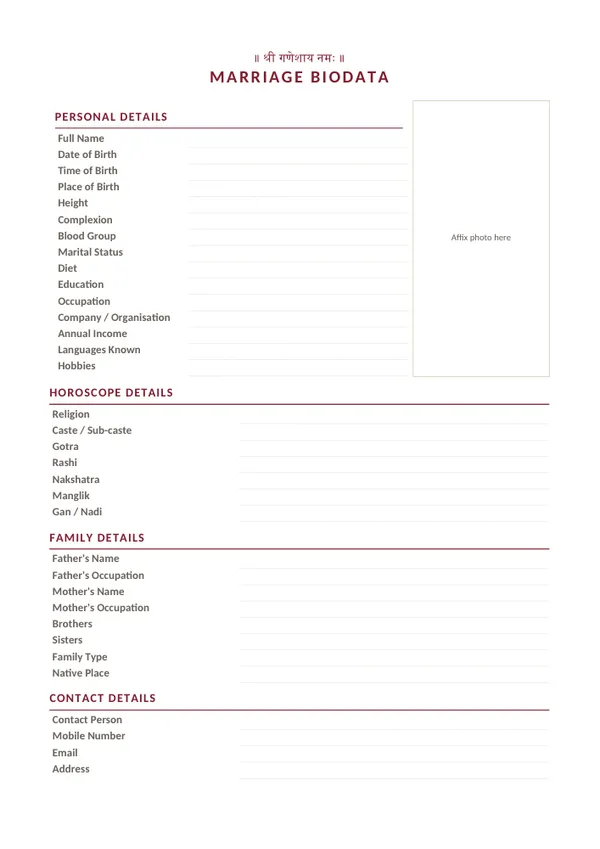
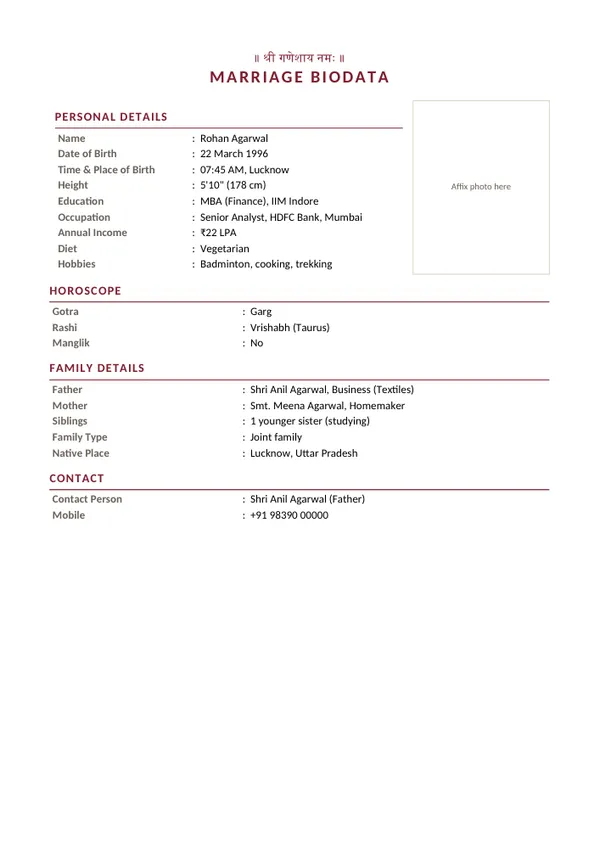
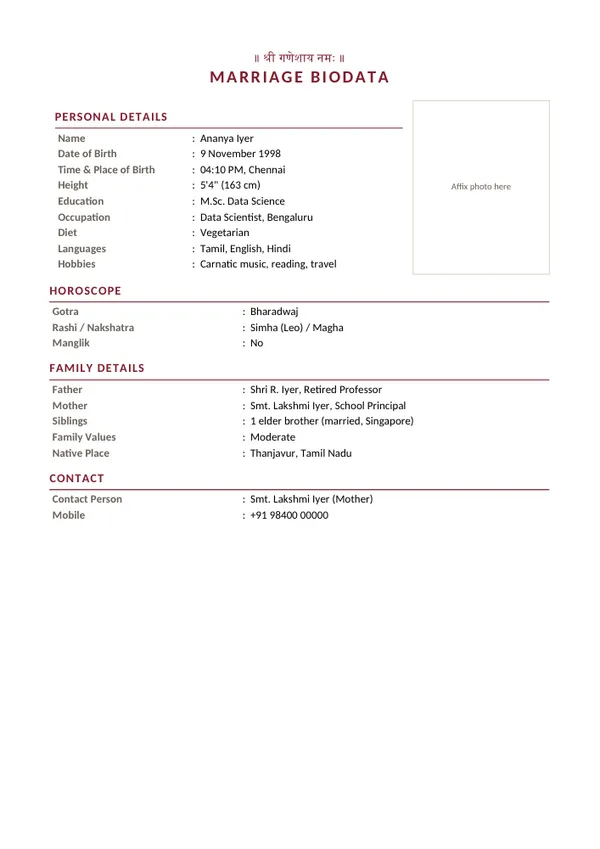
| Hindu | Families who match kundlis: gotra, rashi, nakshatra, manglik. Read the Hindu biodata format guide. |
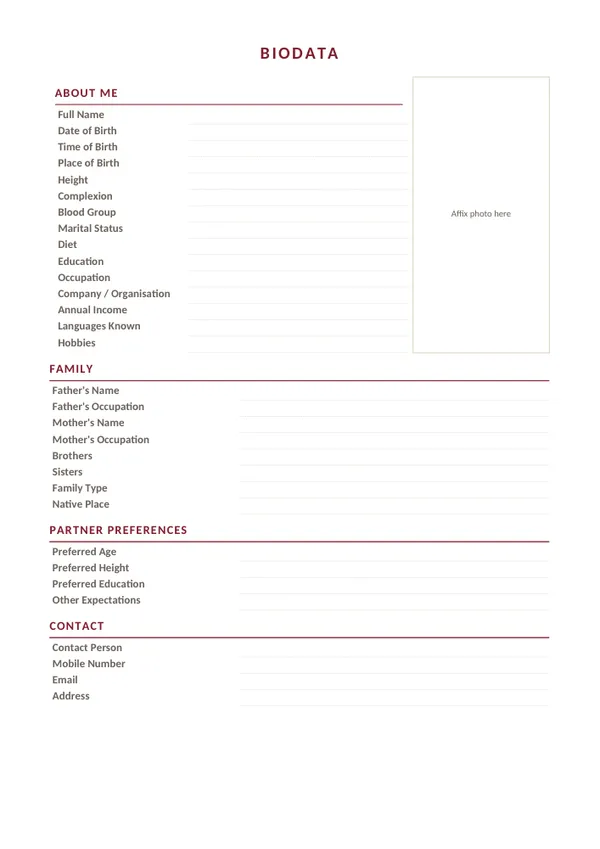
| Simple | Modern or inter-community matches, with no religious header or horoscope. |
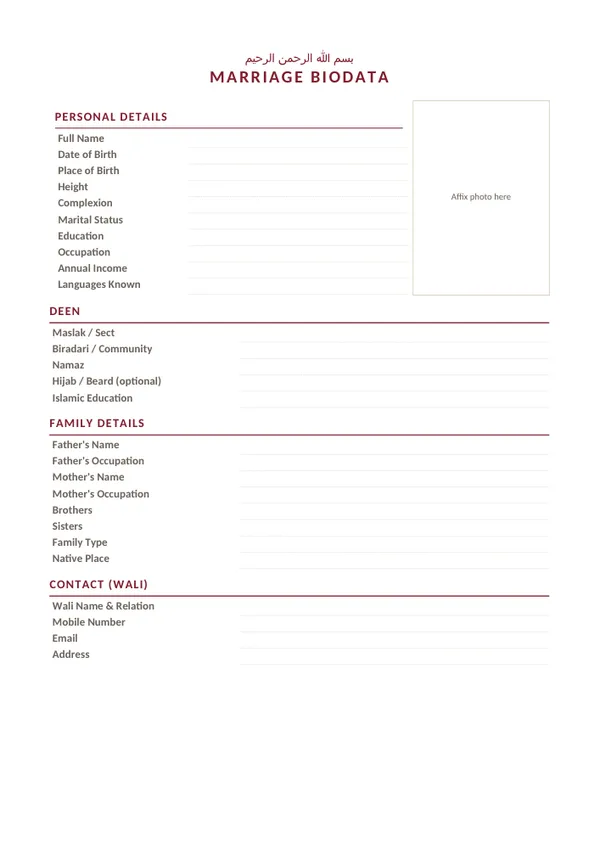
| Muslim (nikah) | Deen and maslak details, a wali contact, no horoscope. See the Muslim biodata guide. |
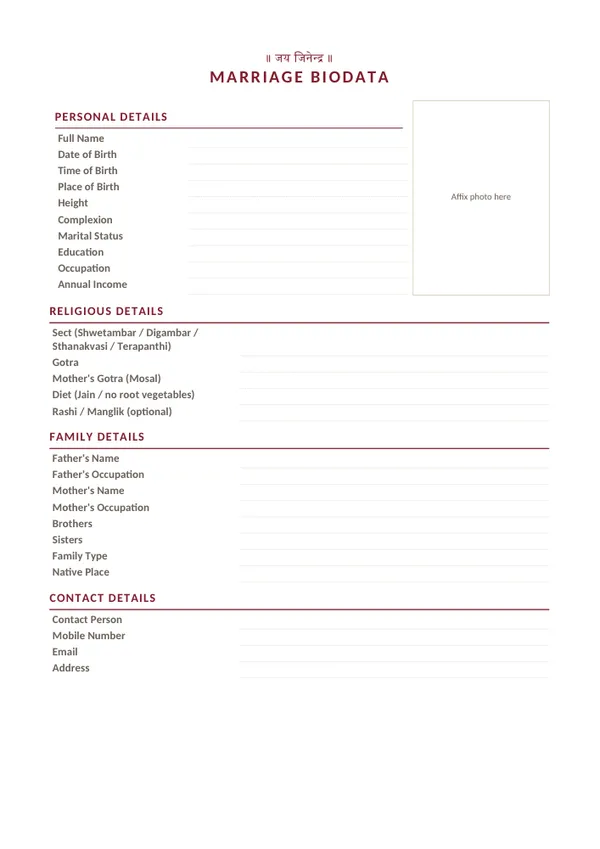
| Jain | Sect, gotra, mosal and Jain diet. See the Jain biodata guide. |
| For boy / for girl | Filled-in samples to overwrite. Tips for boys and girls |
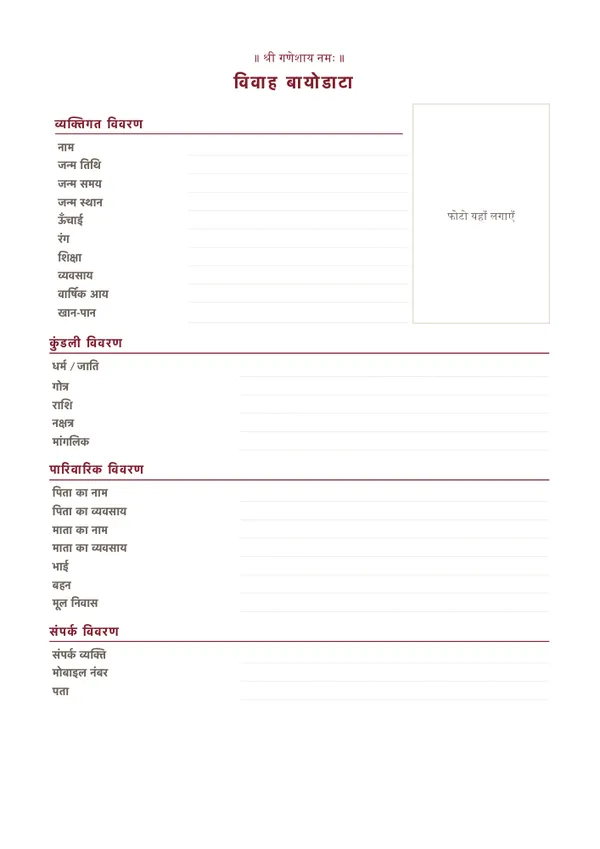
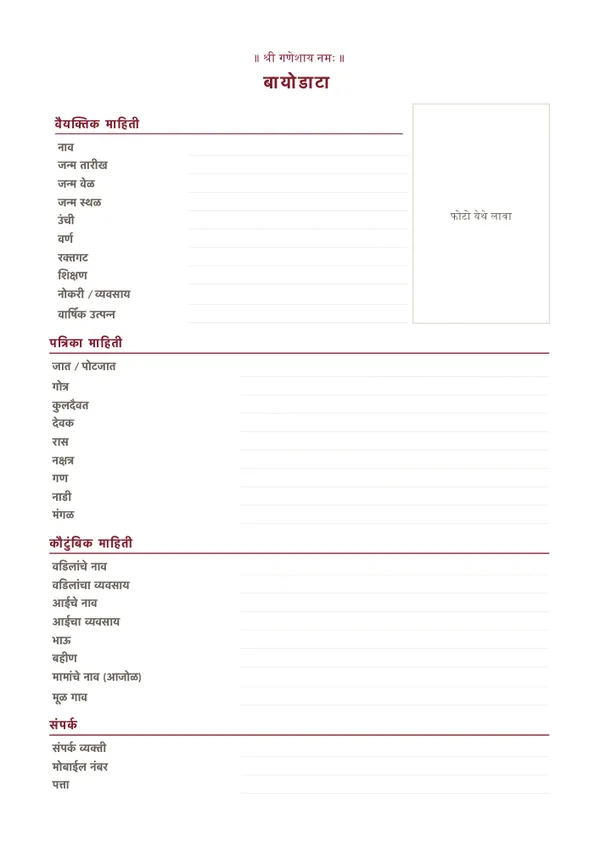
| Hindi / Marathi | Labels in Devanagari. See the Hindi guide and the Marathi guide. |
Word vs PDF
Word is best while you are still editing, or when a relative is filling it in for you. PDF is best for sending: it looks the same on every phone and nobody can change it by accident. Keep the Word file, and send the PDF.
Frequently asked questions
Where can I download a marriage biodata in Word format for free?
Right here. Every template on this page is a free .docx file with no watermark and no sign-up. Click "Download Word" on any template and it downloads instantly.
Will the Word file open in Google Docs or on my phone?
Yes. The files are standard .docx and open in Microsoft Word, Google Docs, WPS Office and LibreOffice, on a computer or phone. They use simple tables, so the layout stays intact.
Can I get my filled biodata as a Word file?
Yes. Fill in your details in the free biodata maker and tap "⬇ Word". You get a .docx with your details and photo already in it.
How do I add my photo to the Word biodata?
Click inside the "Affix photo here" box, then Insert > Pictures in Word (or Insert > Image in Google Docs), and resize the photo to fit the box.
Should I send the biodata as Word or PDF?
Edit it in Word, then send a PDF. A PDF looks the same on every phone and cannot be changed by accident. In Word use File > Save As > PDF; in Google Docs use File > Download > PDF.
Is there a Hindu marriage biodata format Word file?
Yes, the first template is a Hindu marriage biodata with a Ganesha header and a horoscope section for gotra, rashi, nakshatra and manglik. There are also Muslim, Jain, Hindi and Marathi versions.