
ChatGPT photo editing prompts & Gemini AI prompts
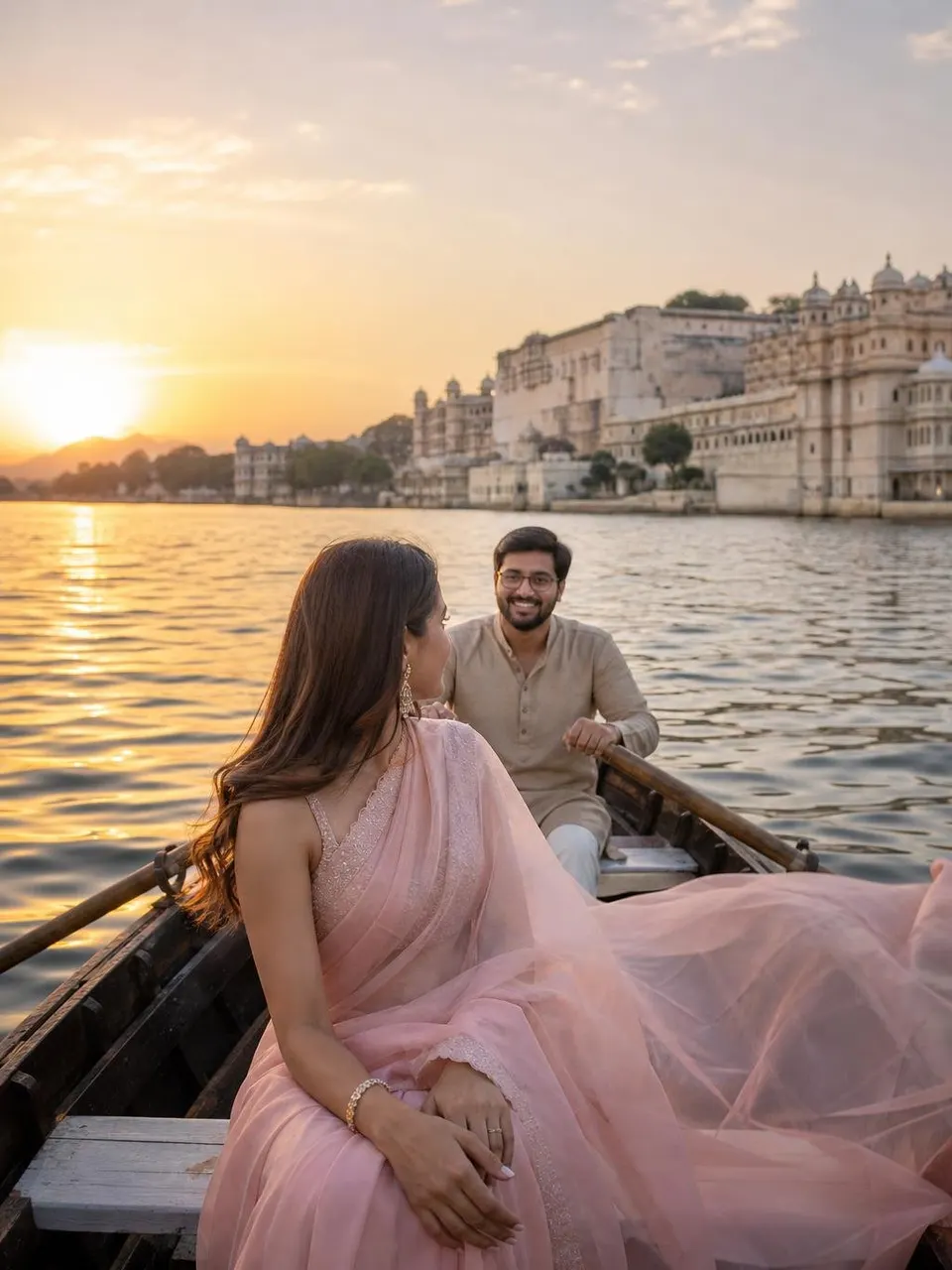
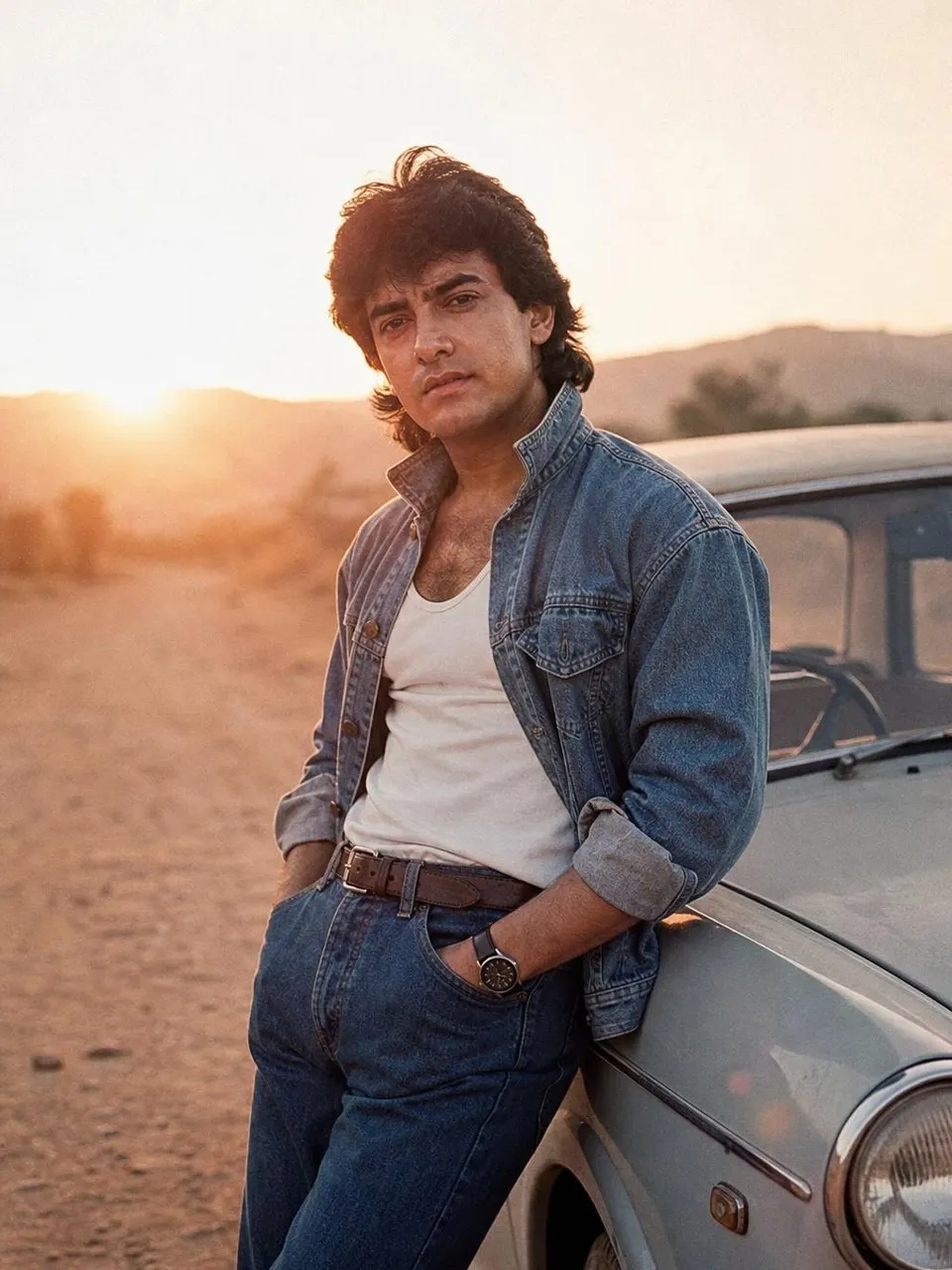
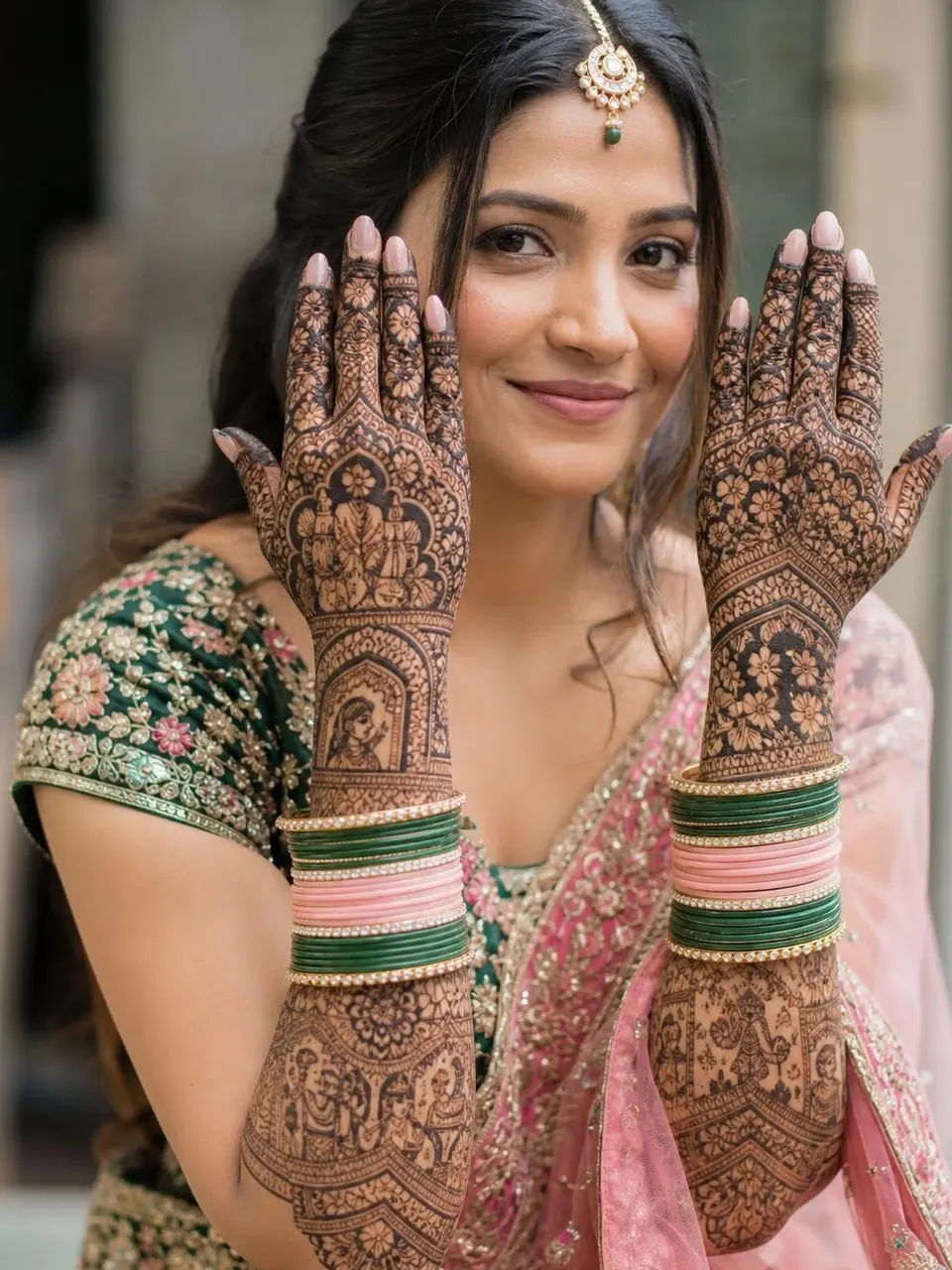
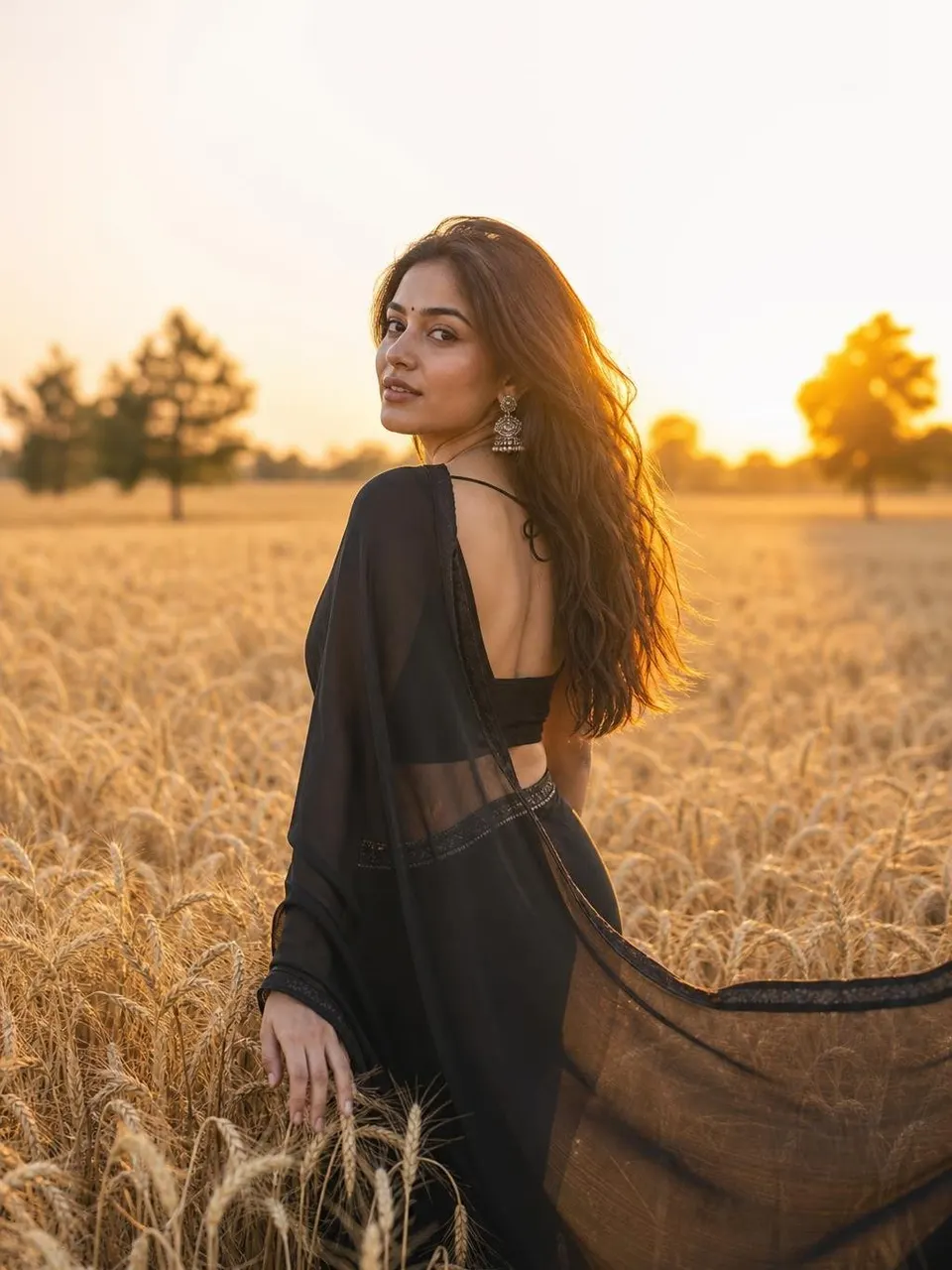
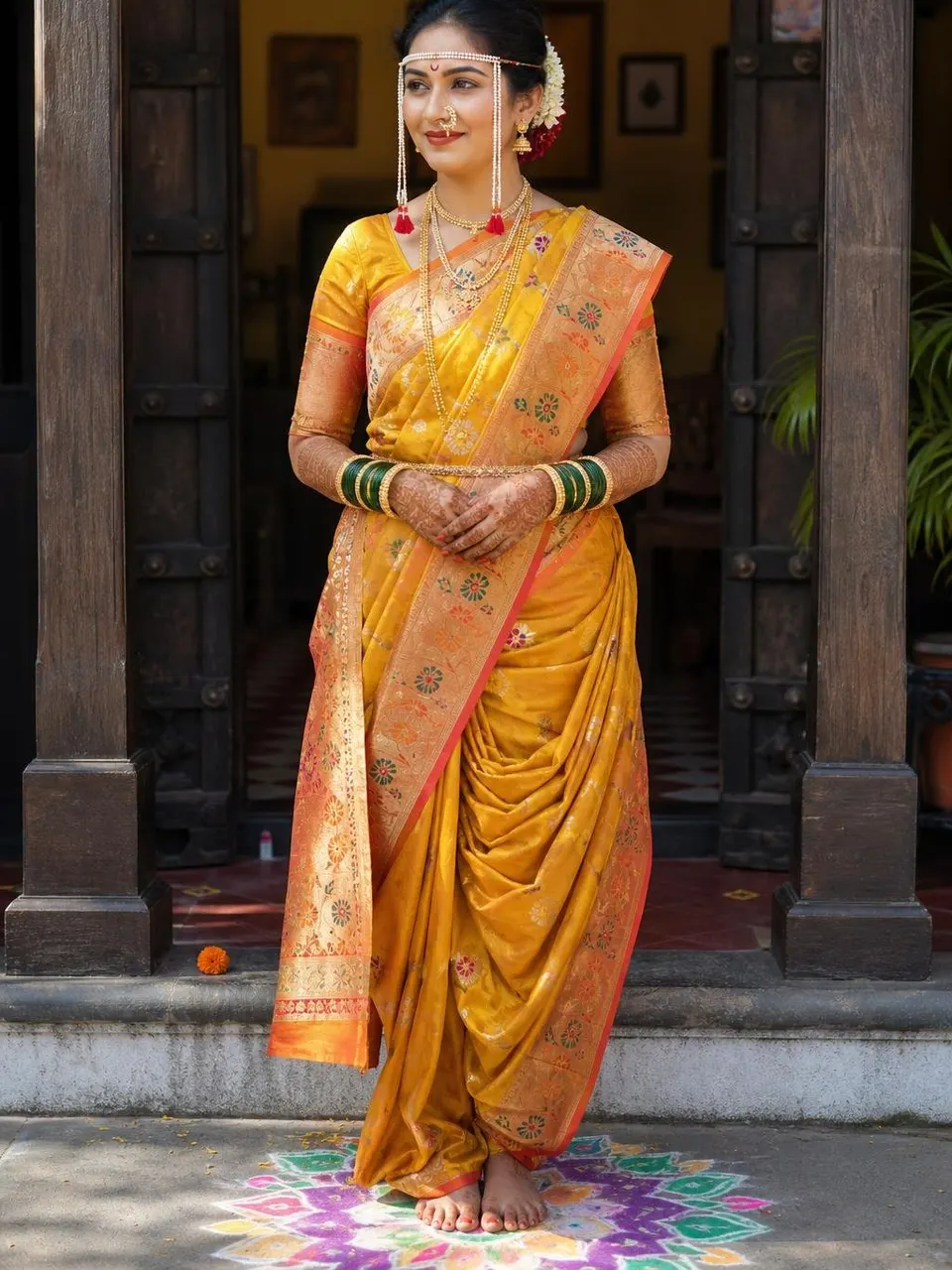
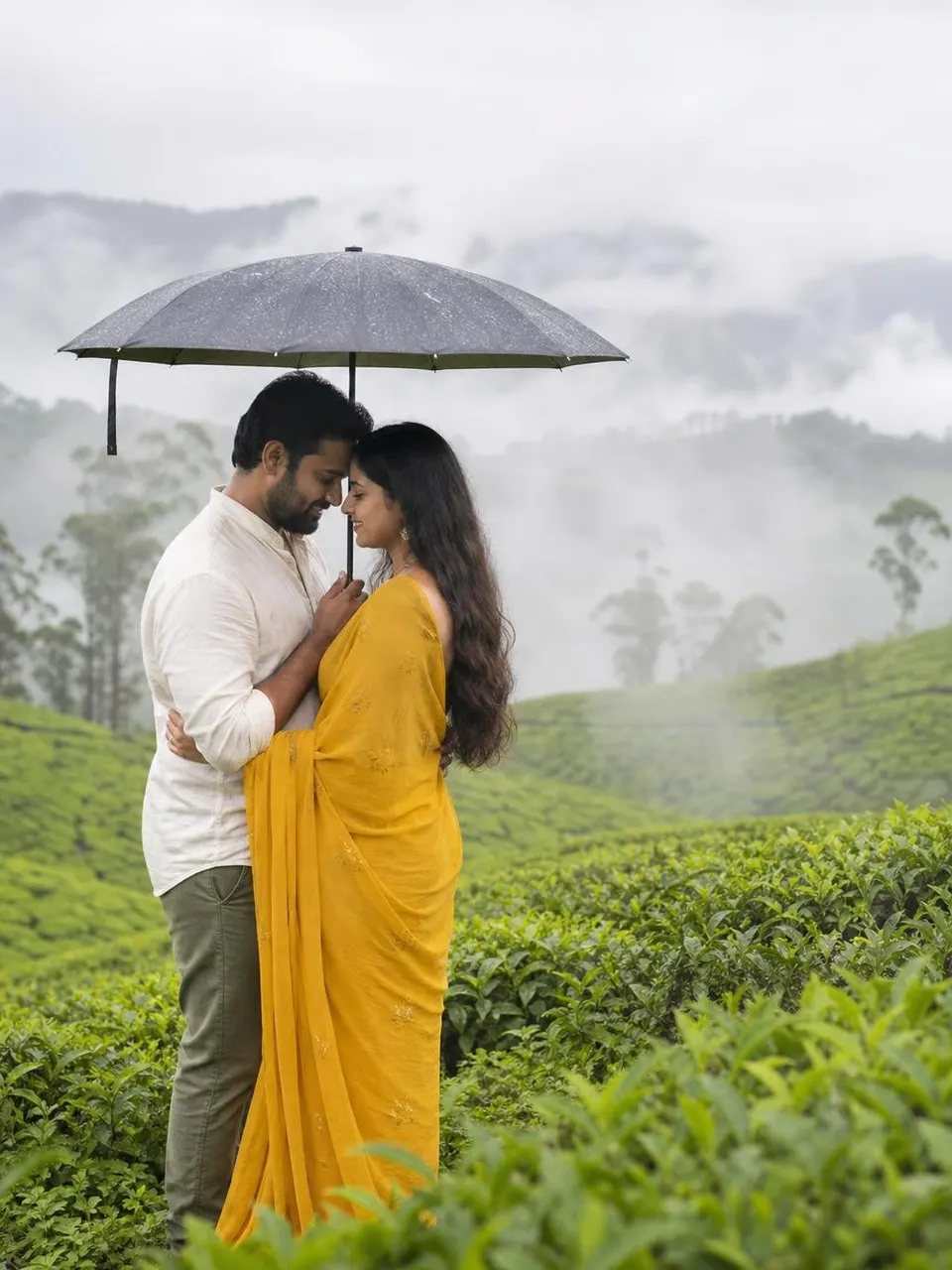
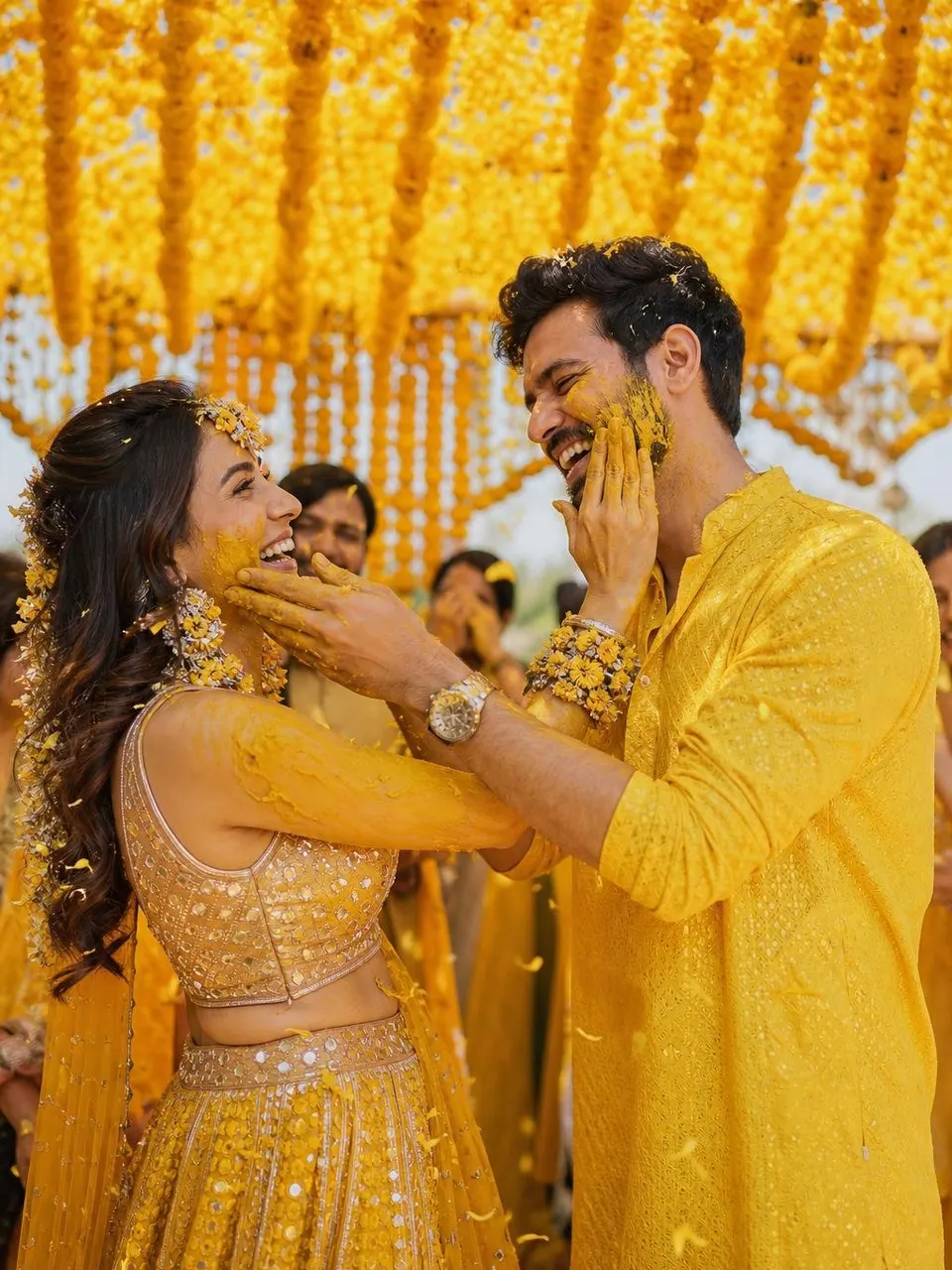
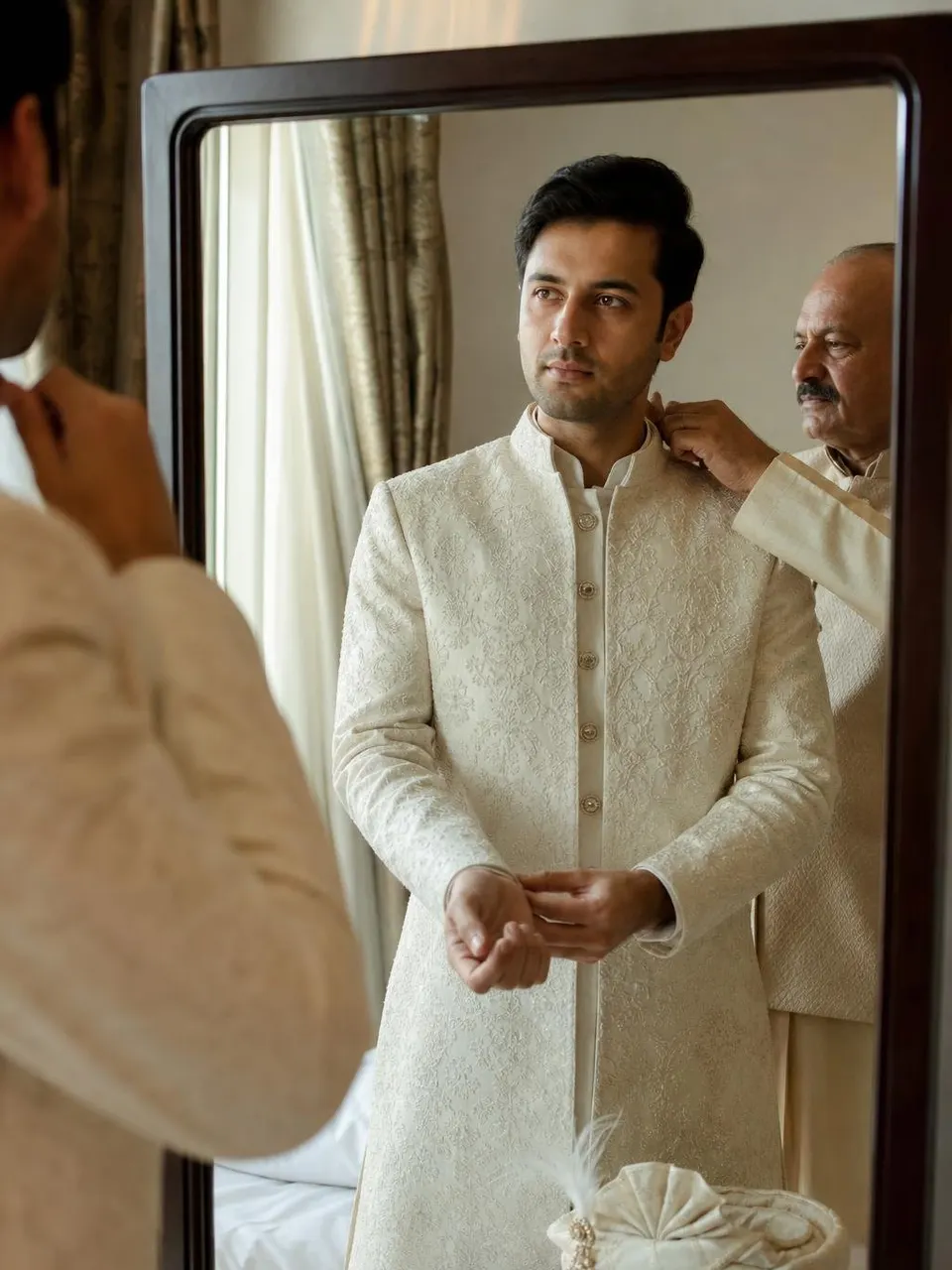
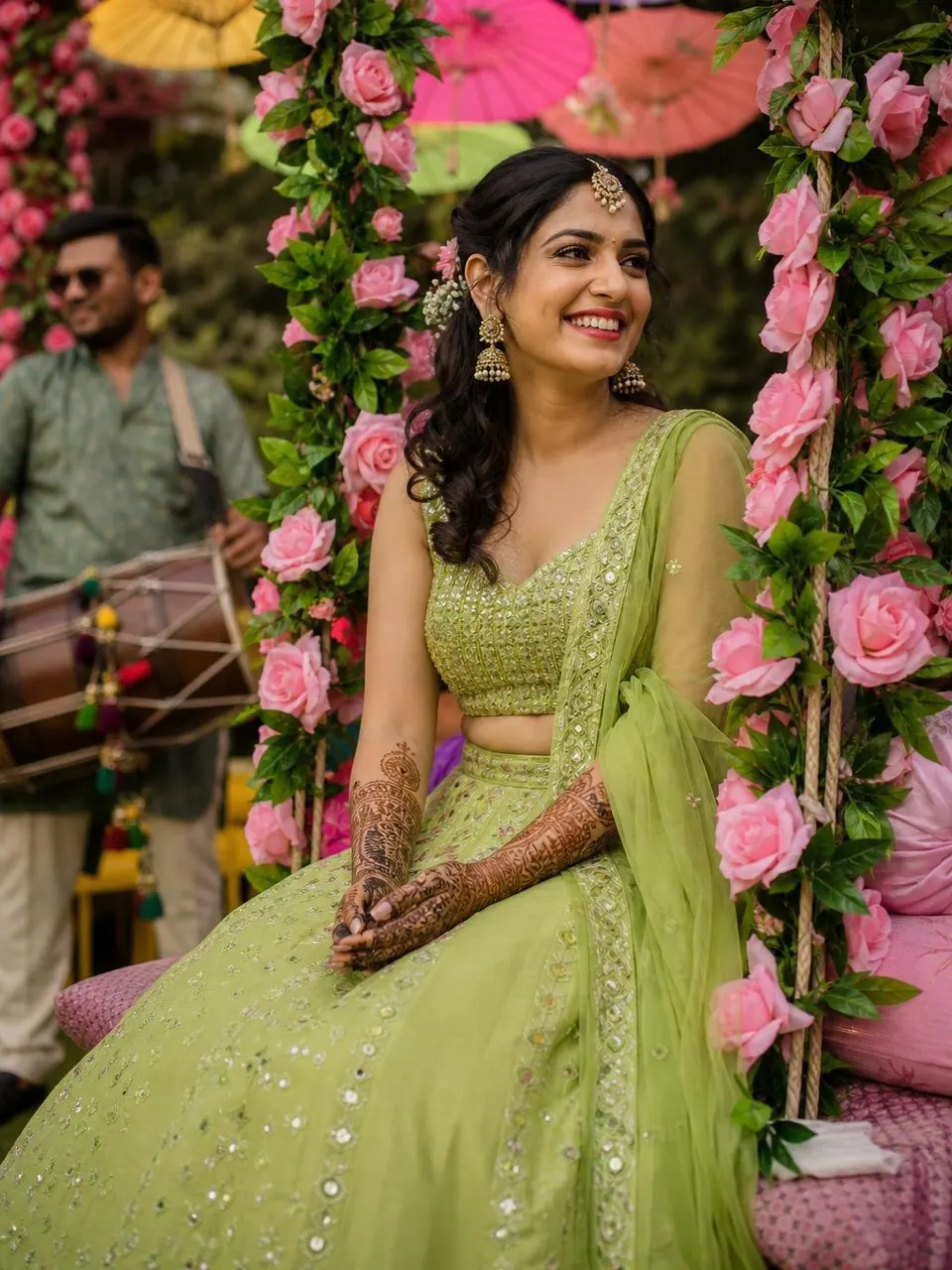
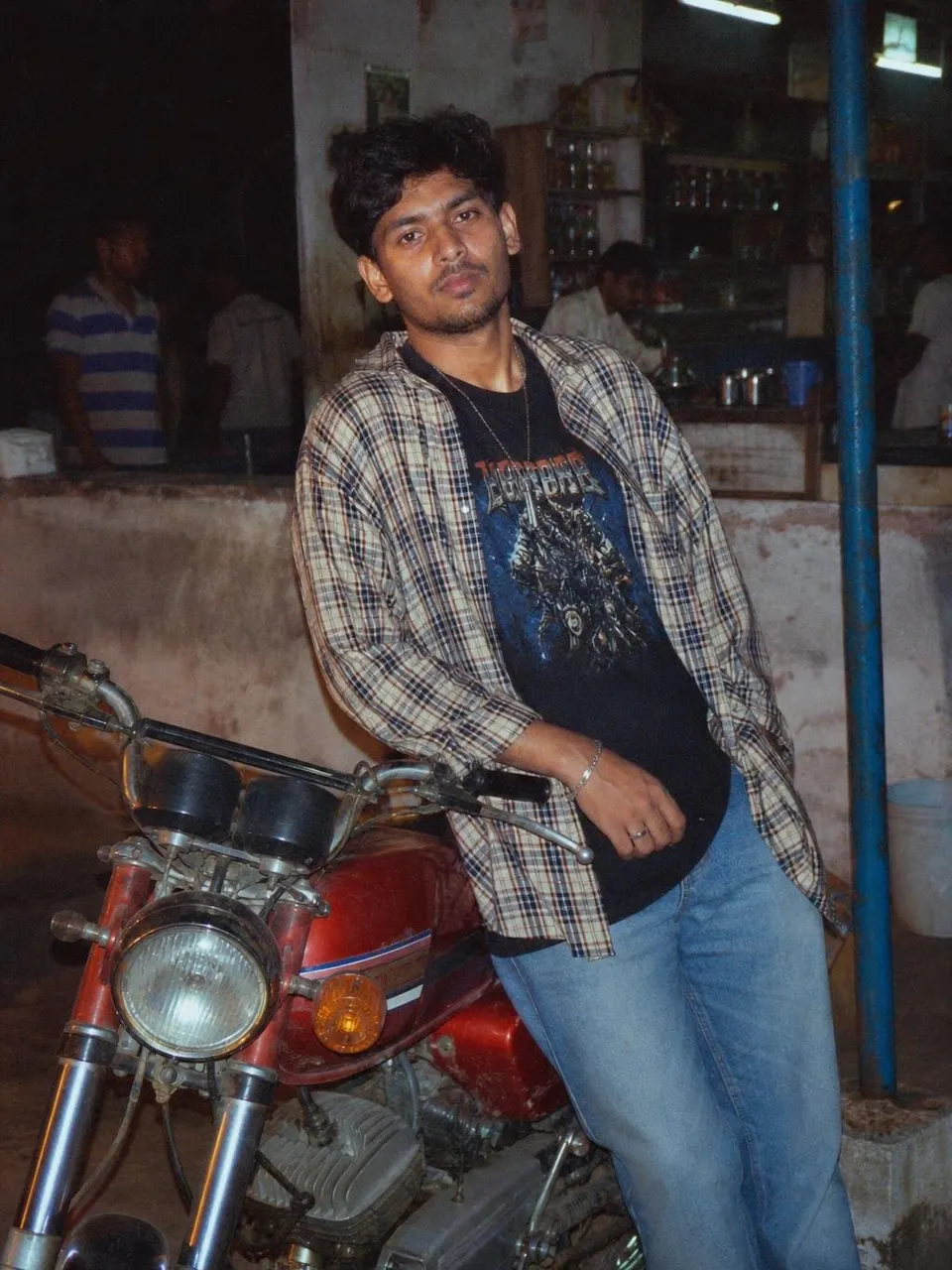
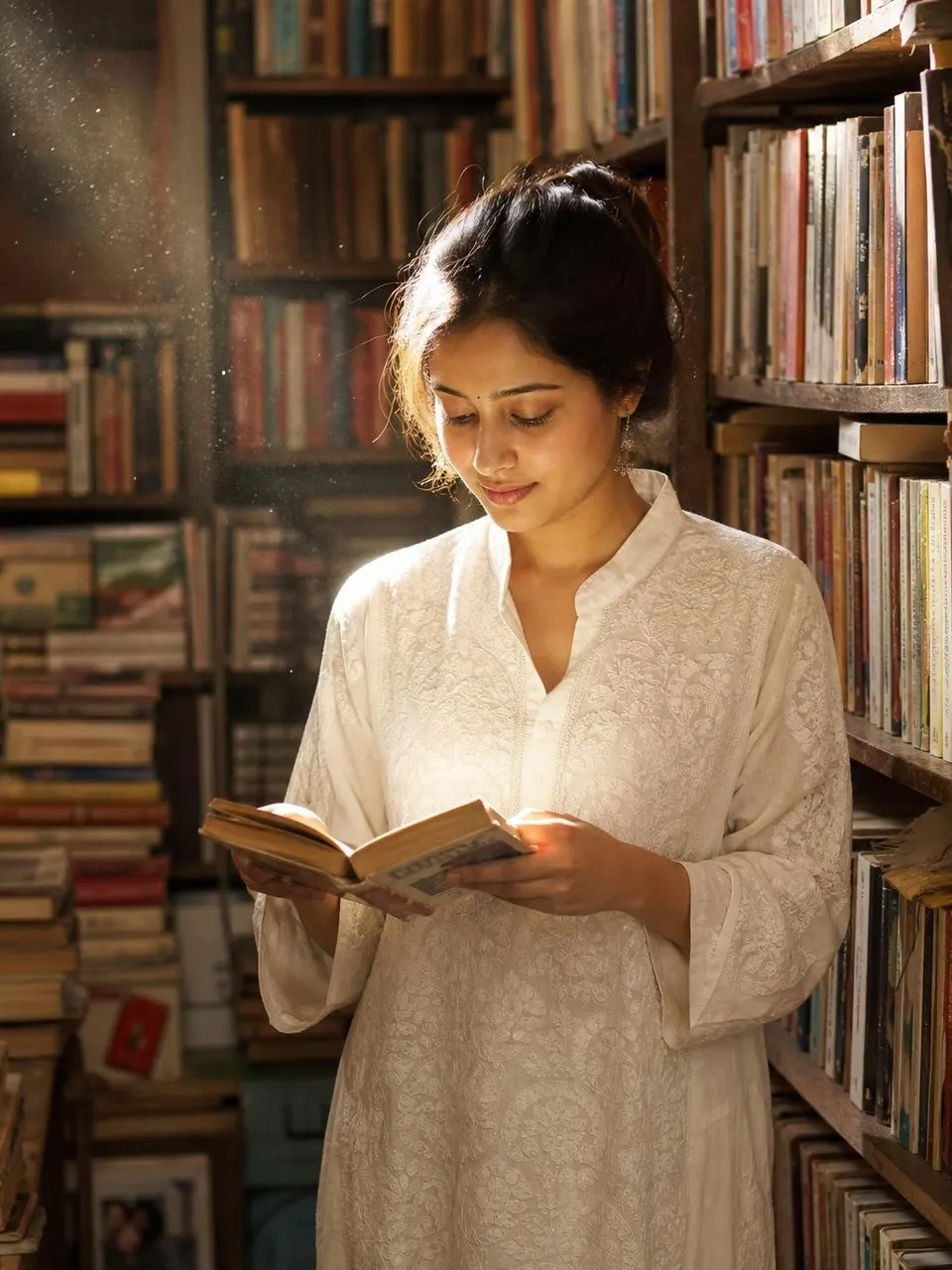
Copy, paste, upload your photo. Trending wedding, couple, saree and retro prompts, written to keep your face exactly the same.
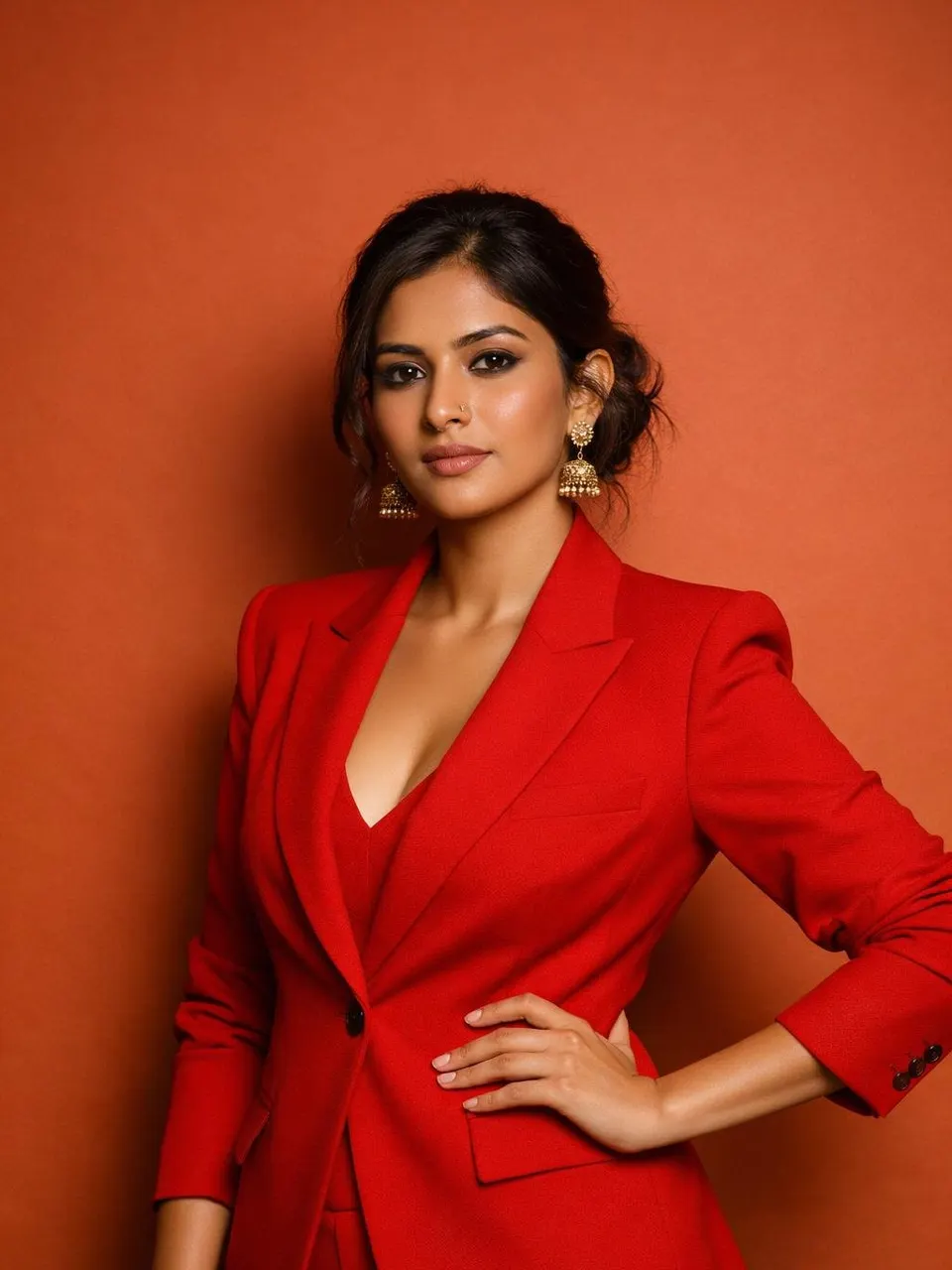
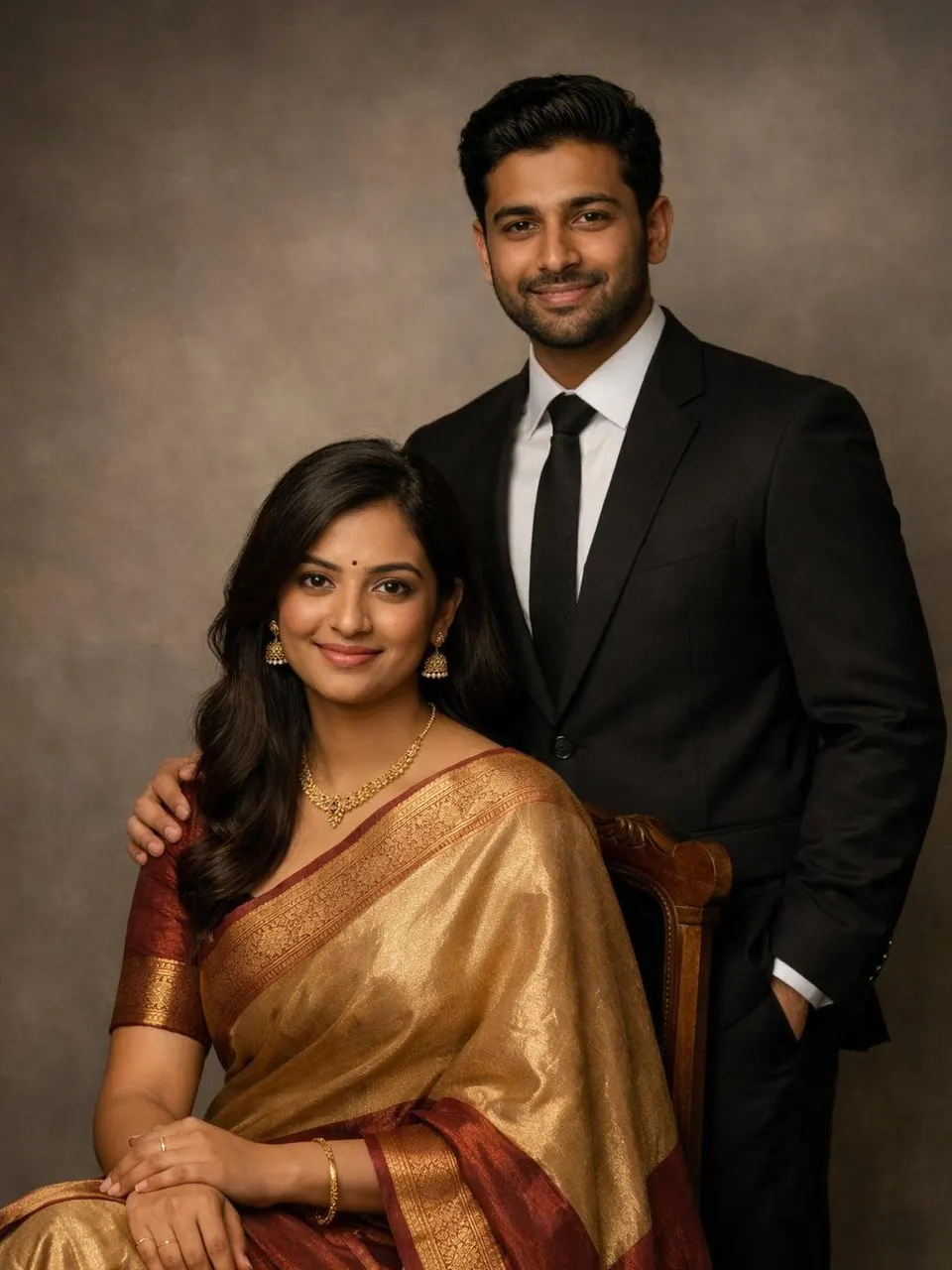
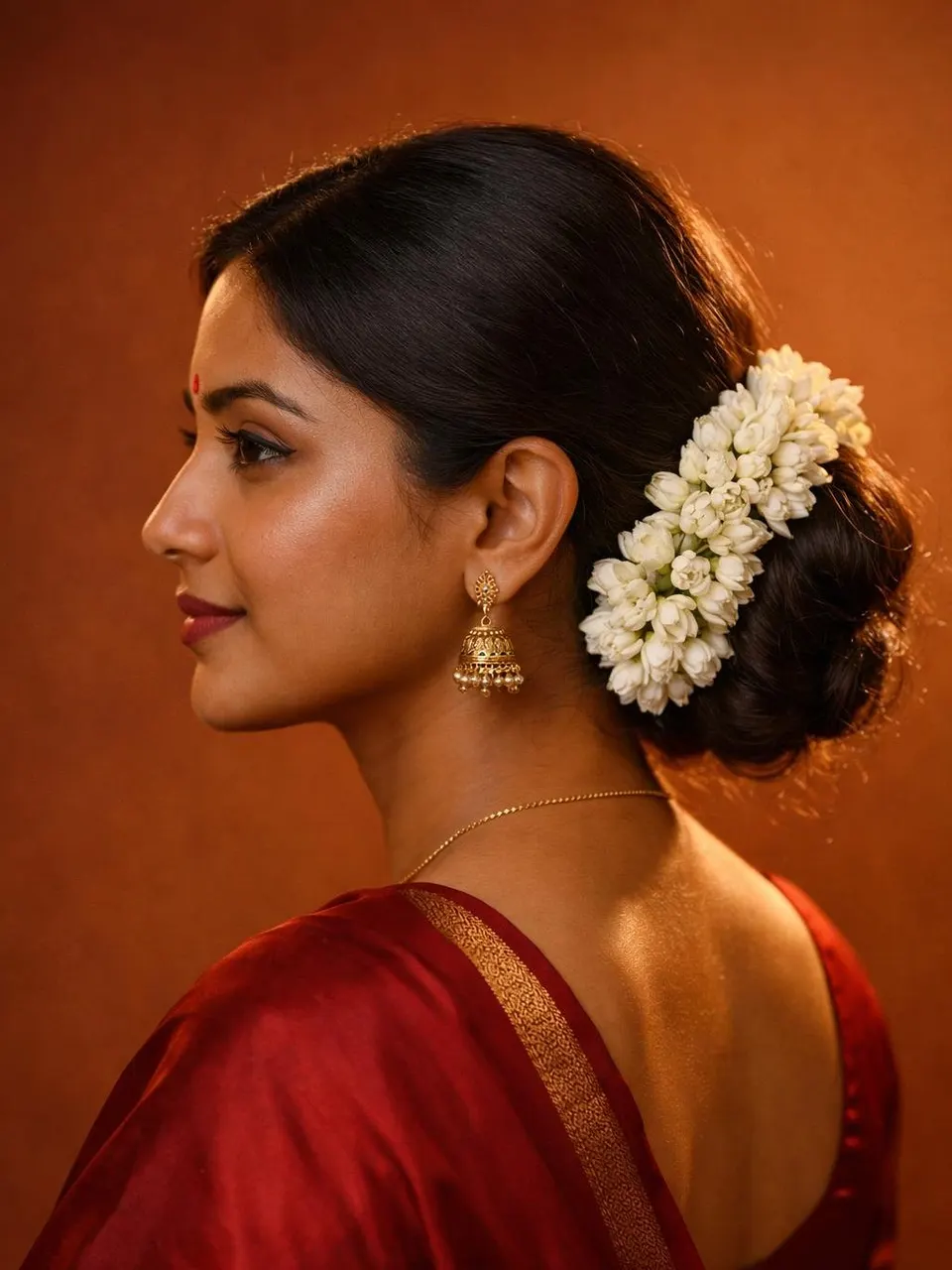

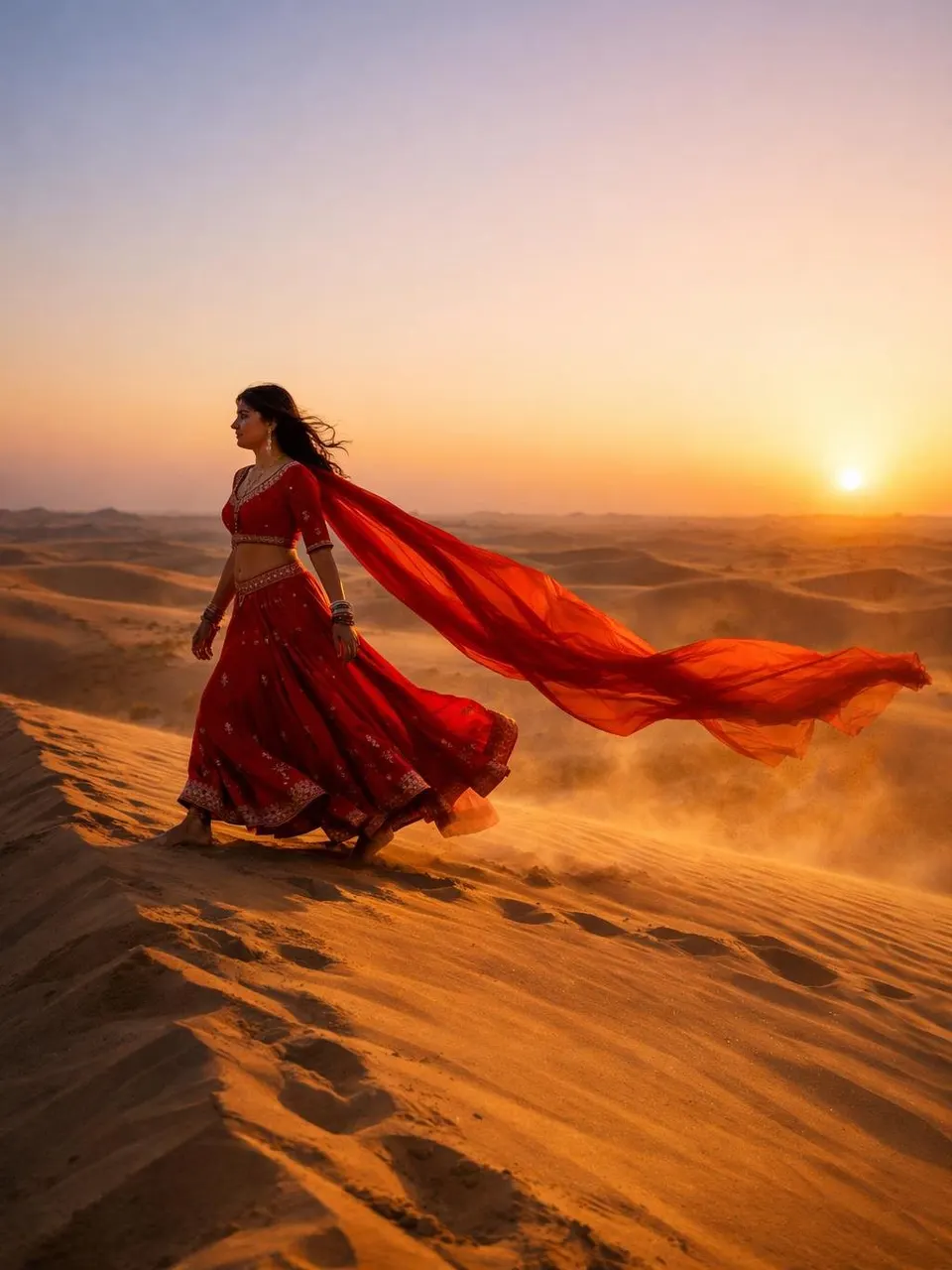

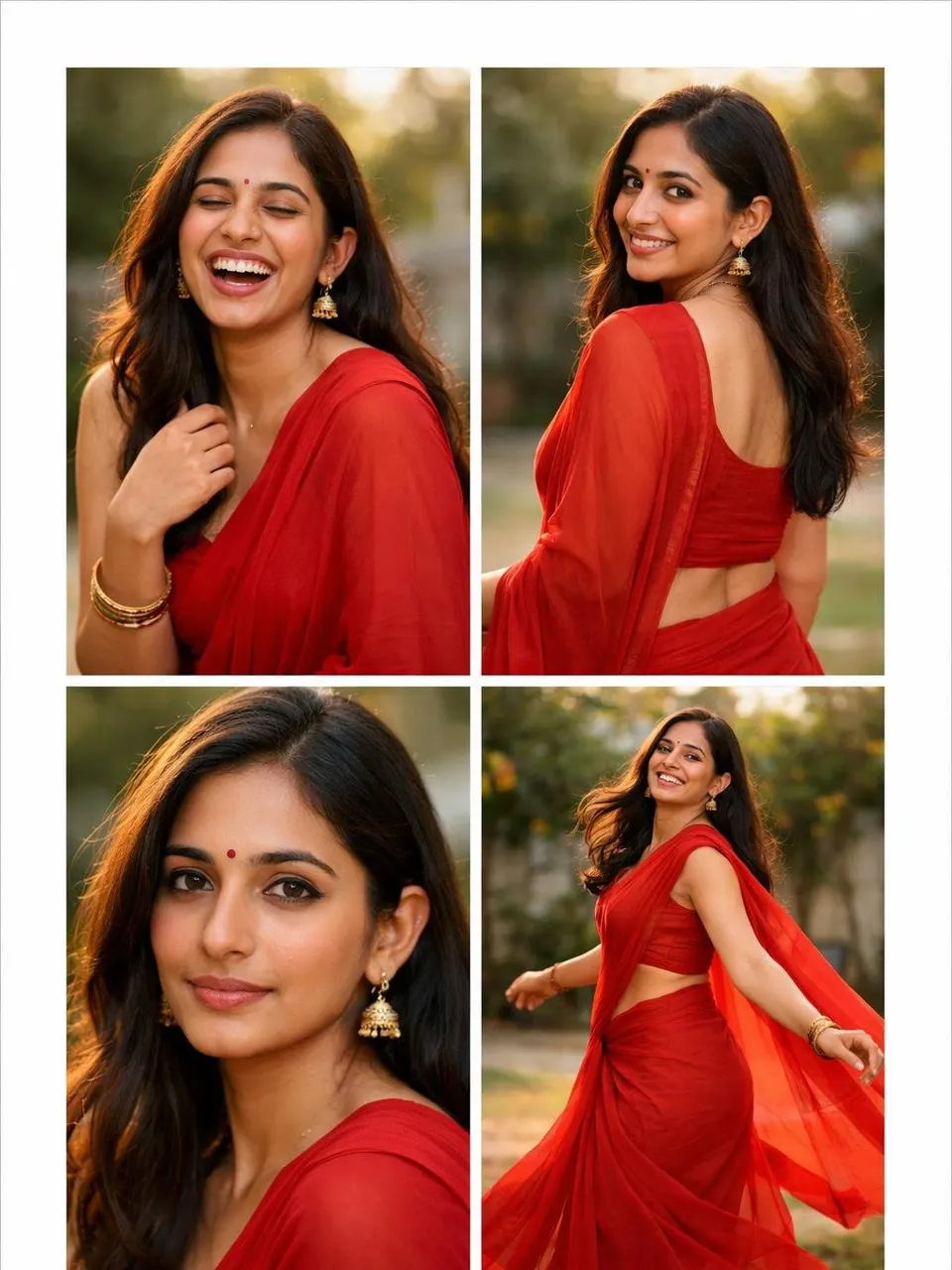
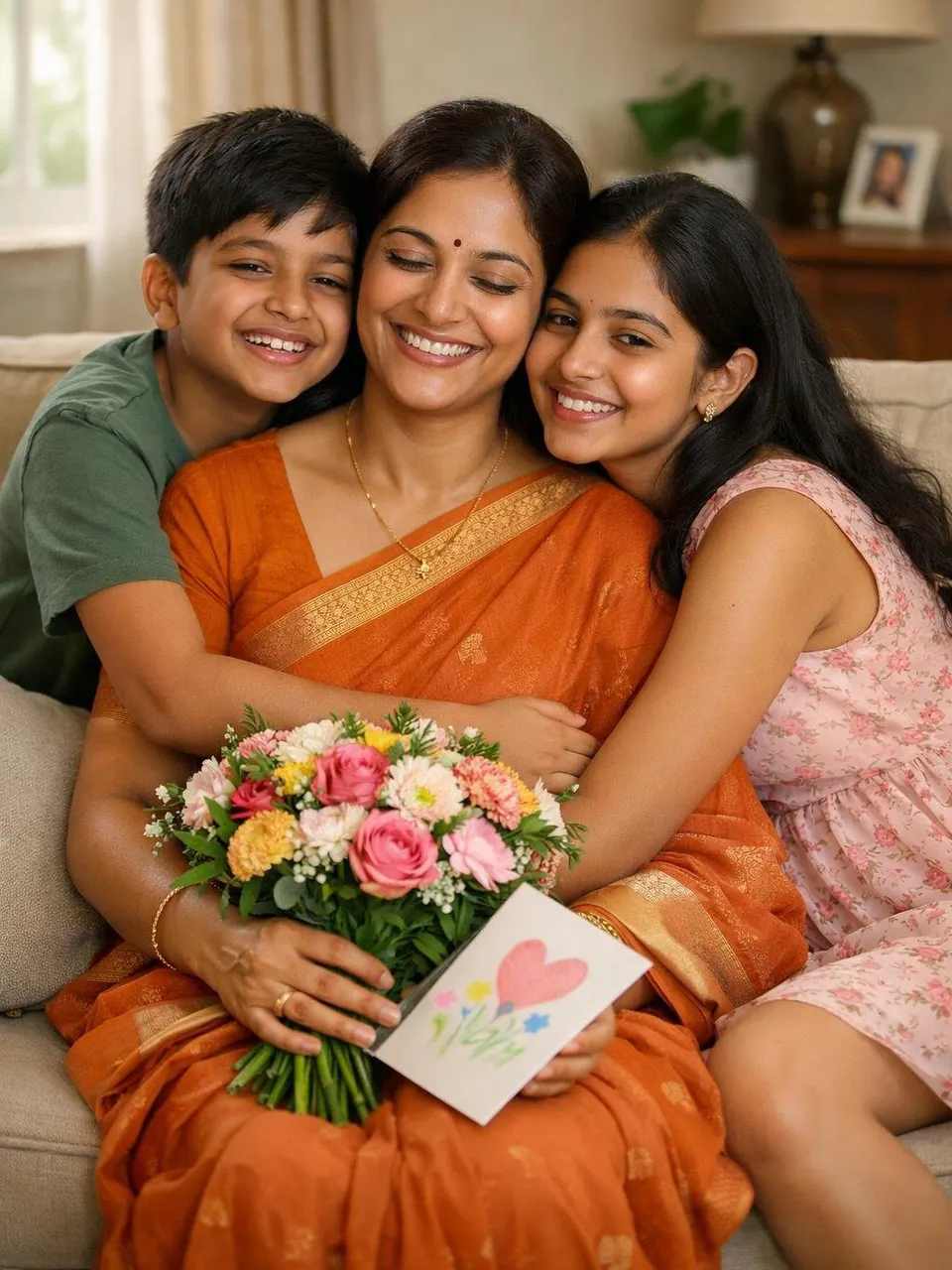
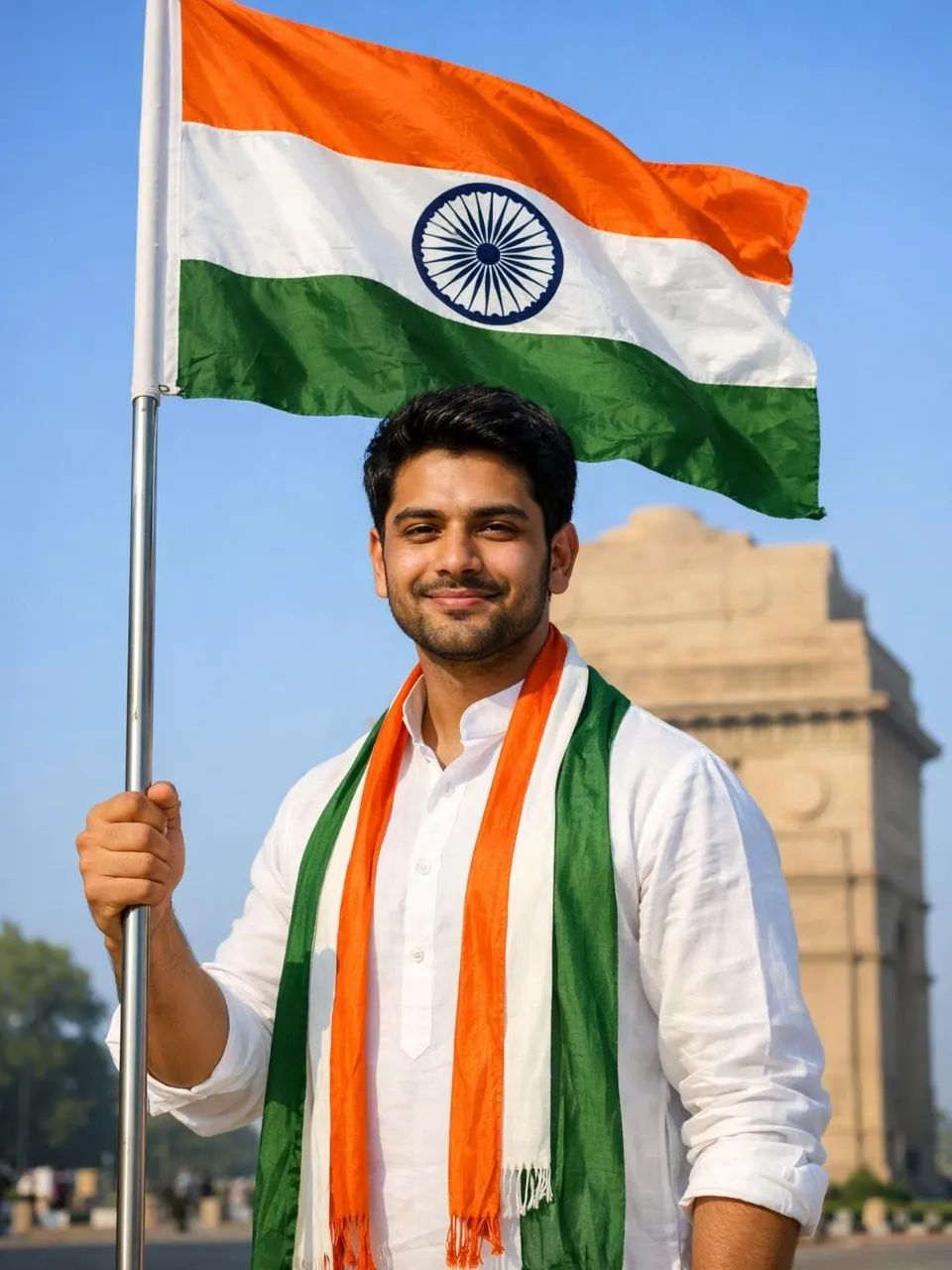
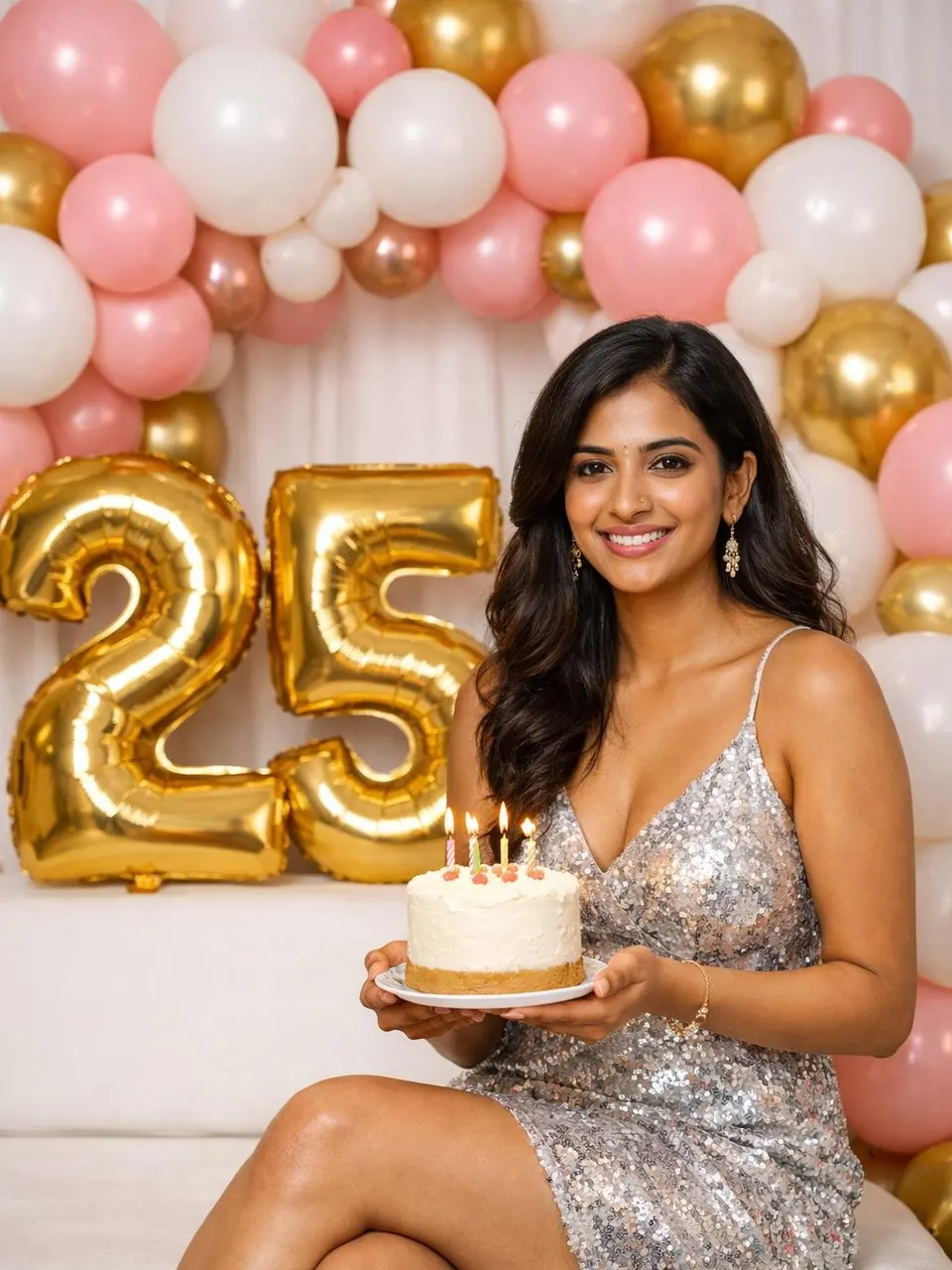
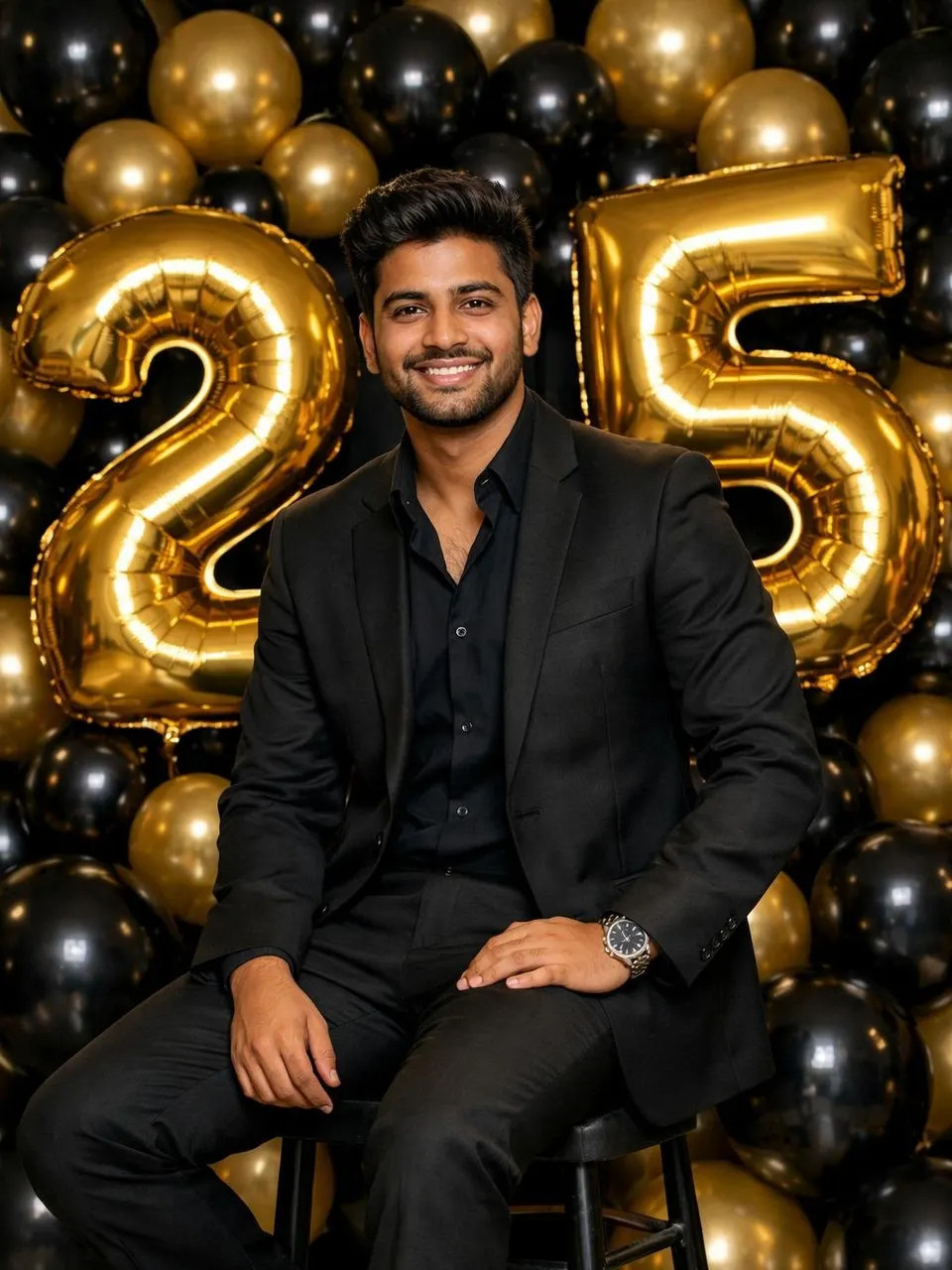
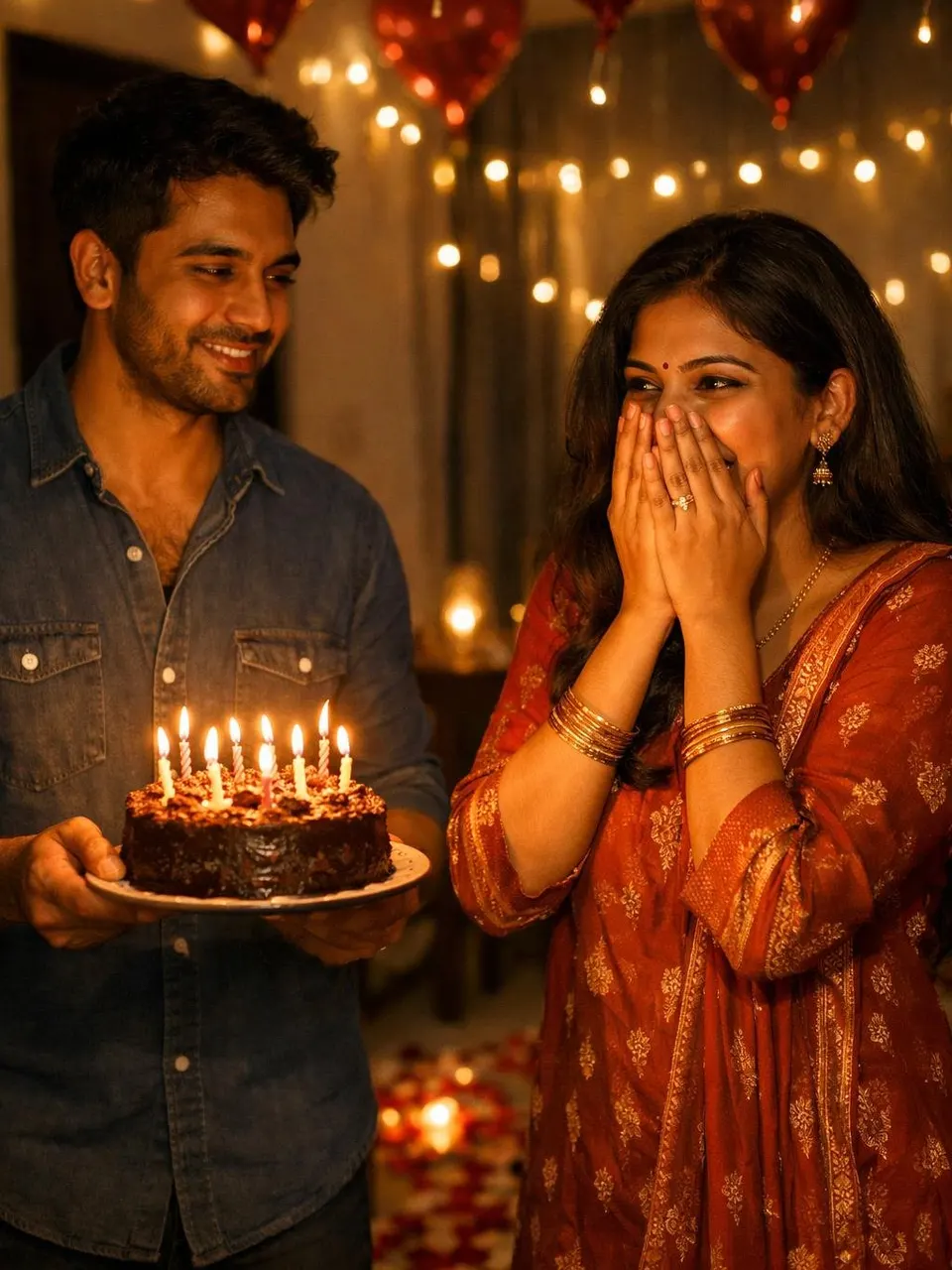
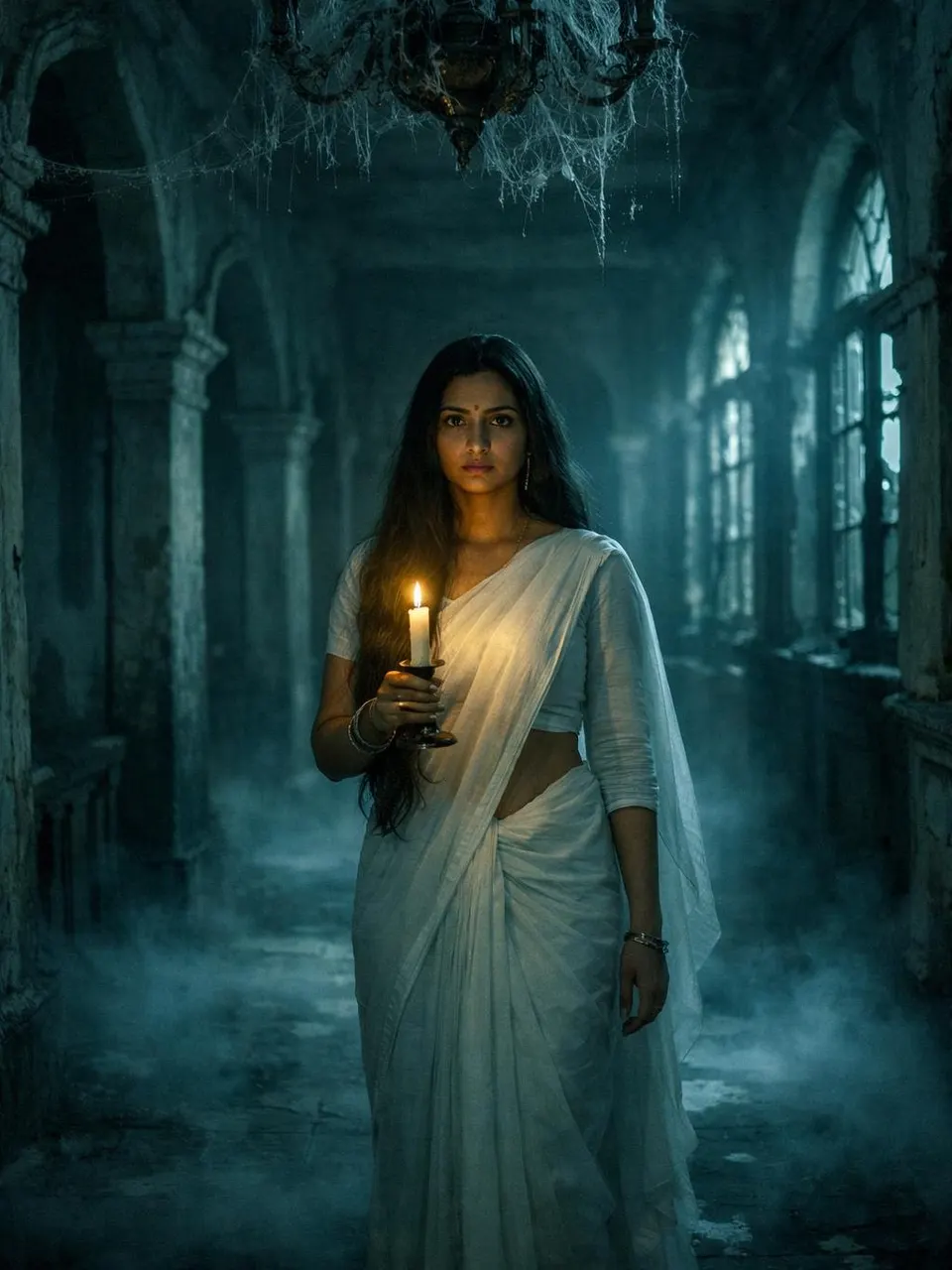
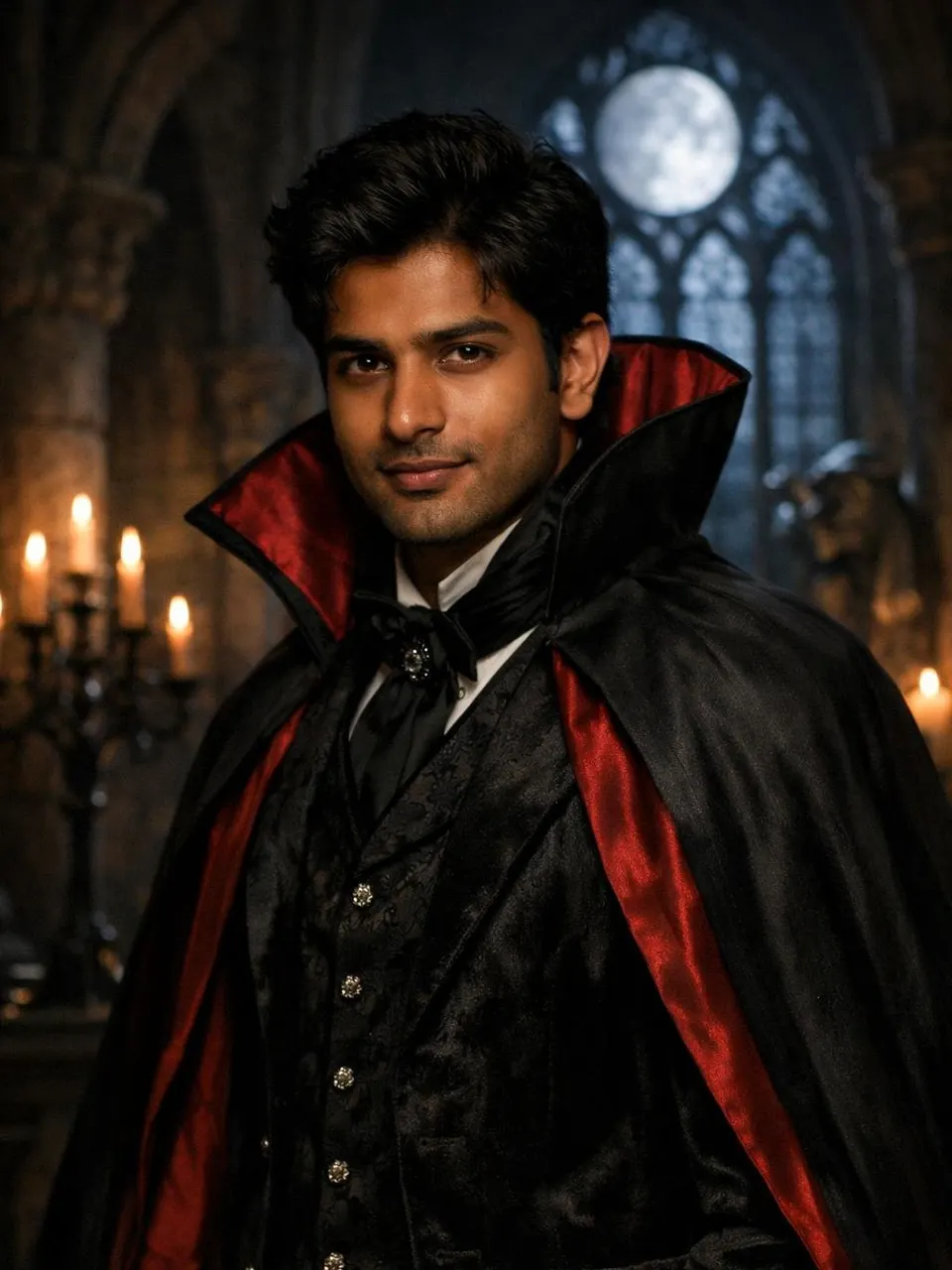
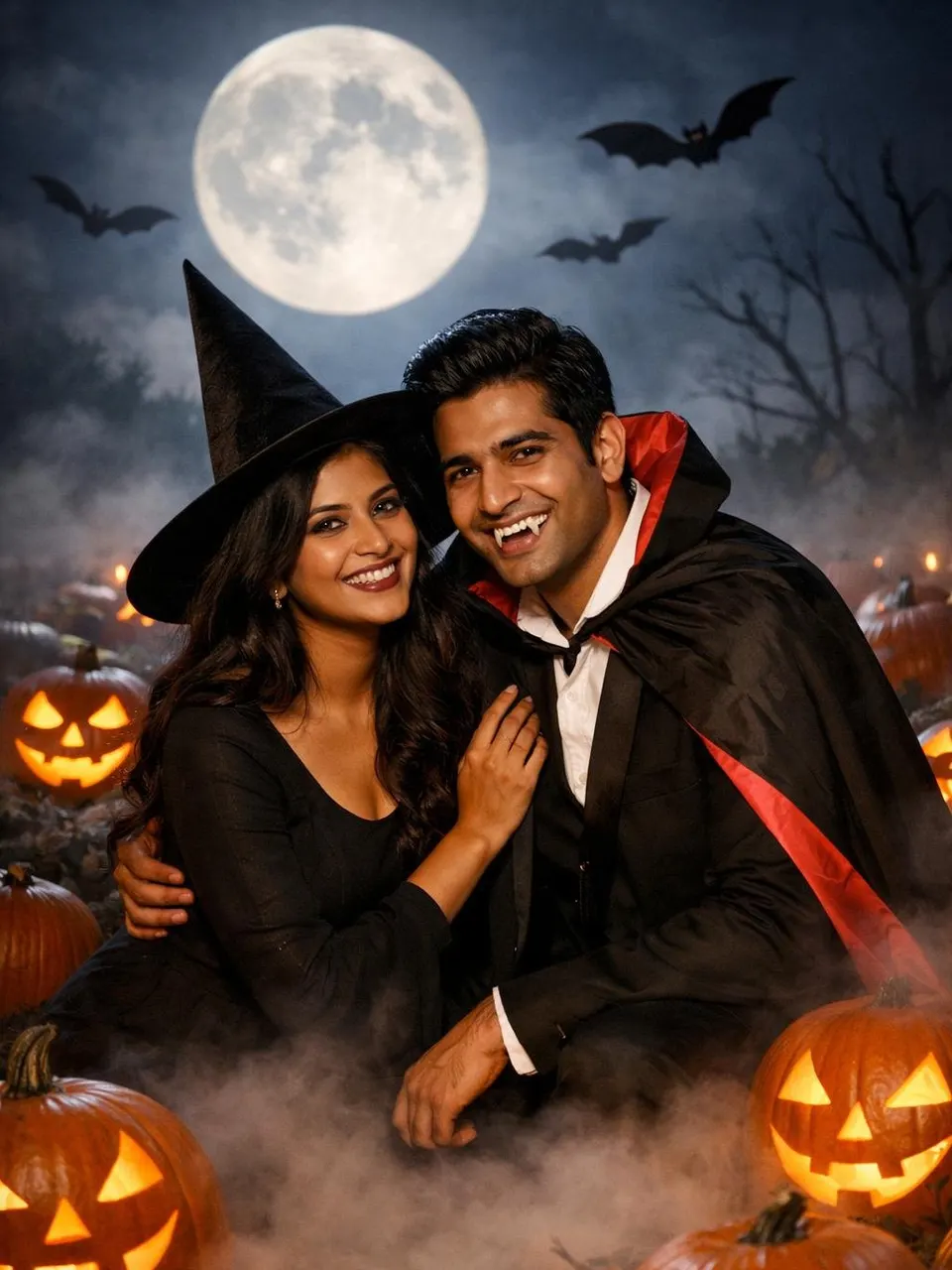
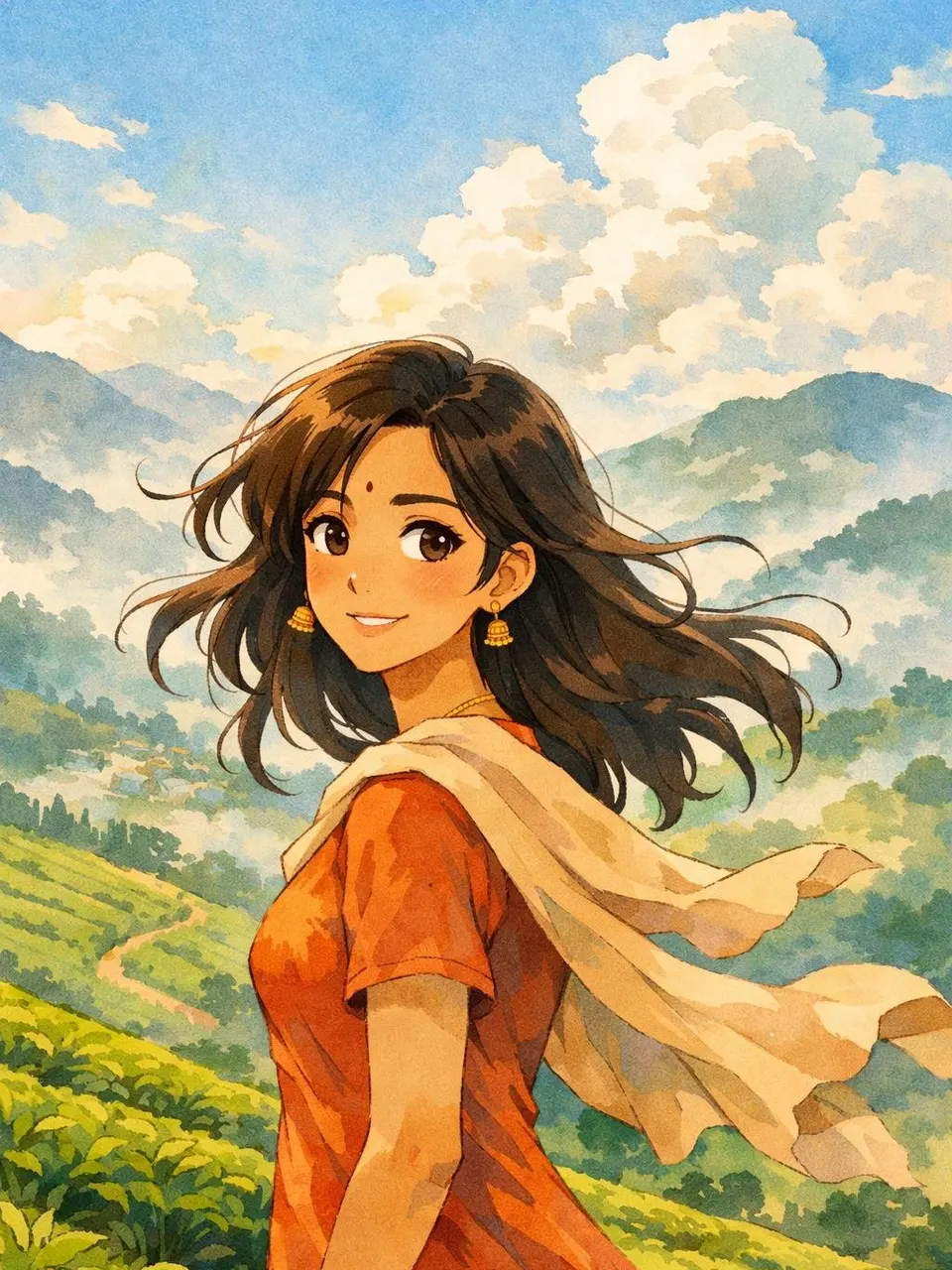
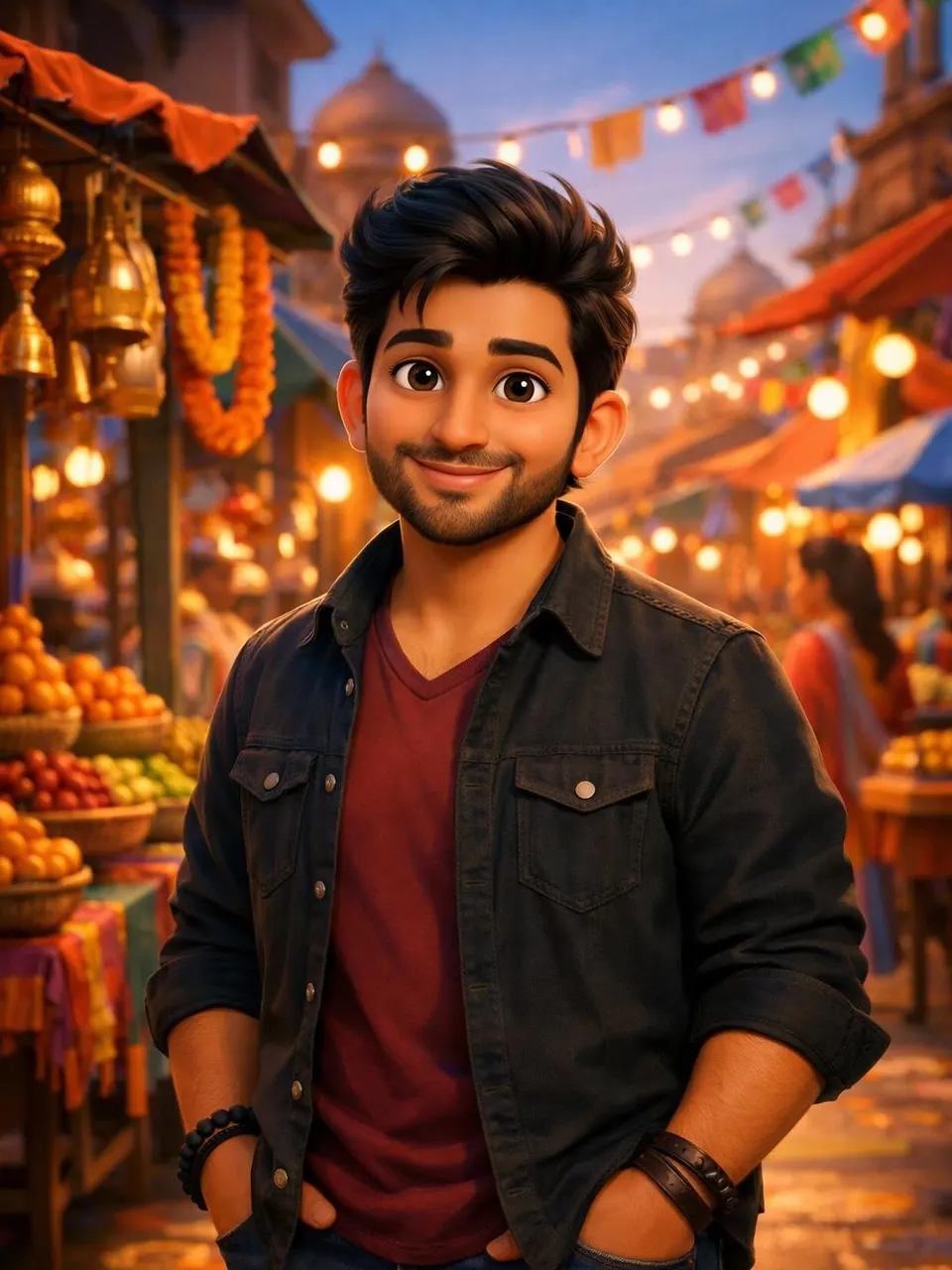
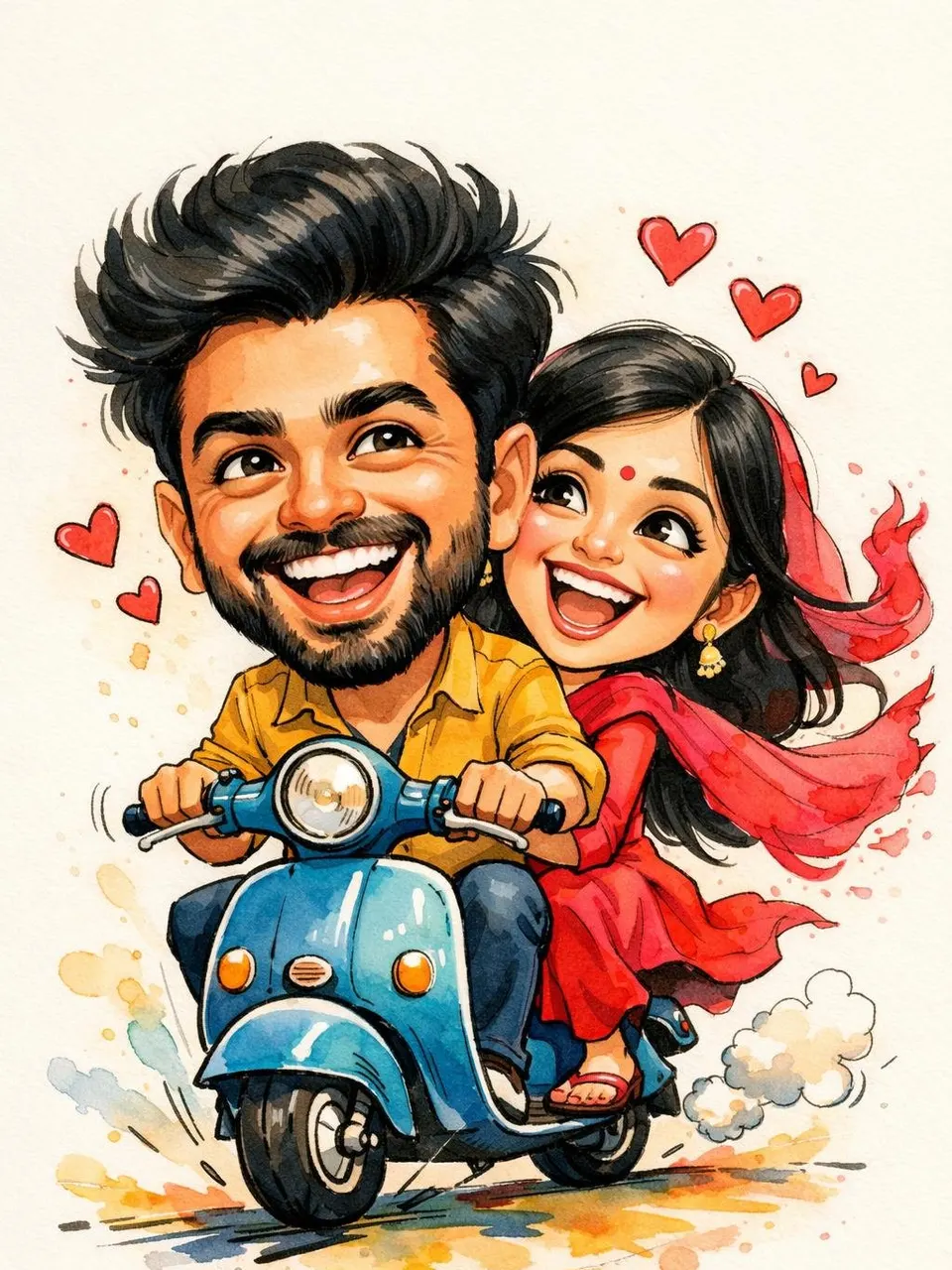
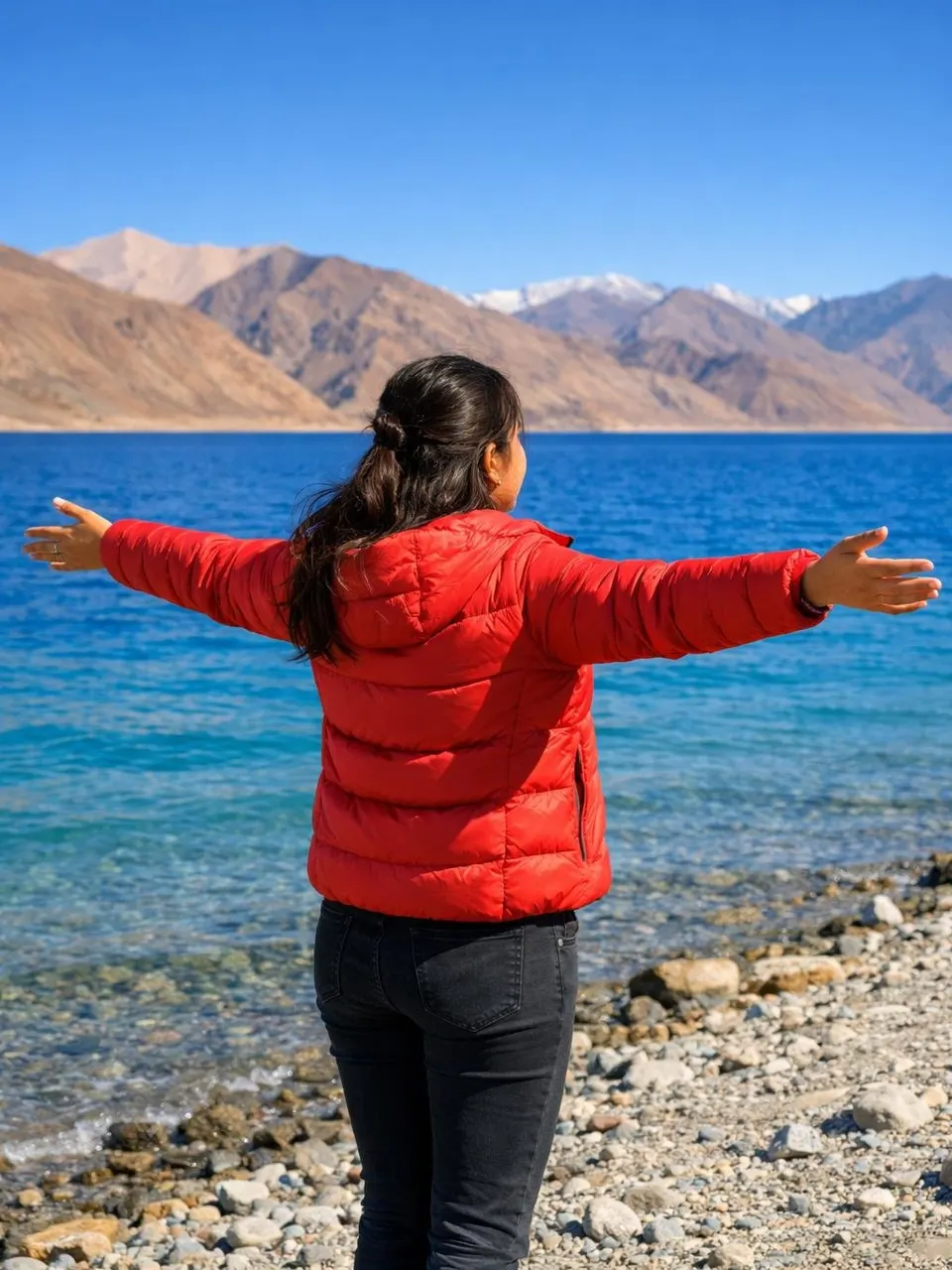
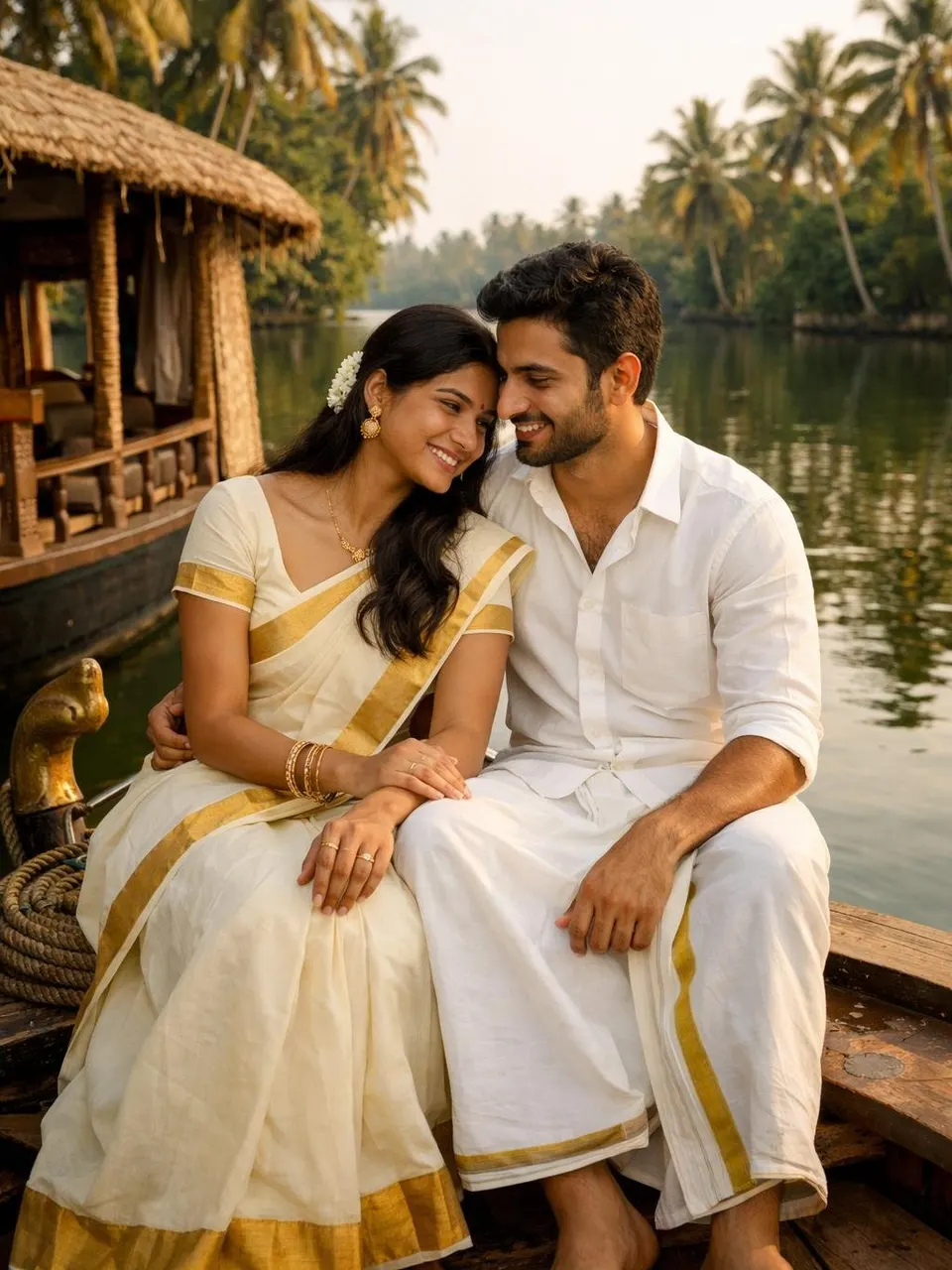
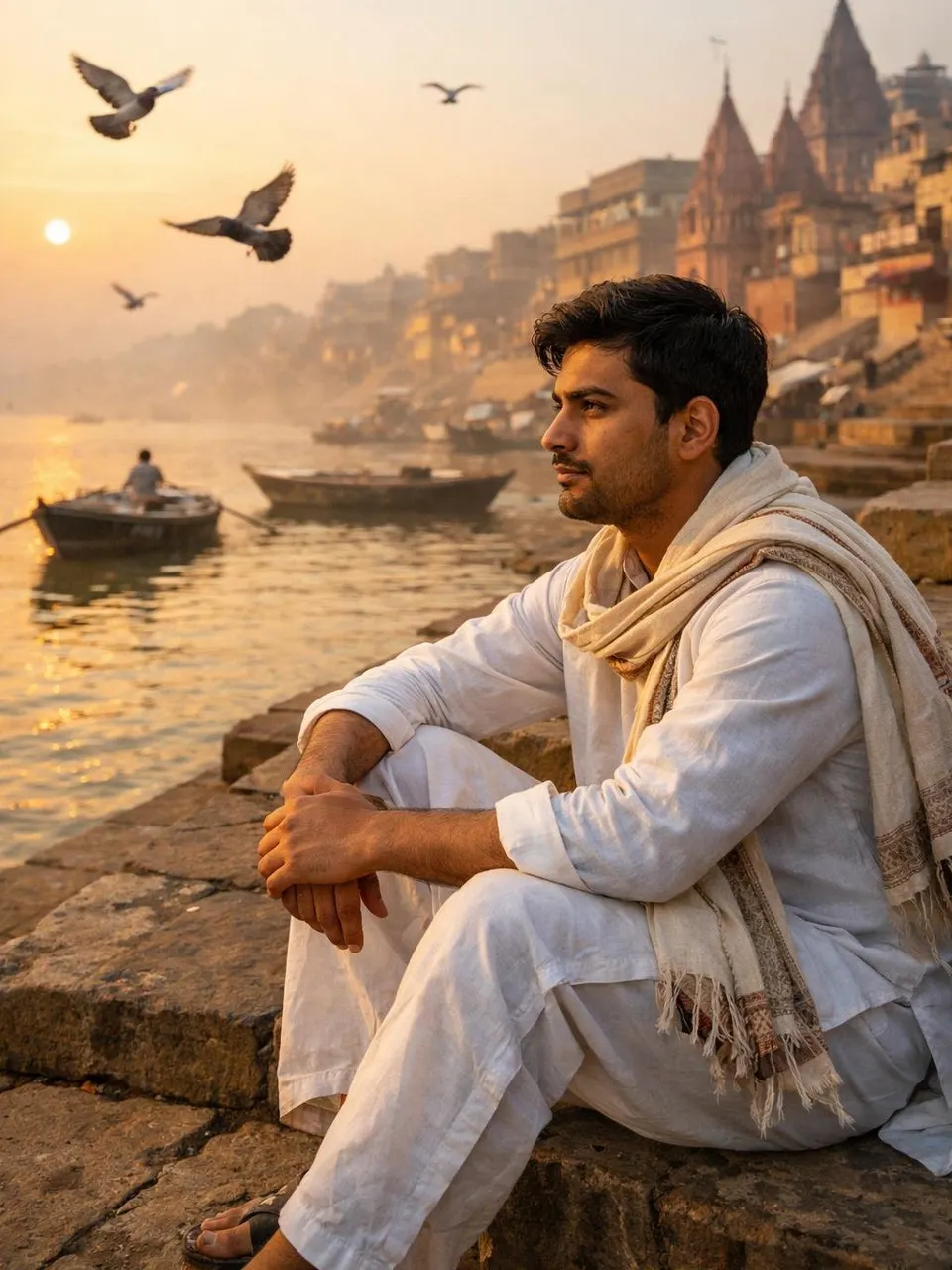
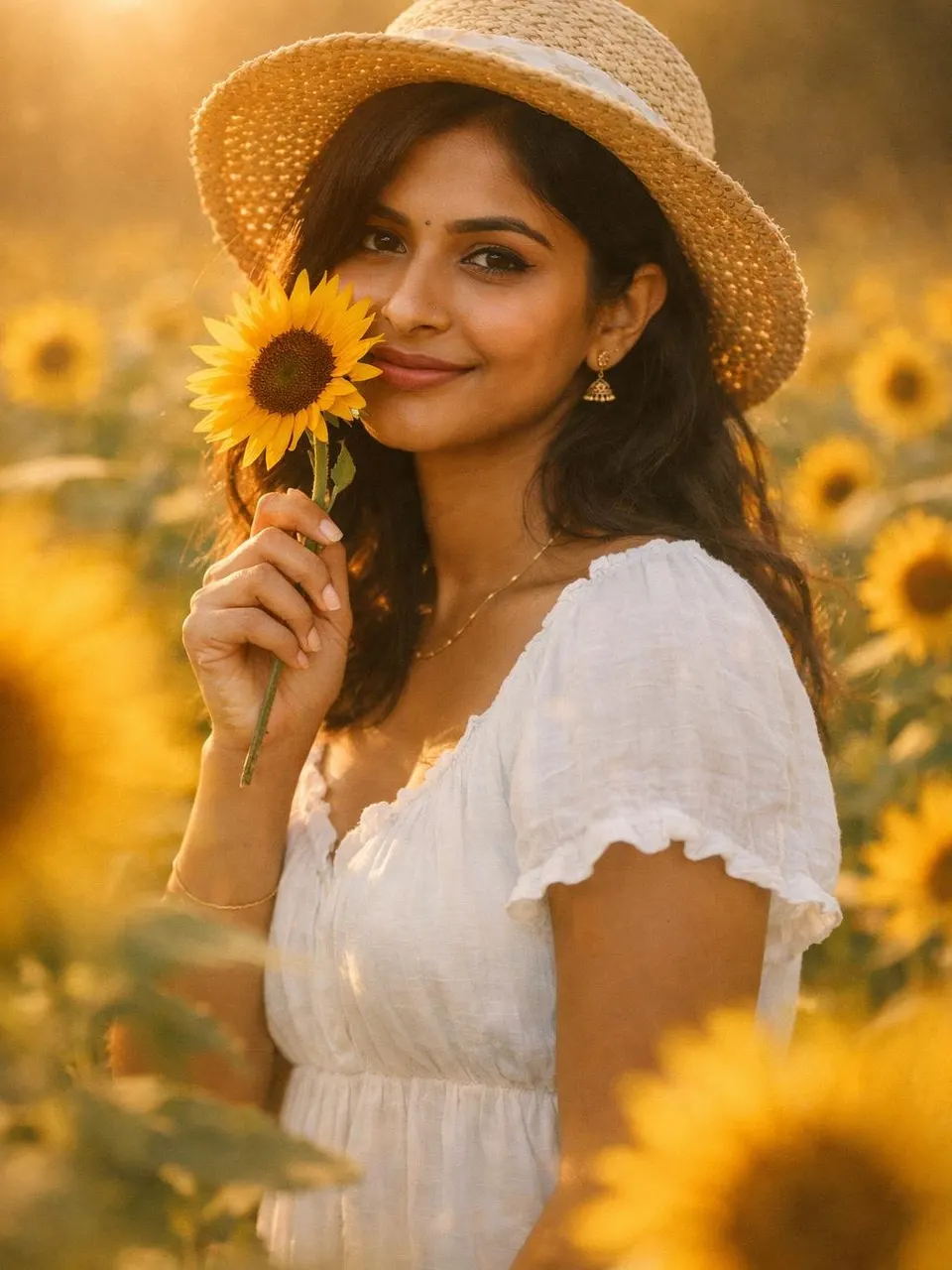
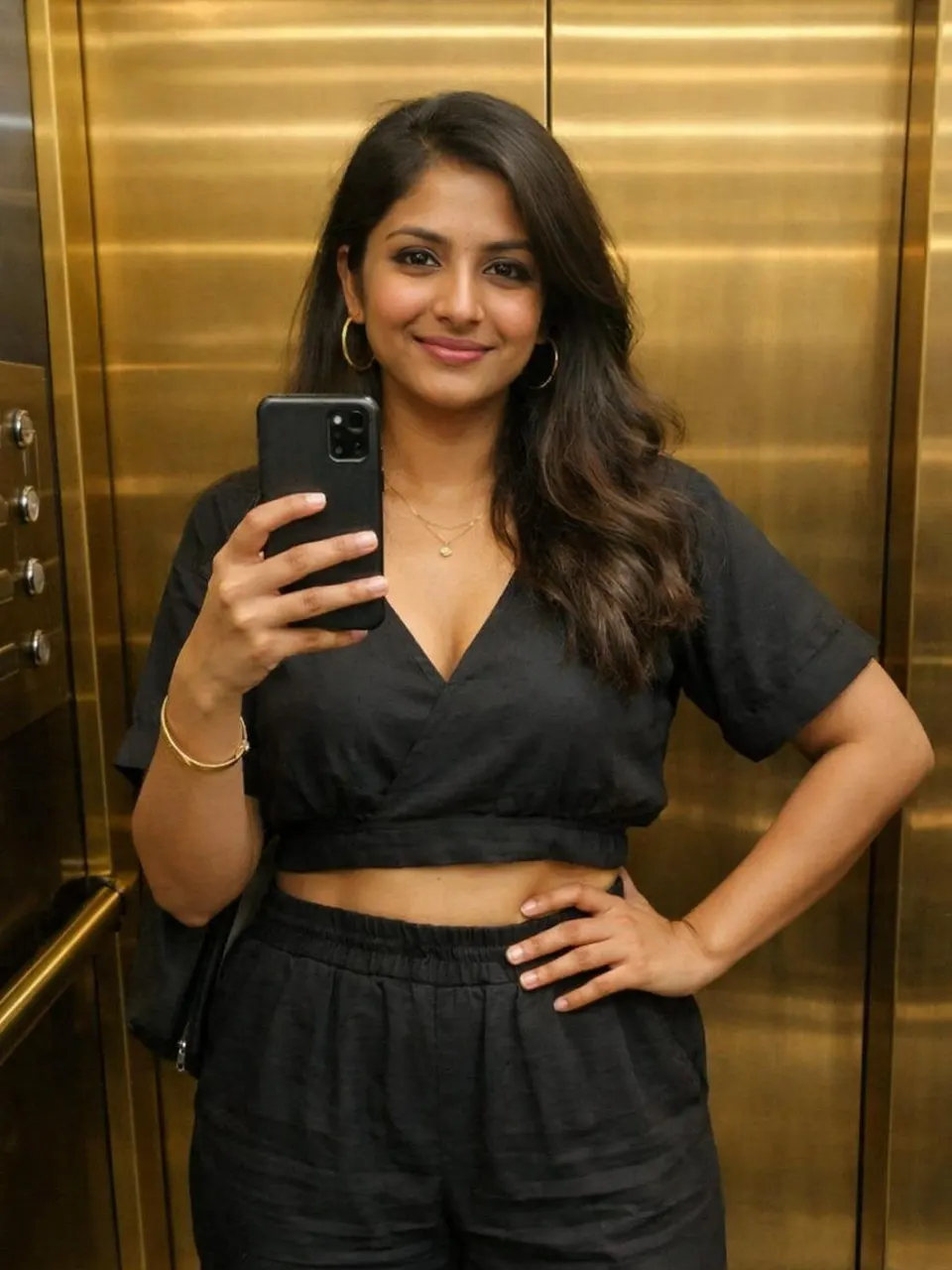
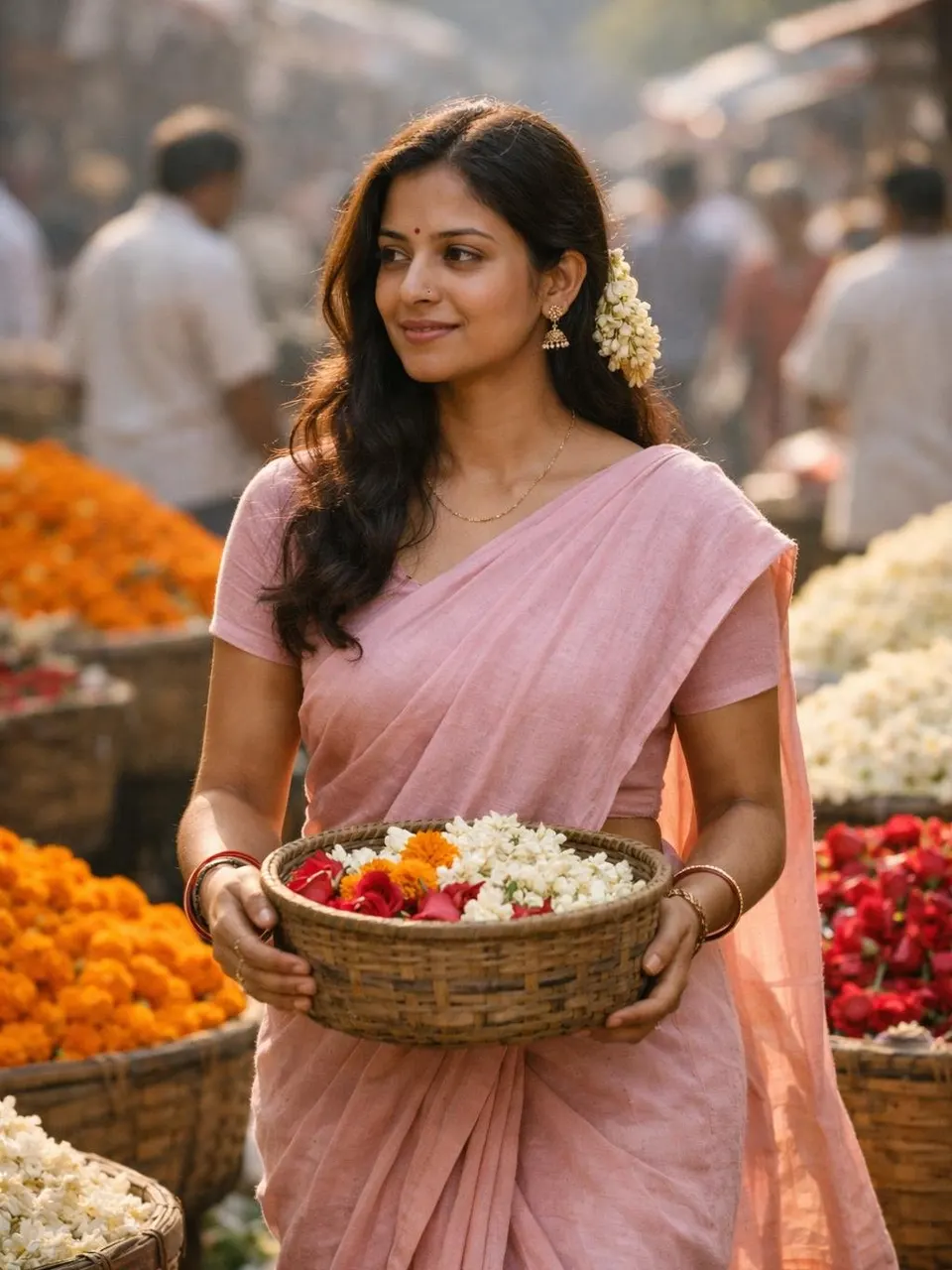
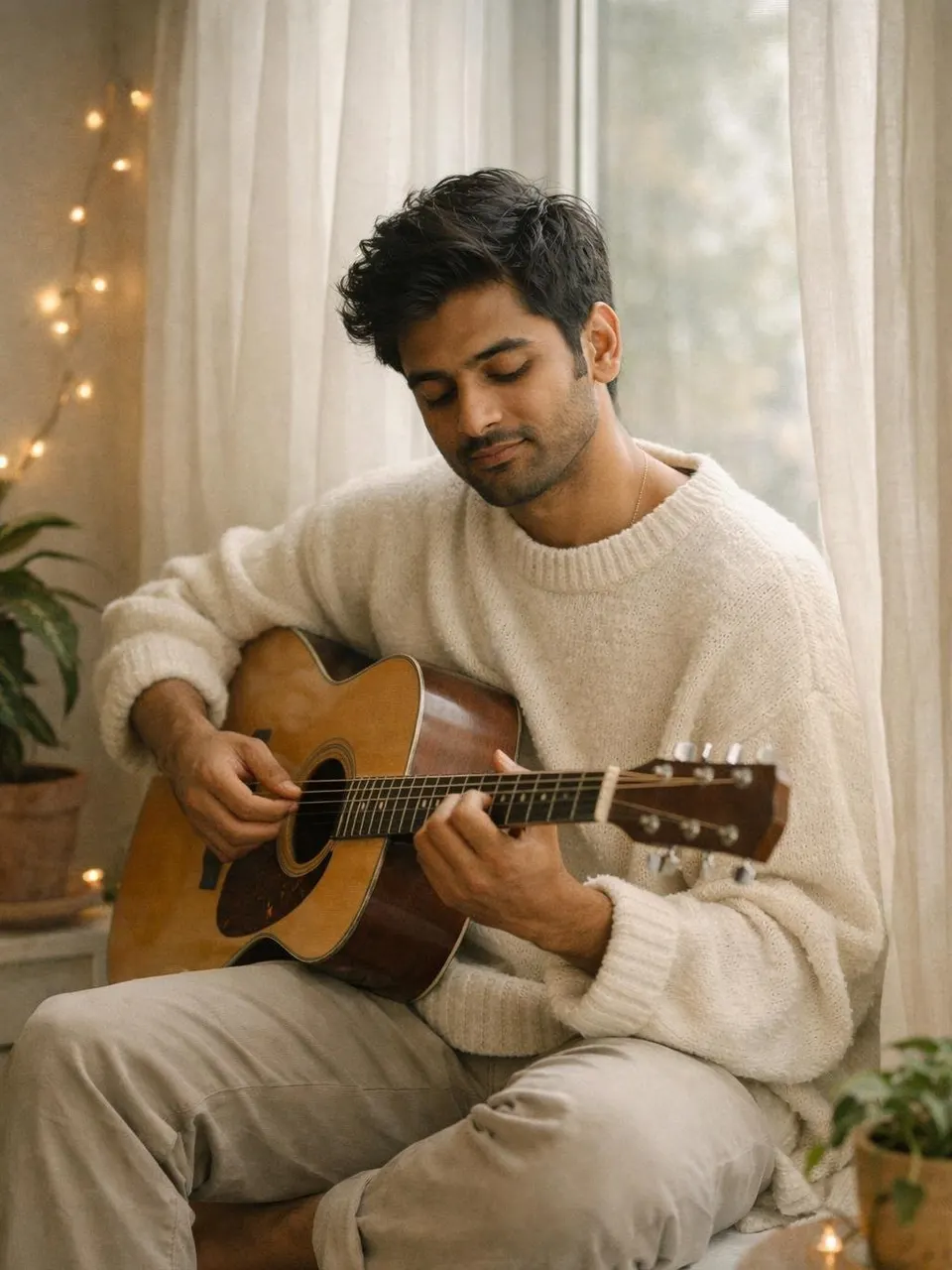

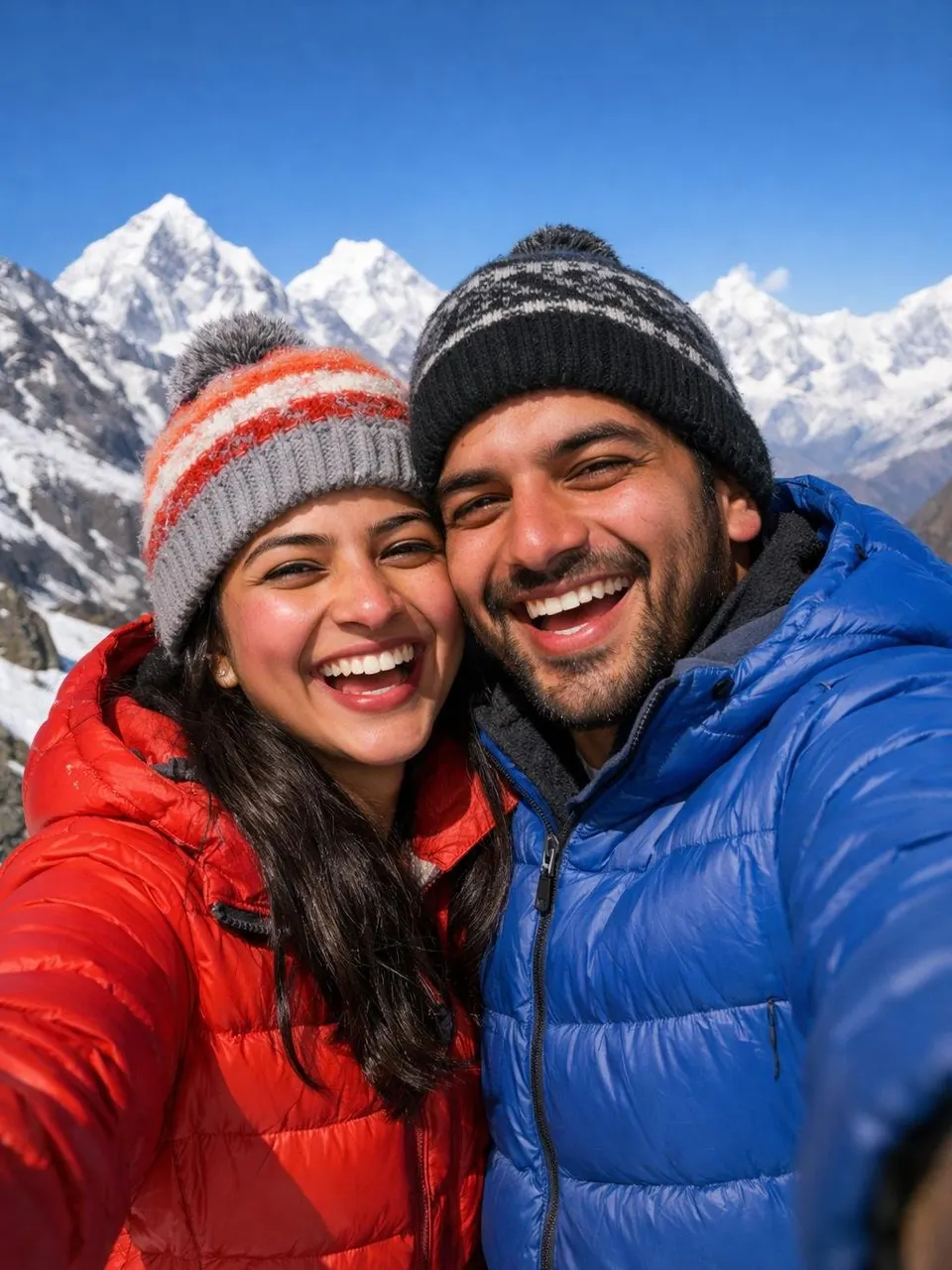
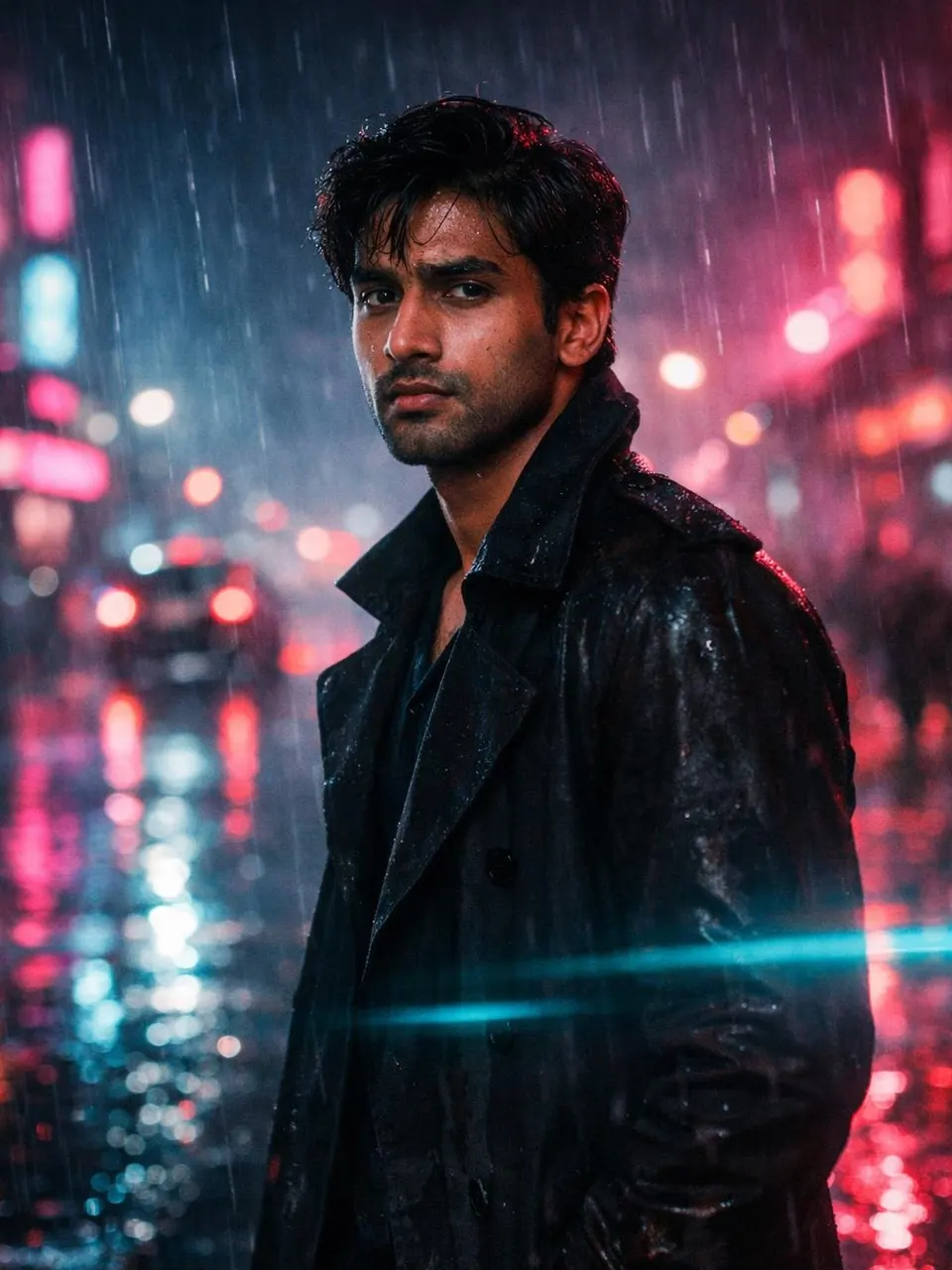

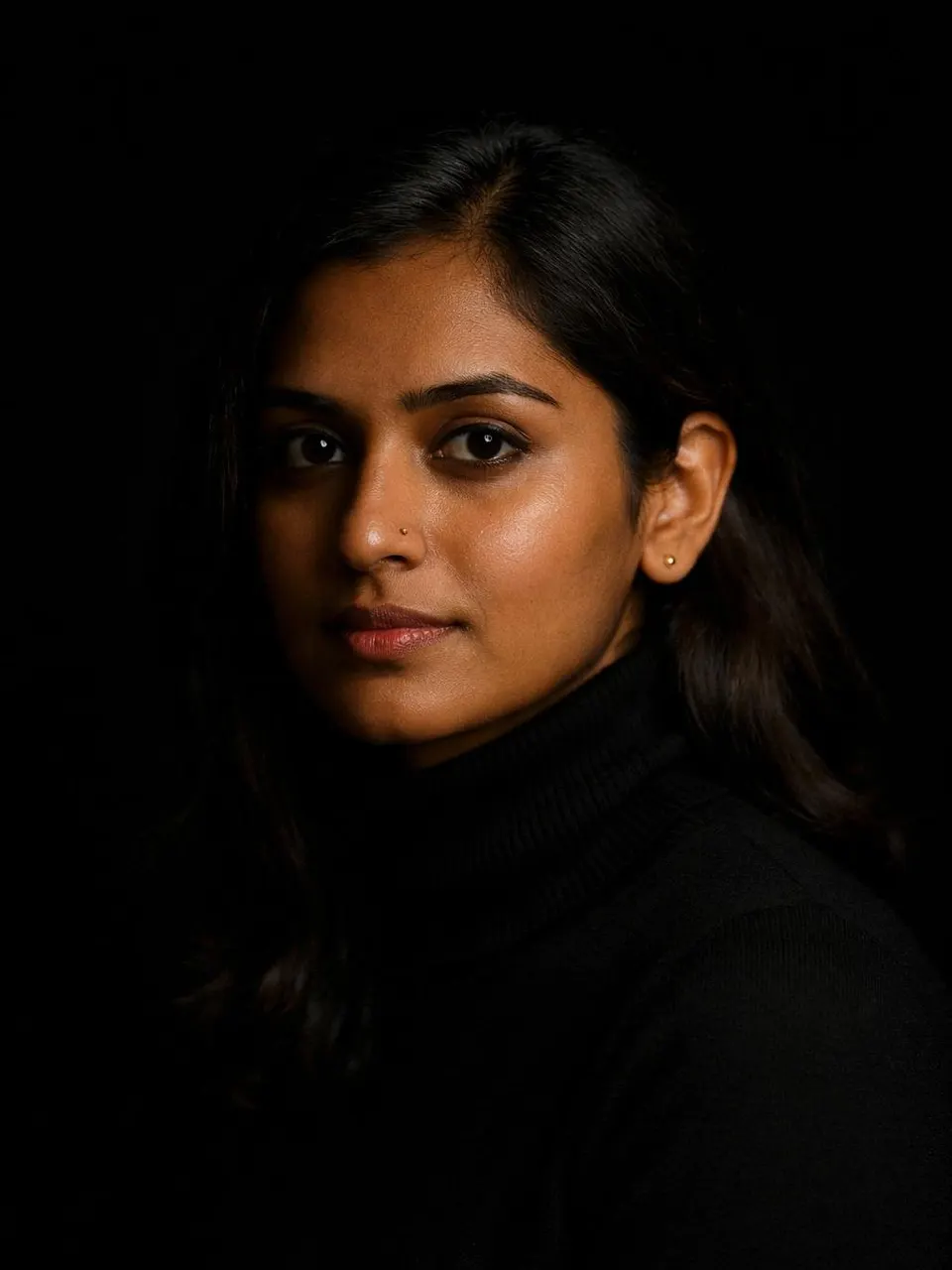
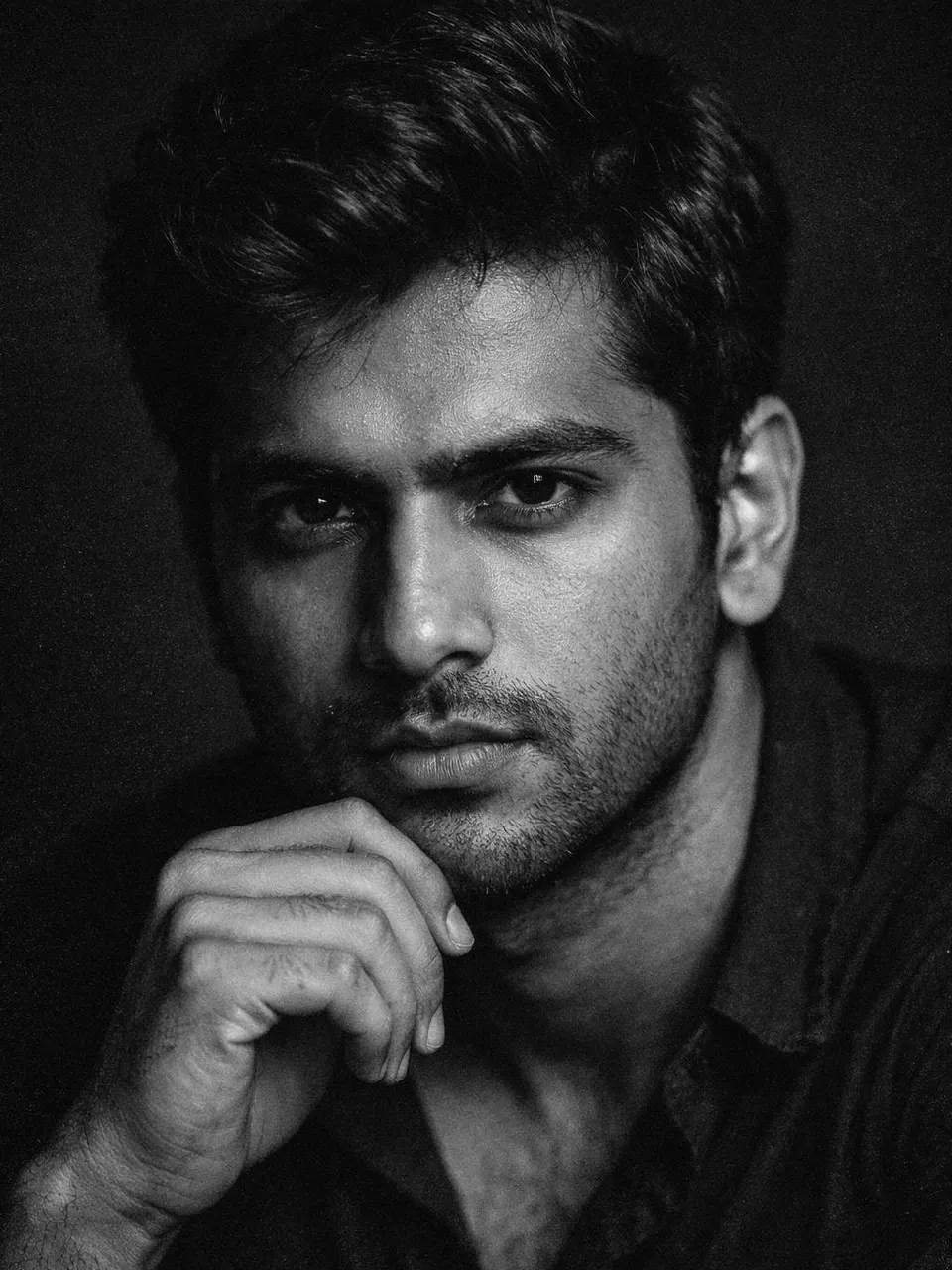
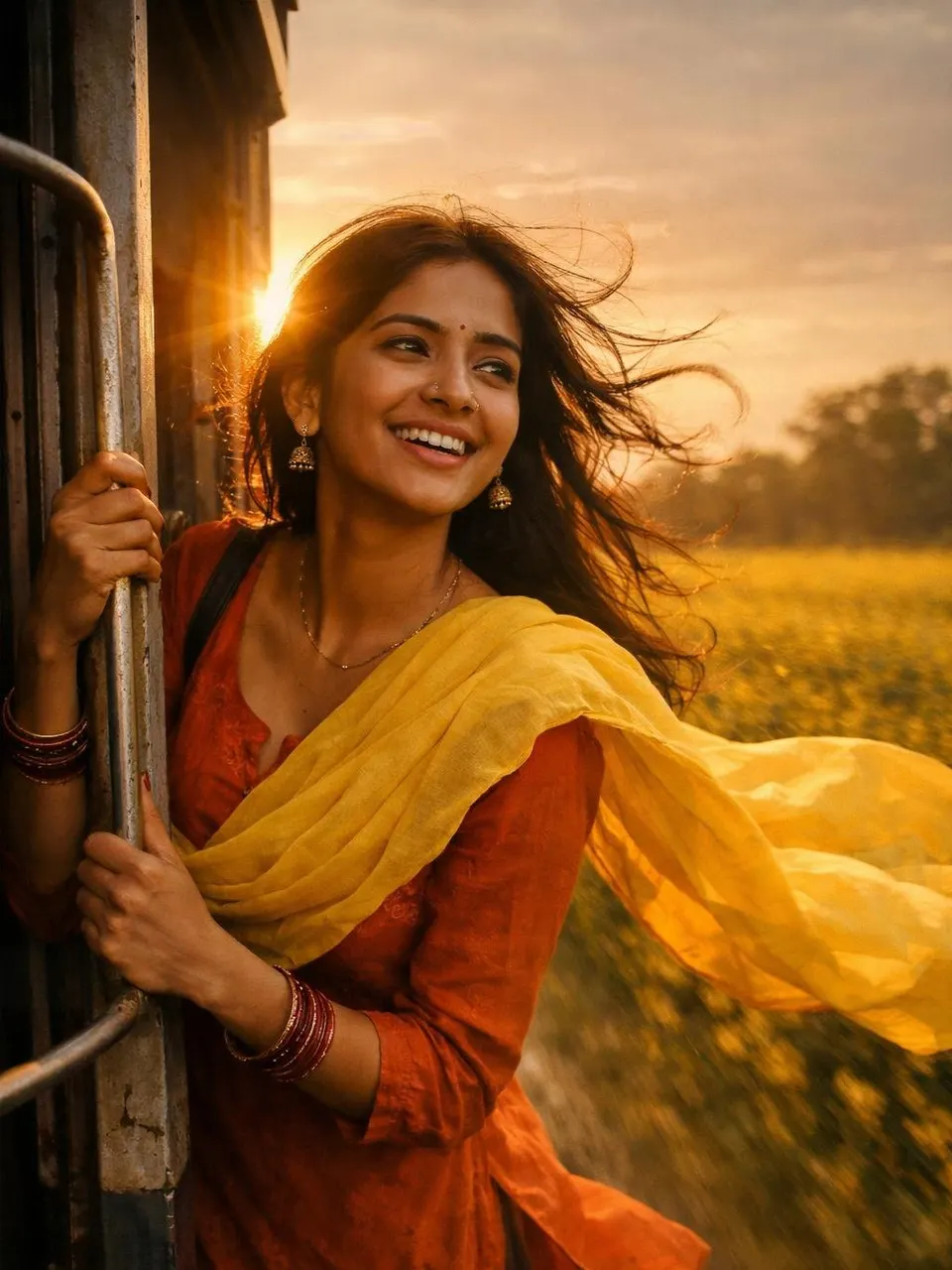
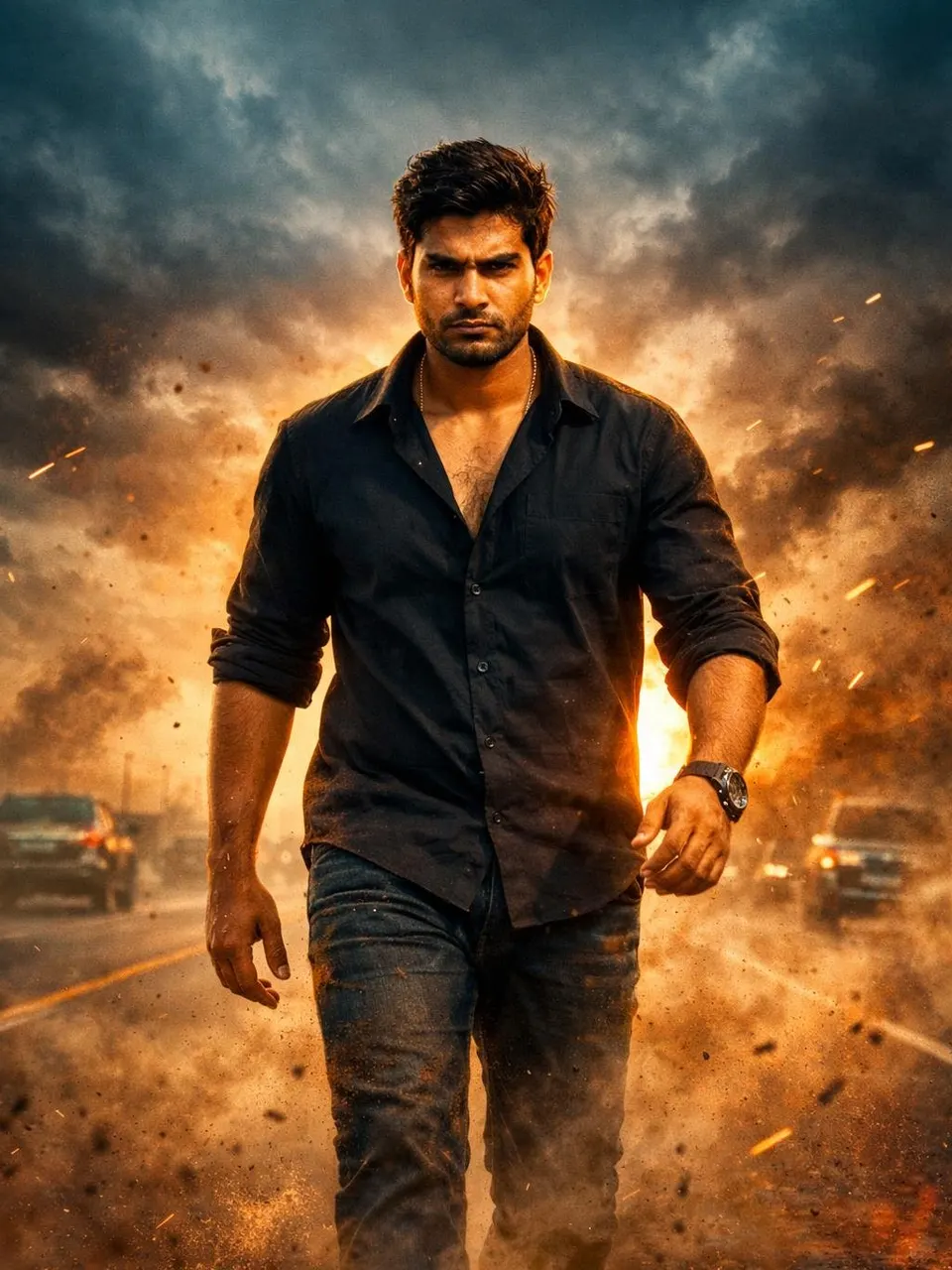
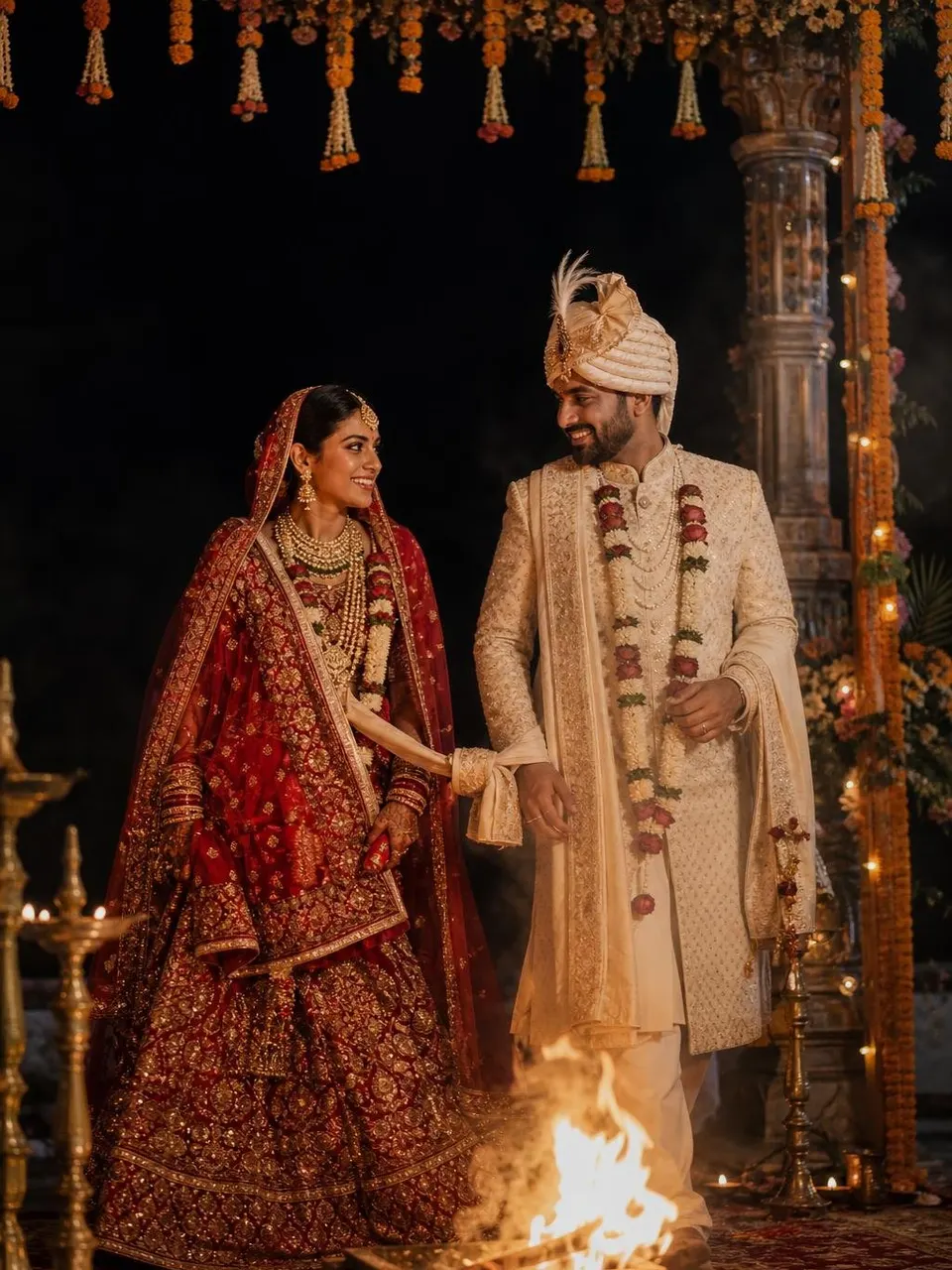
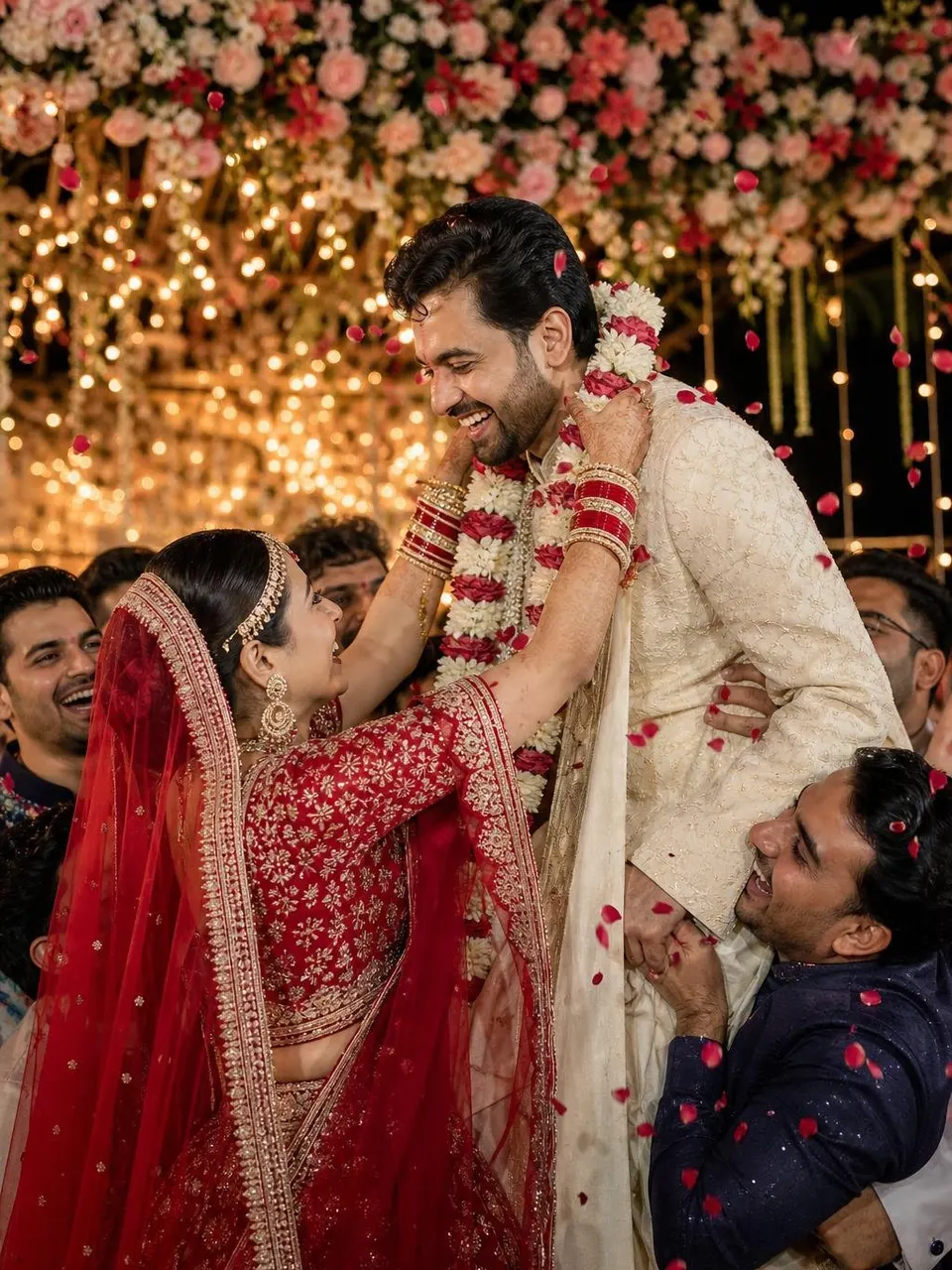
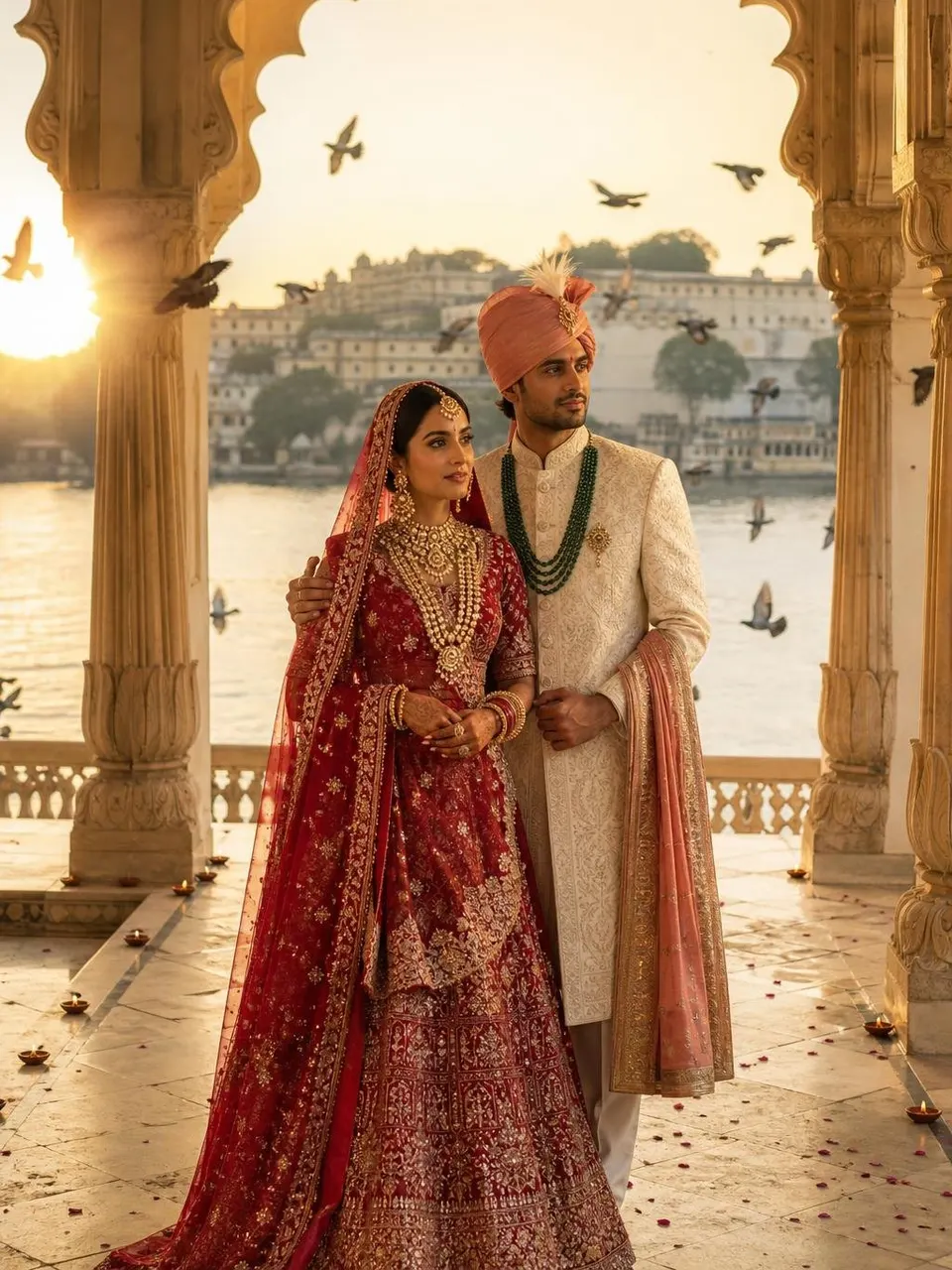
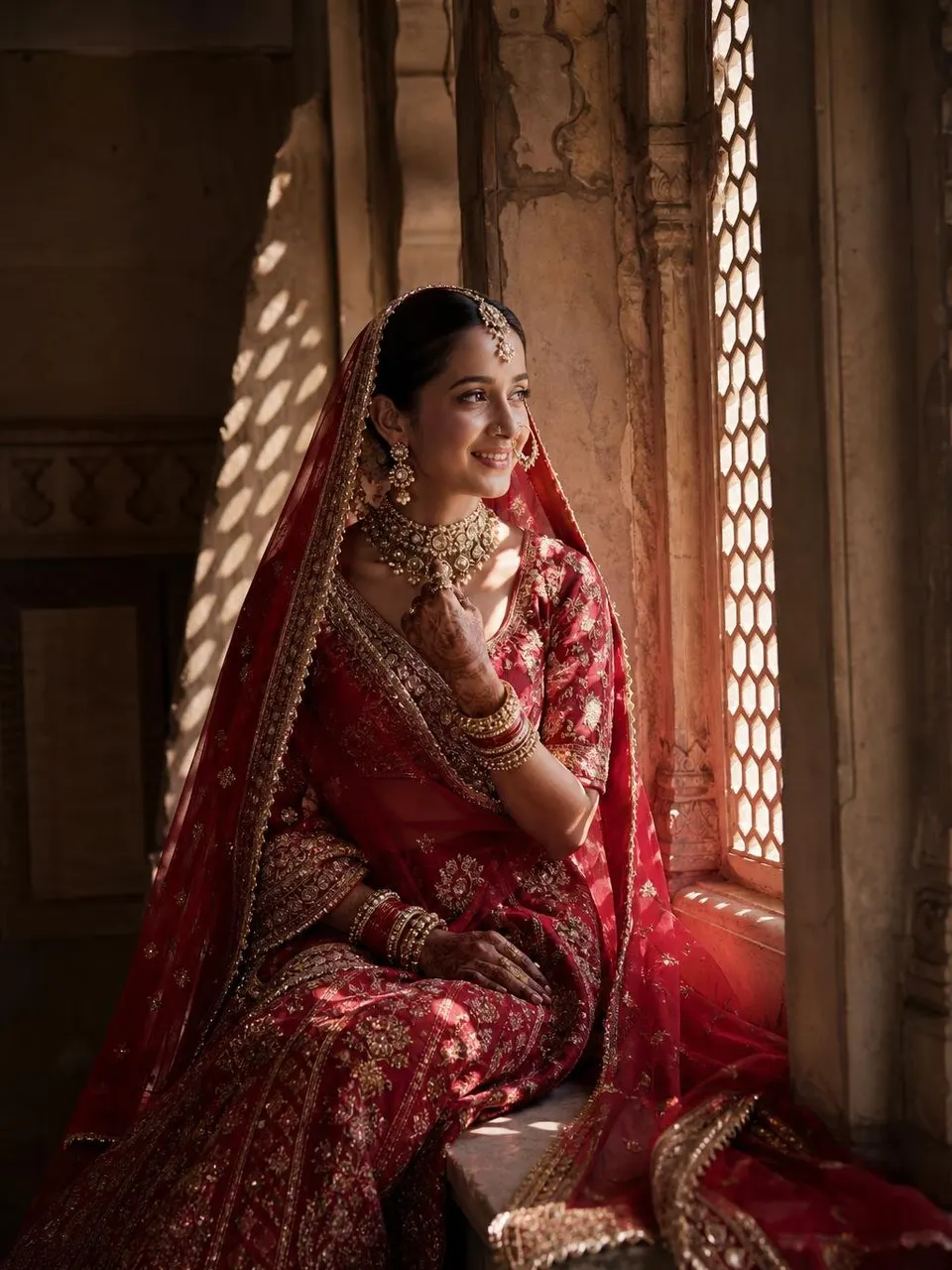
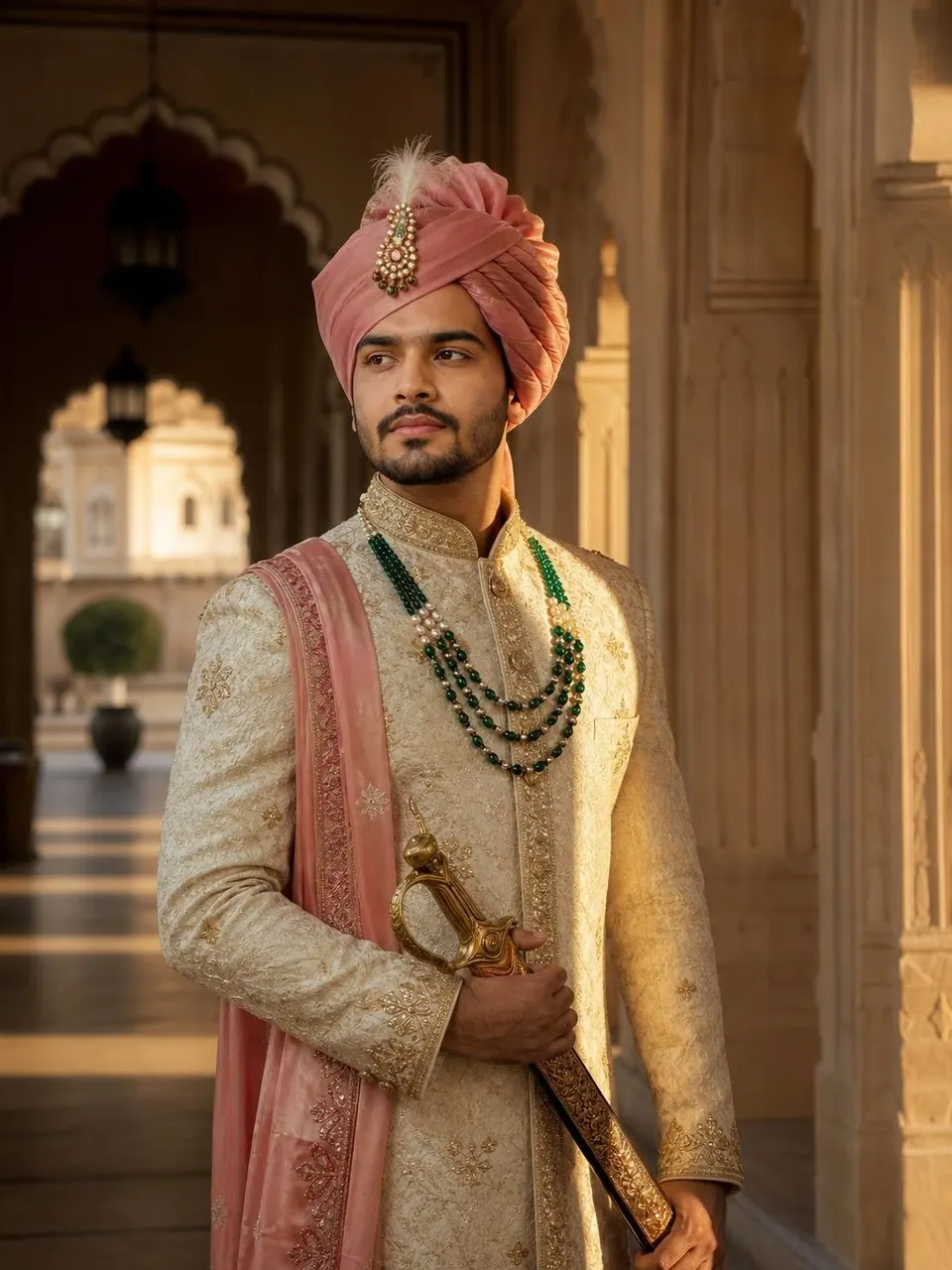
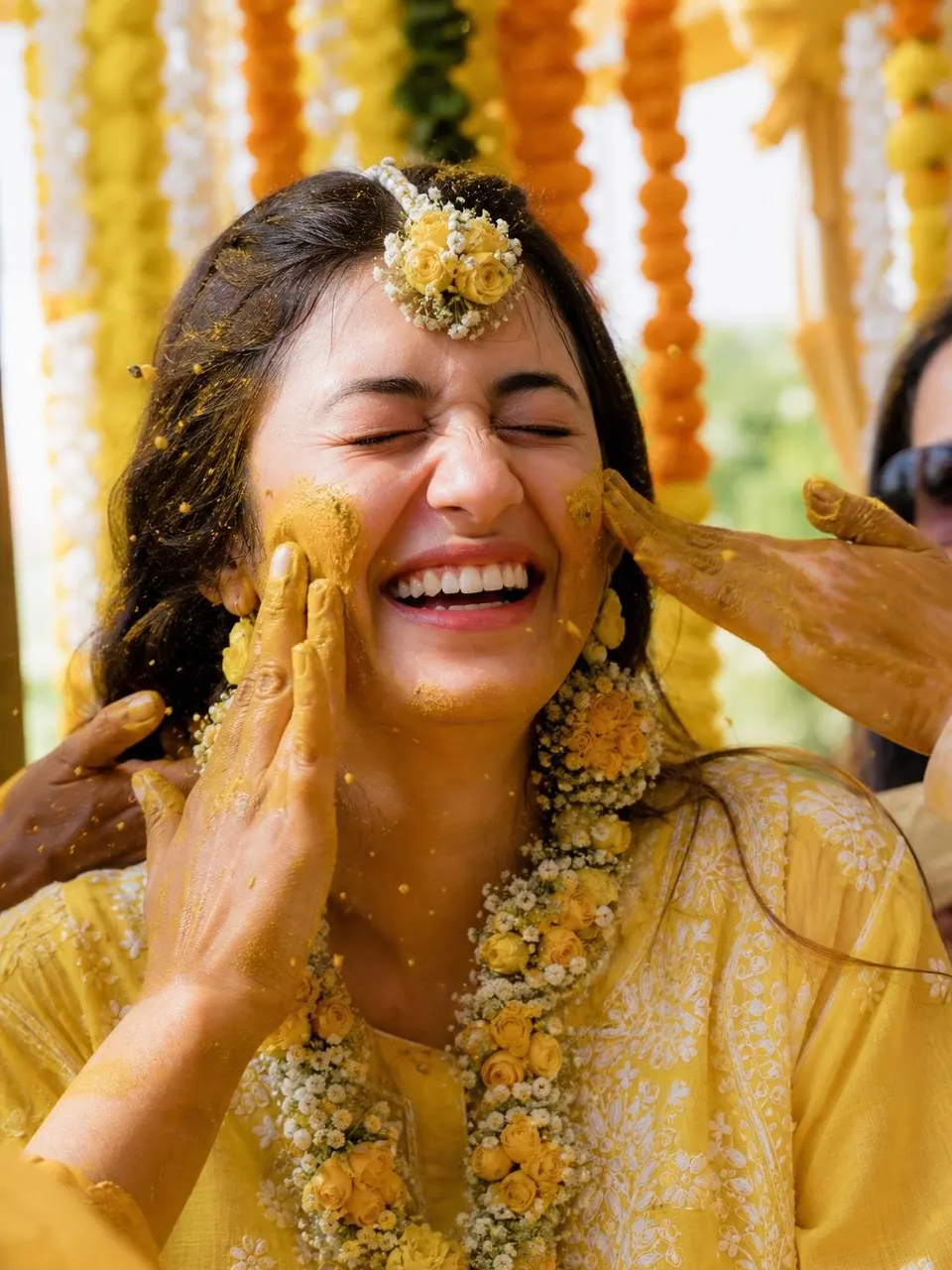
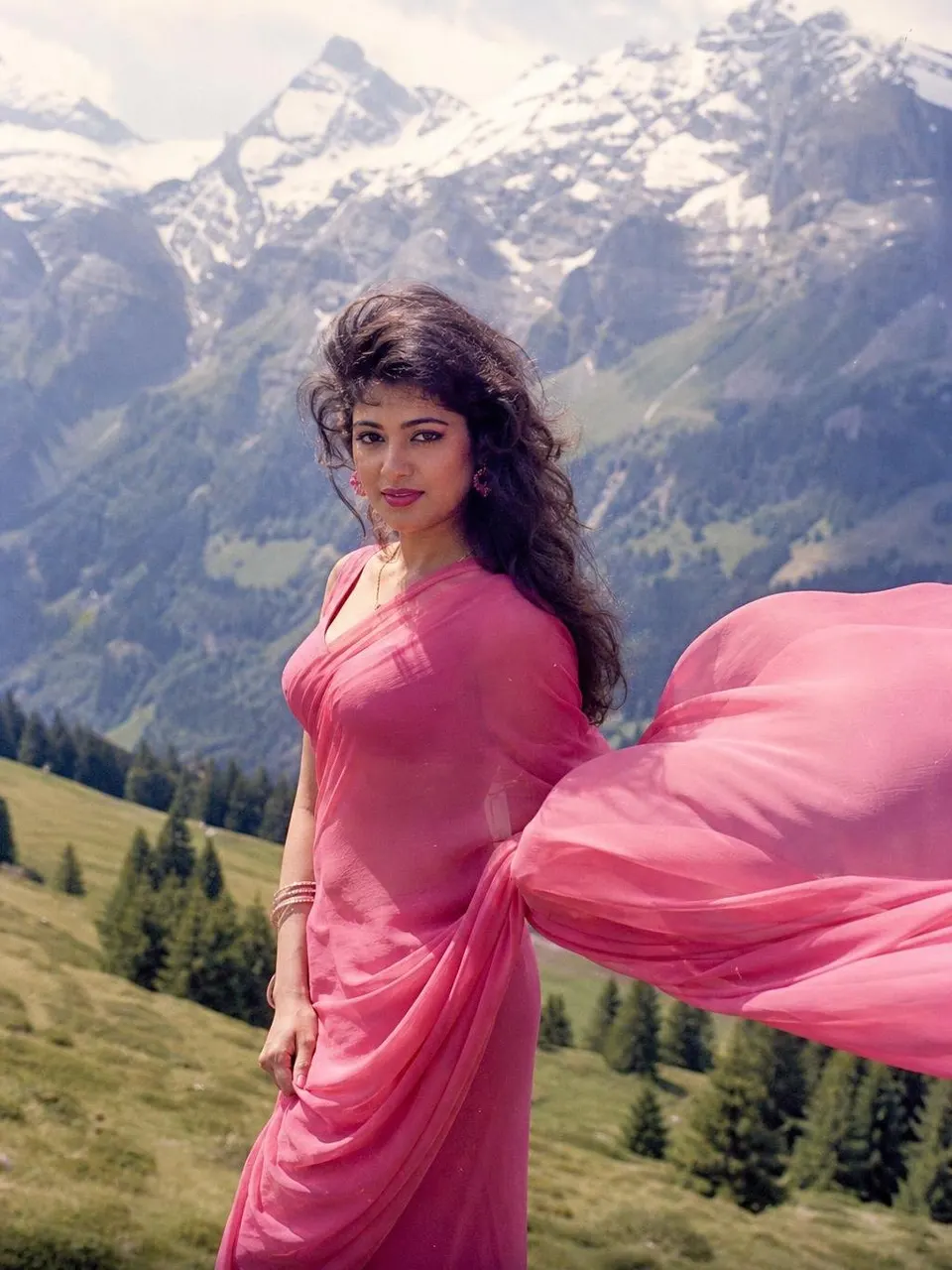
- TrendingText promptChatGPT Birth Chart ReadingAct as an experienced Vedic (Indian) astrologer. My birth details: - Date of birth: [Date of birth] - Time of birth: [Time of birth] - Place of…ChatGPT Birth Chart Reading Prompt (Copy & Paste)
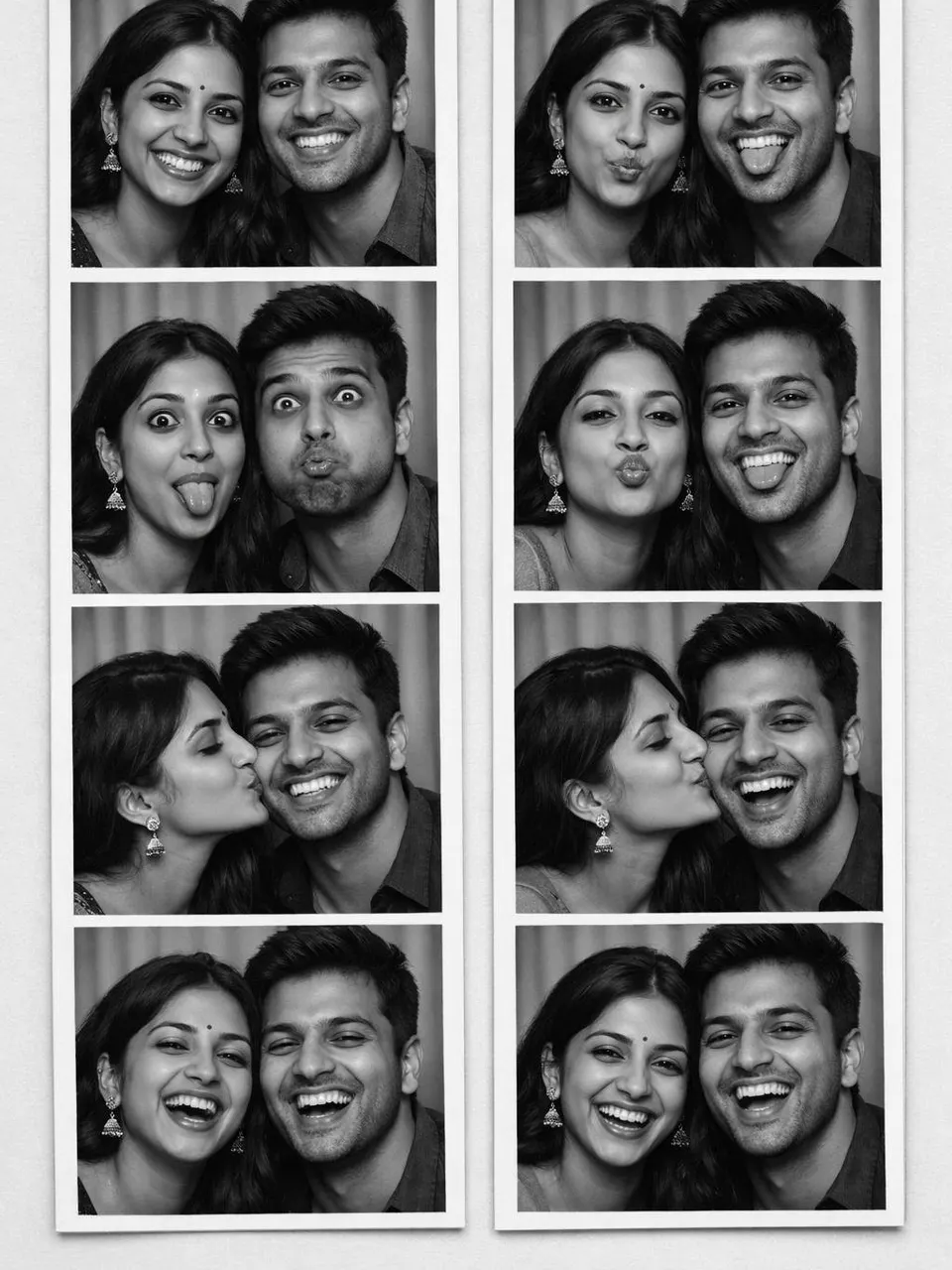
- TrendingText promptChatGPT Kundli MatchingAct as a Vedic astrologer who explains kundli matching (Ashtakoota Guna Milan) clearly to a family. Person 1: [Person 1 birth details] Person 2:…ChatGPT Kundli Matching Prompt for Marriage



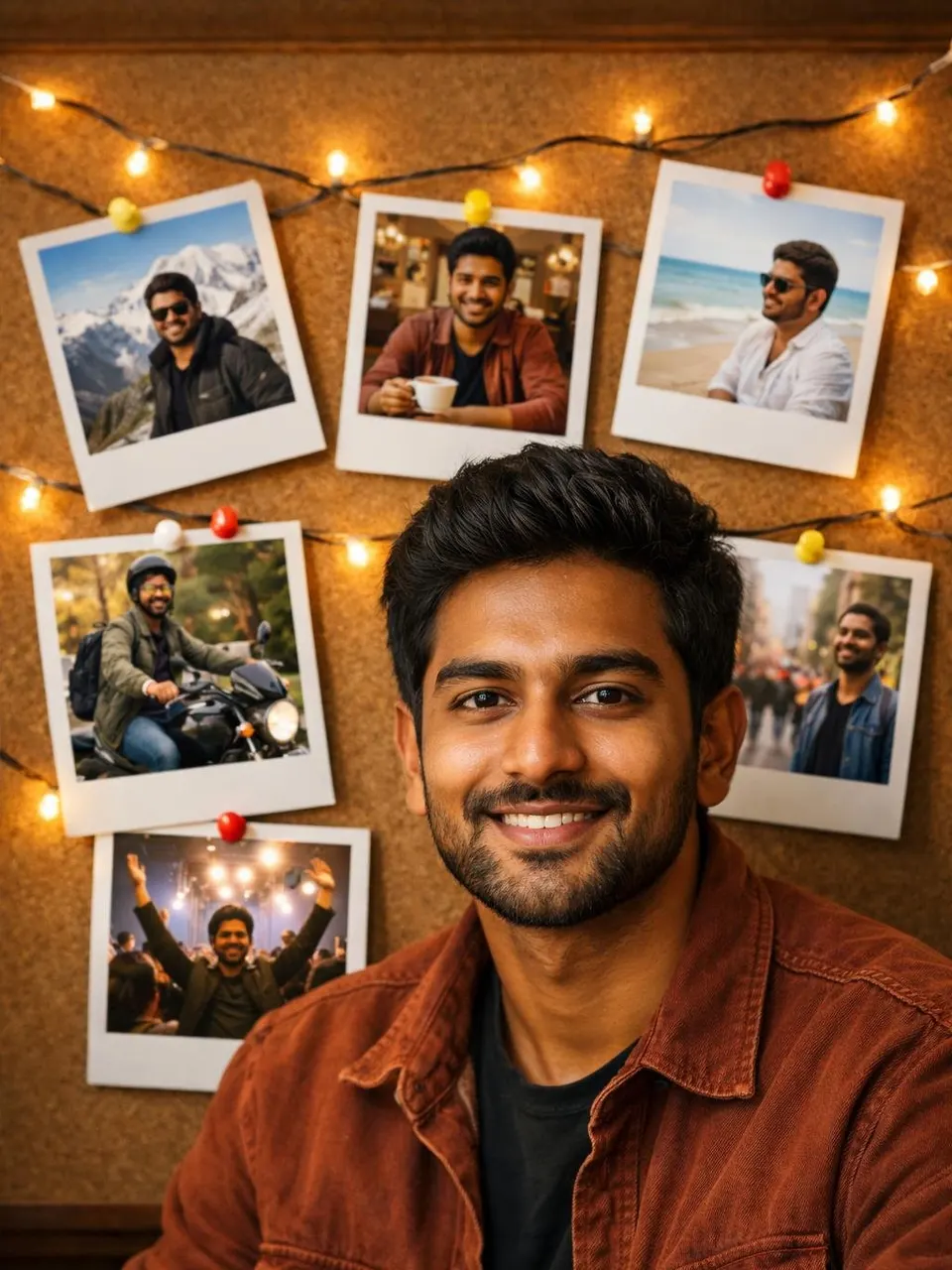
- Text promptChatGPT Yearly Horoscope 2027Act as an astrologer and write my personal horoscope for 2027. My sign: Aries (Mesh) Optional birth details: [Birth details] Write a…ChatGPT Yearly Horoscope 2027 Prompt
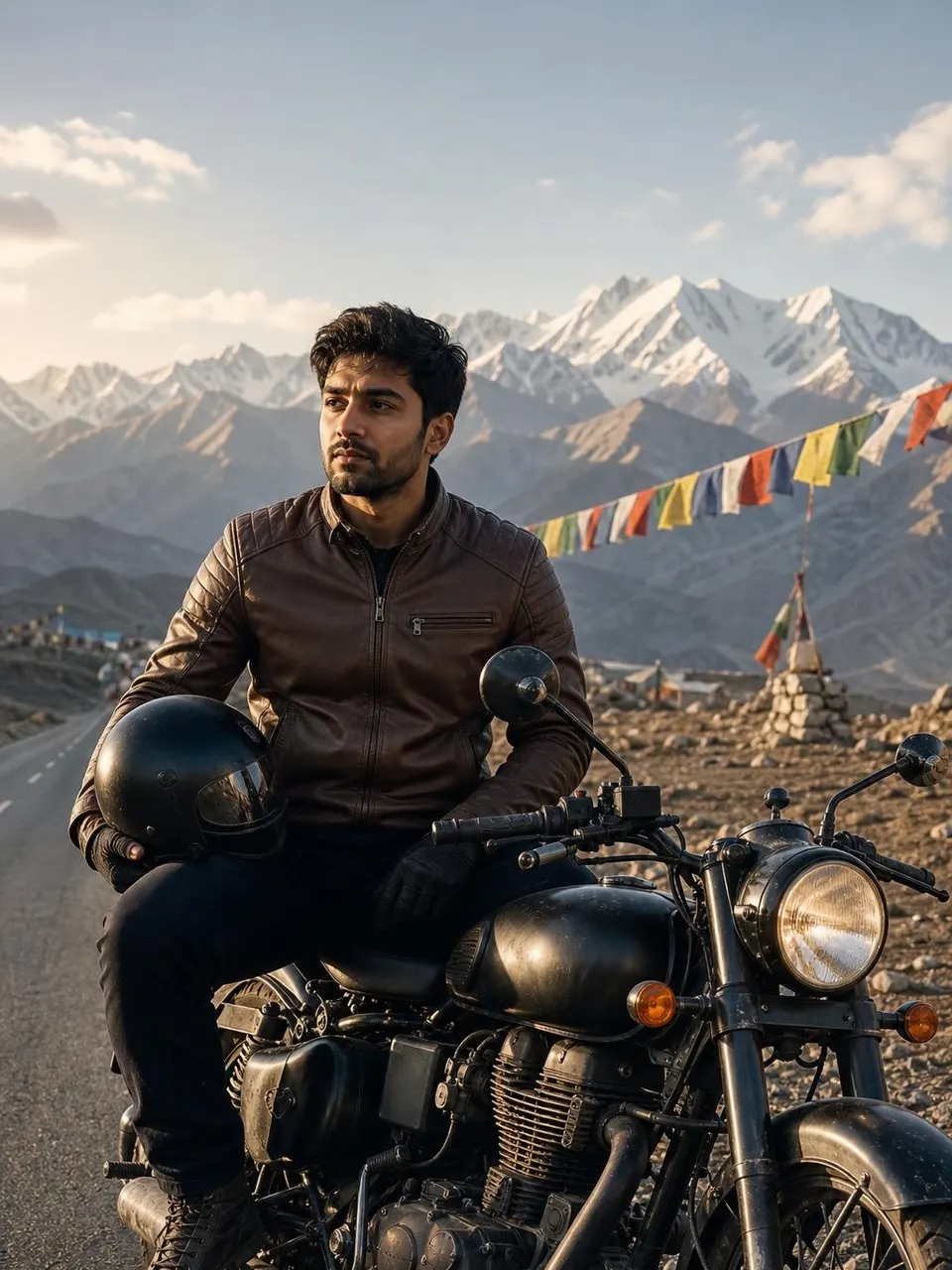
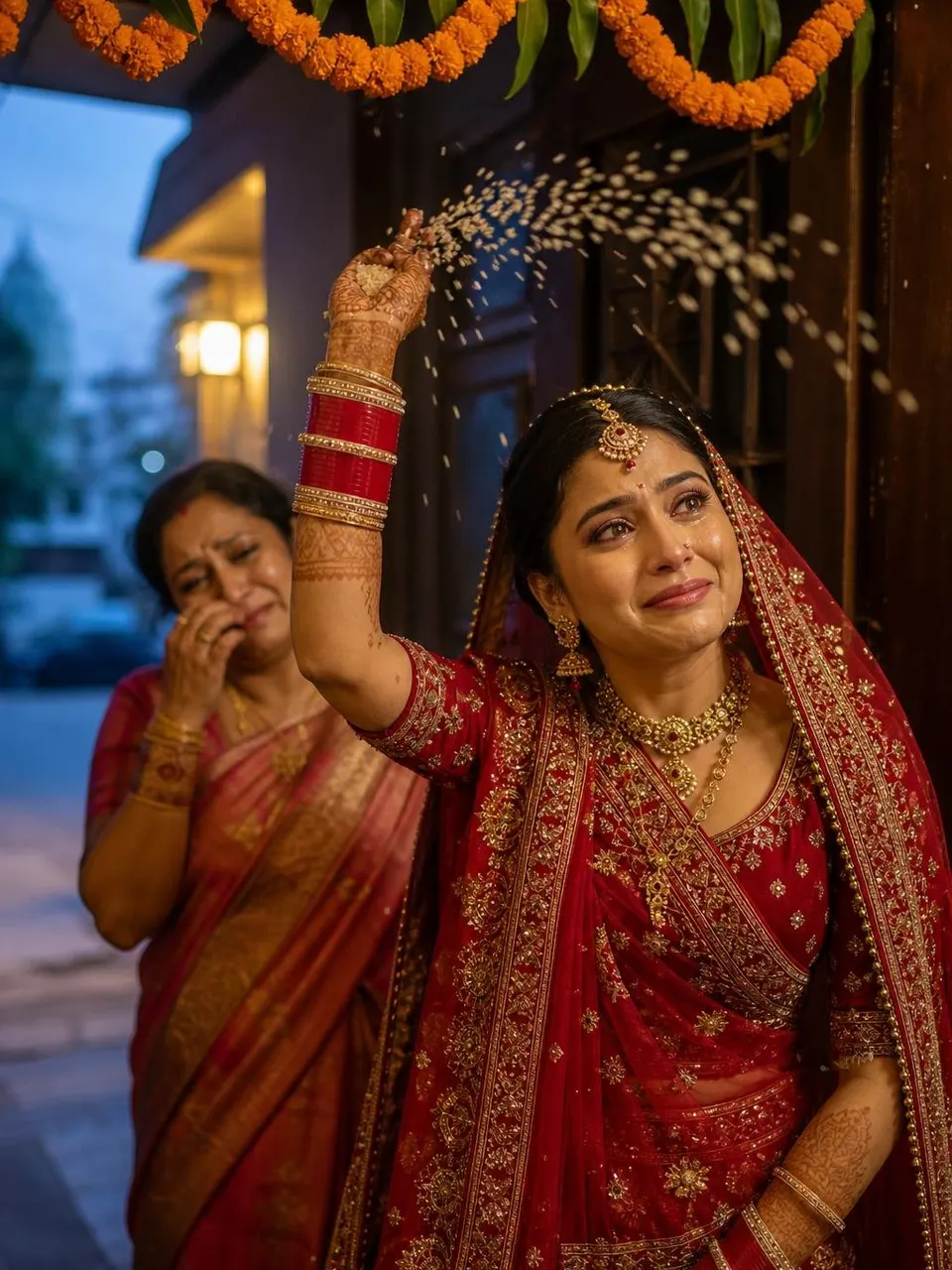
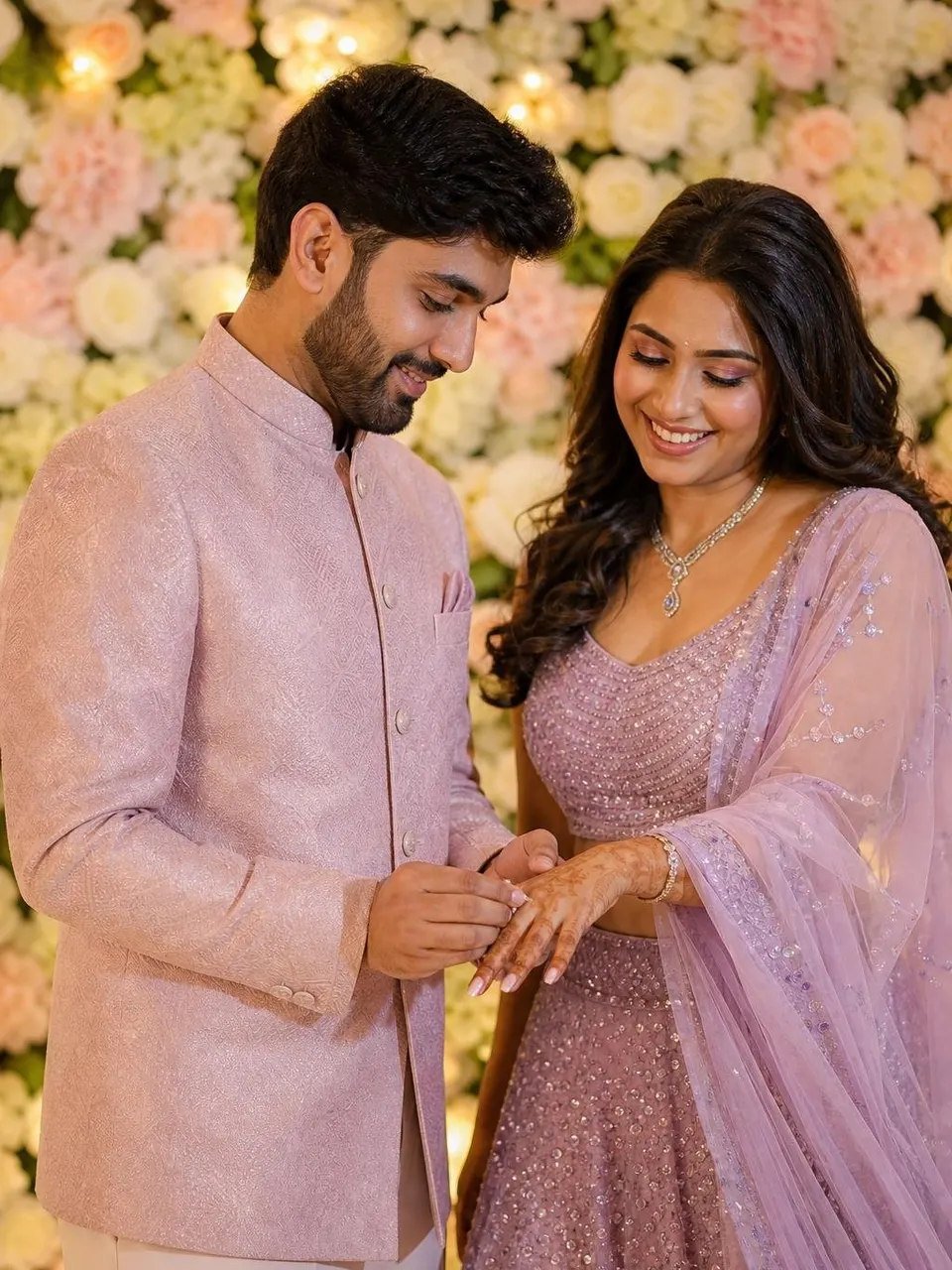
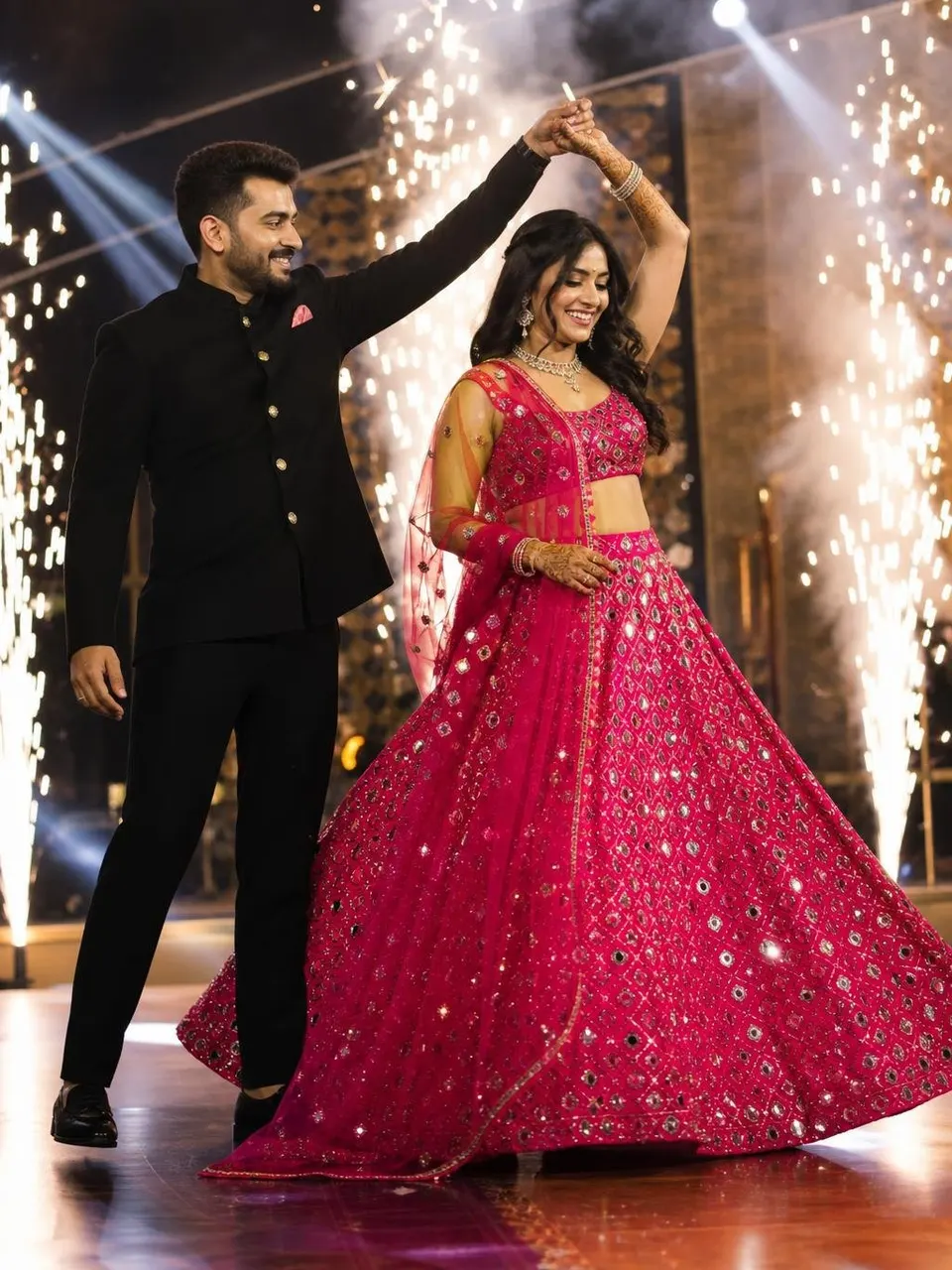
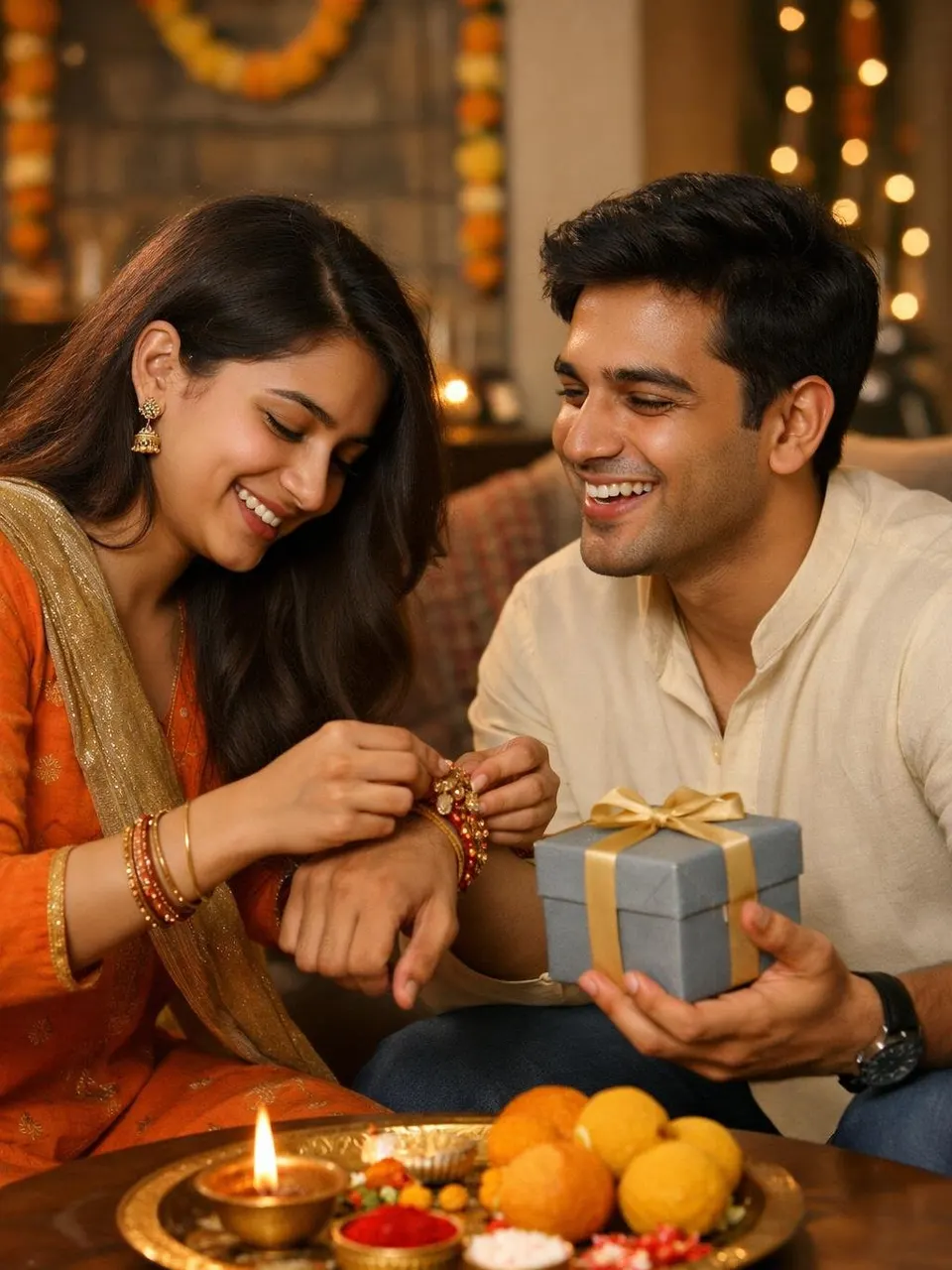
- Text promptChatGPT Marriage PredictionAct as an experienced Vedic astrologer. My details: [Birth details] I am currently: single and looking 1. Identify my 7th house, its lord, Venus…ChatGPT Marriage Prediction Prompt (When Will I Get Married)
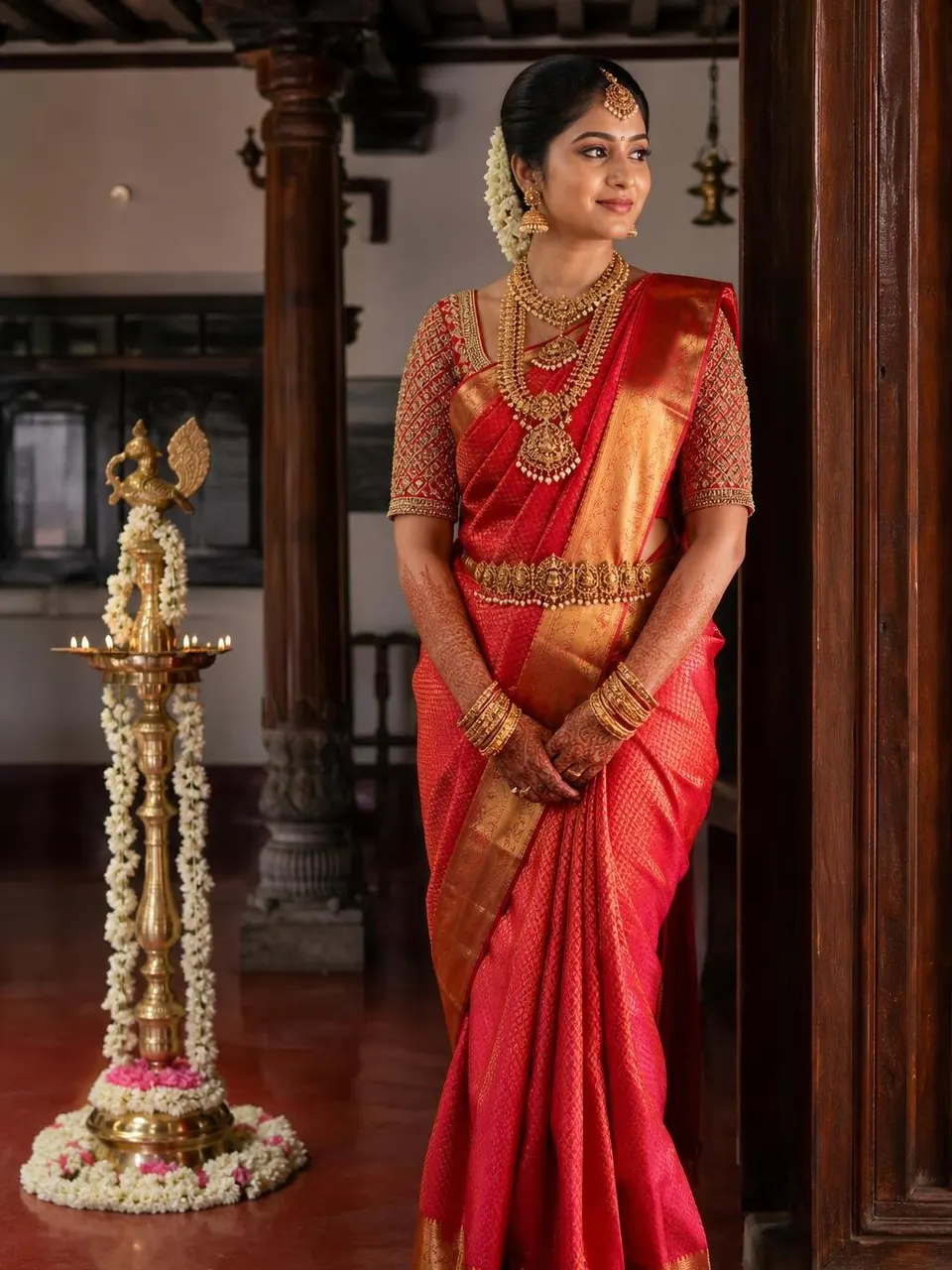
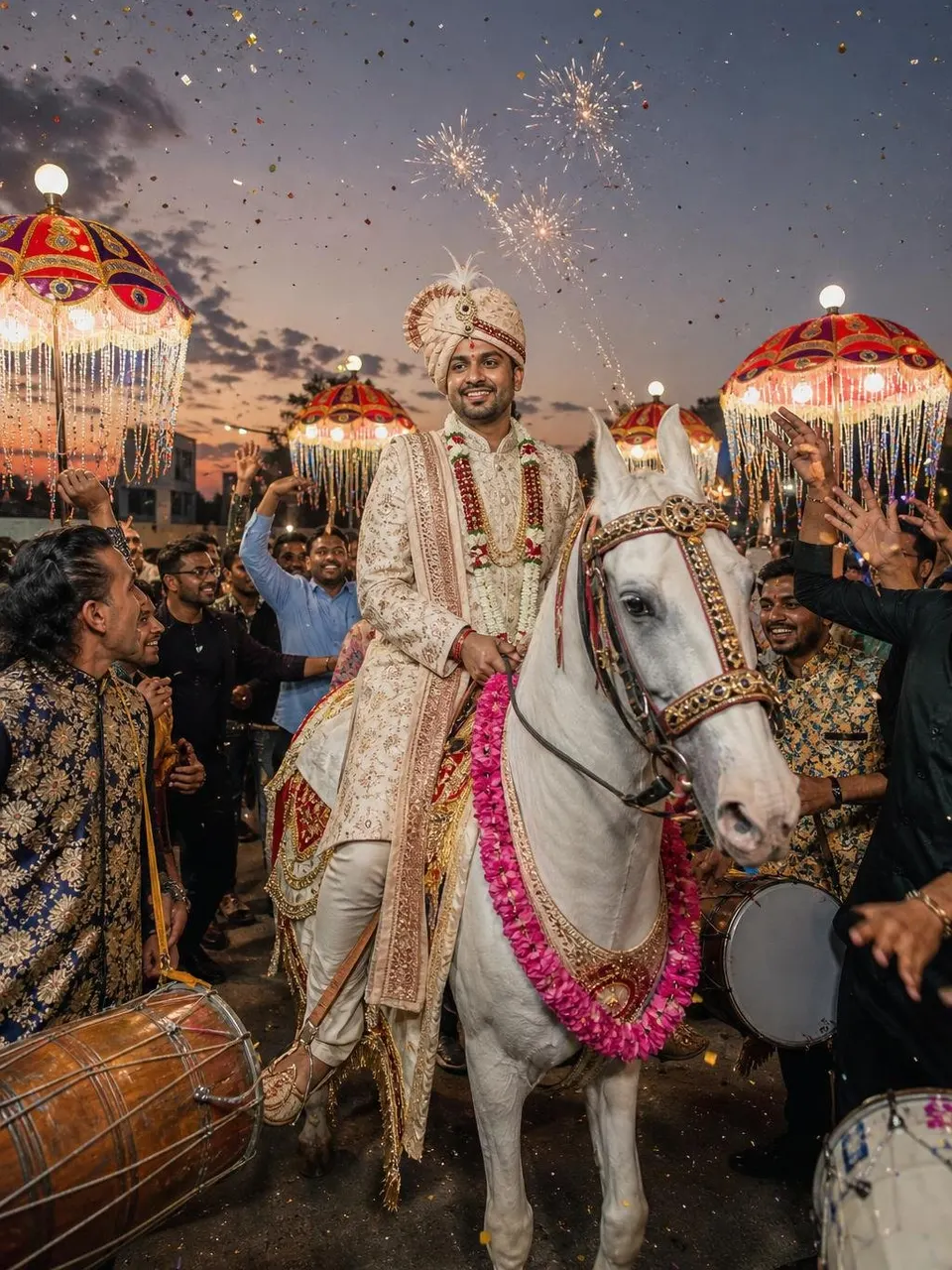

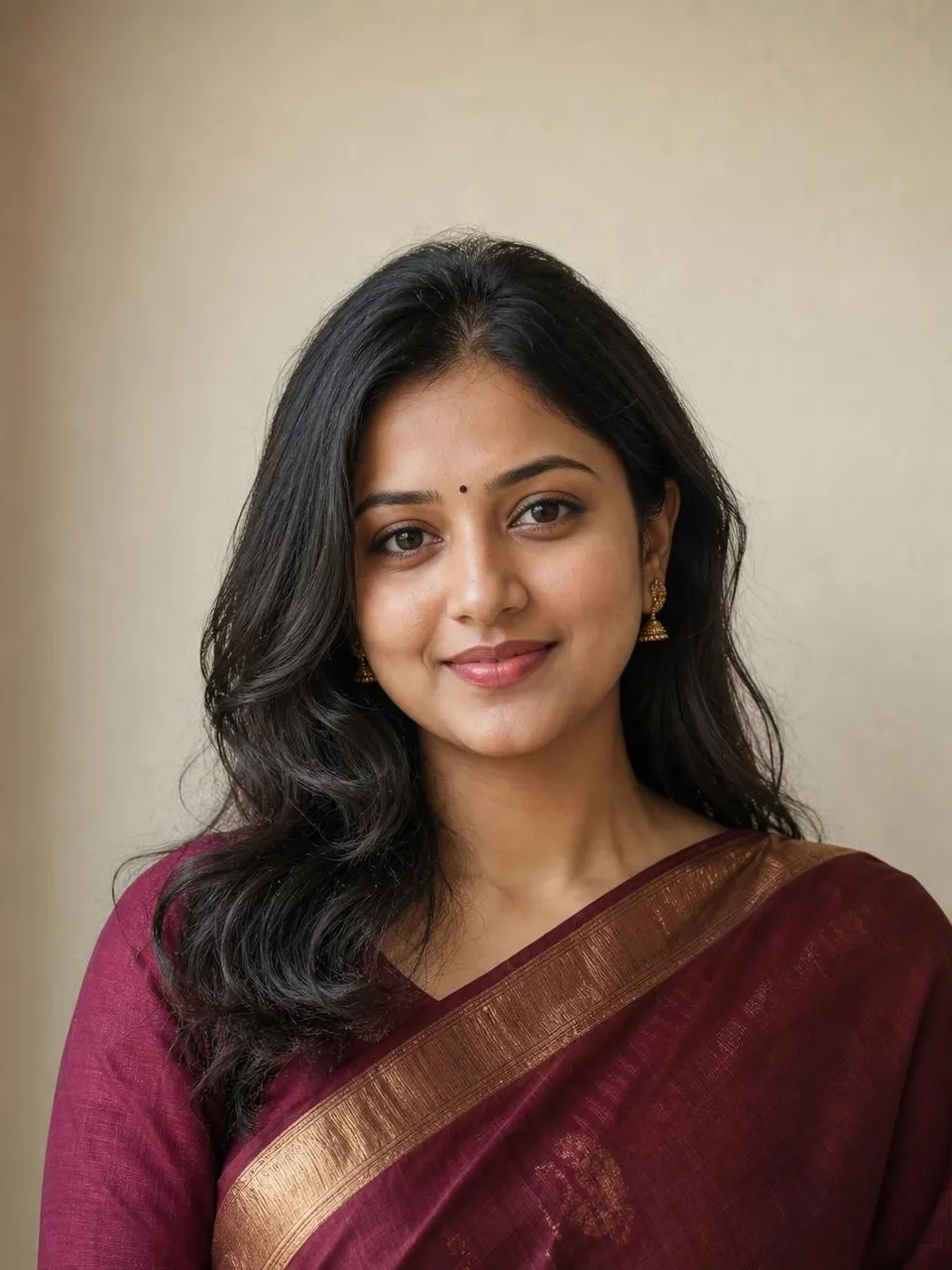


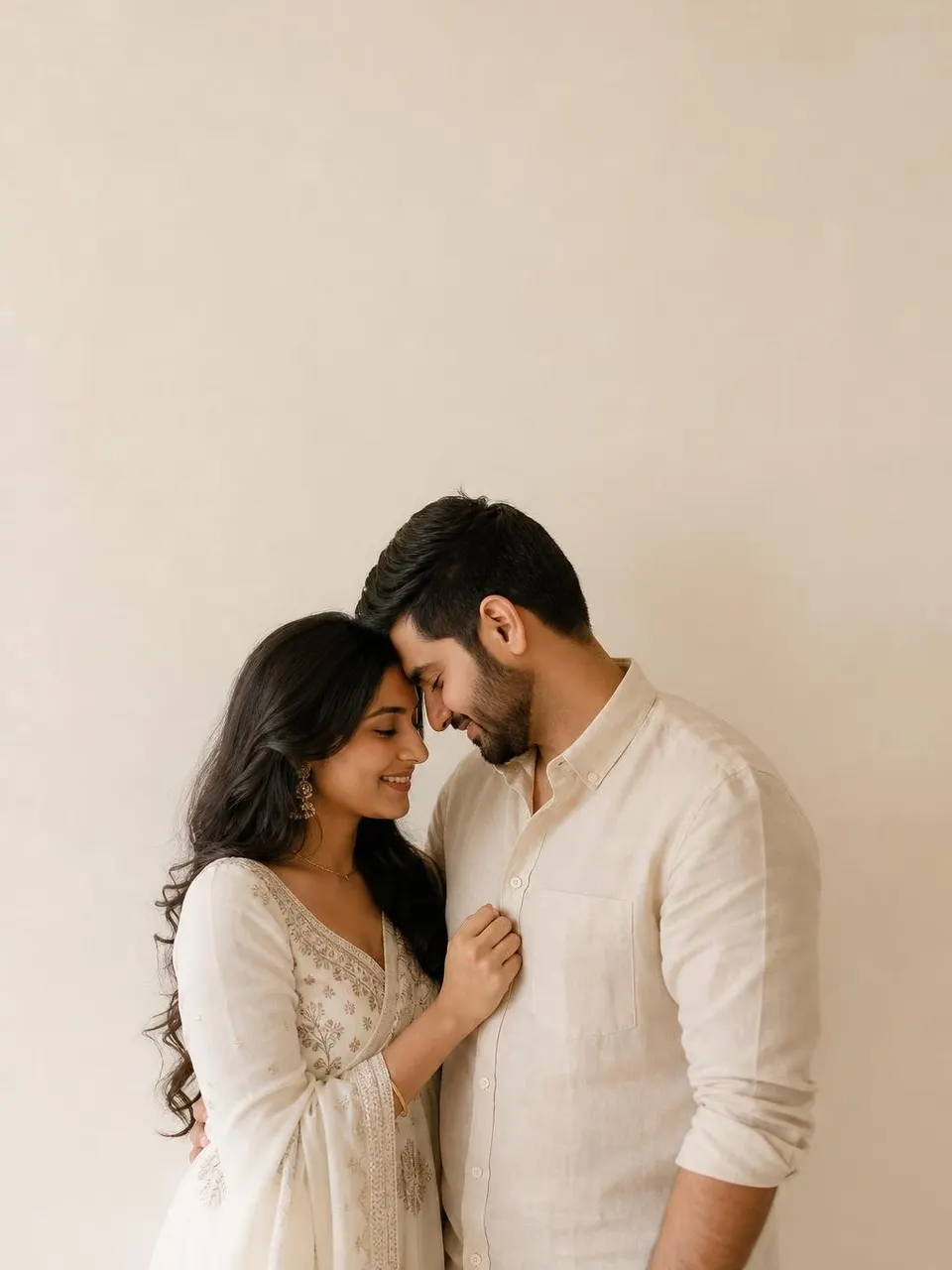
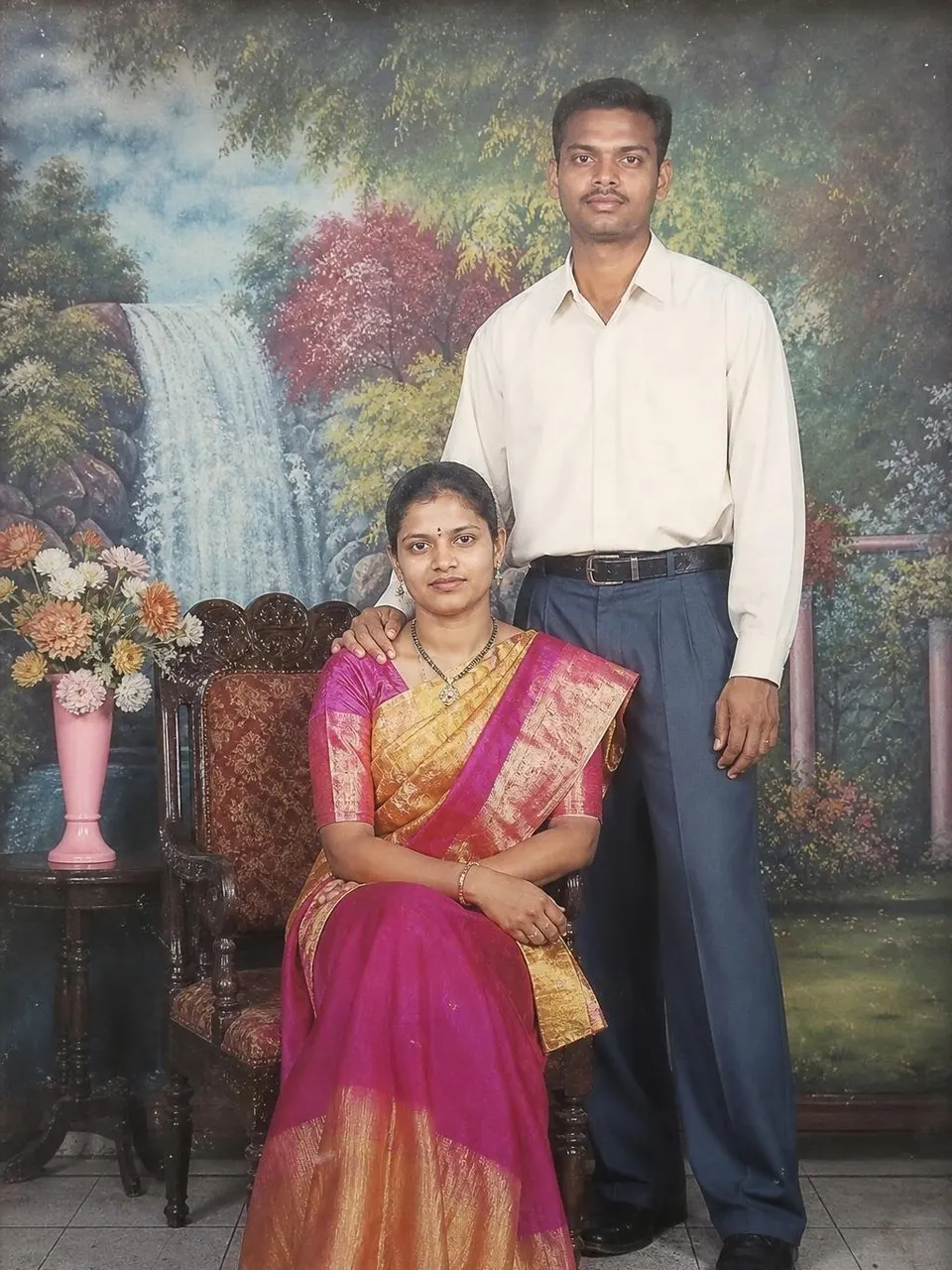
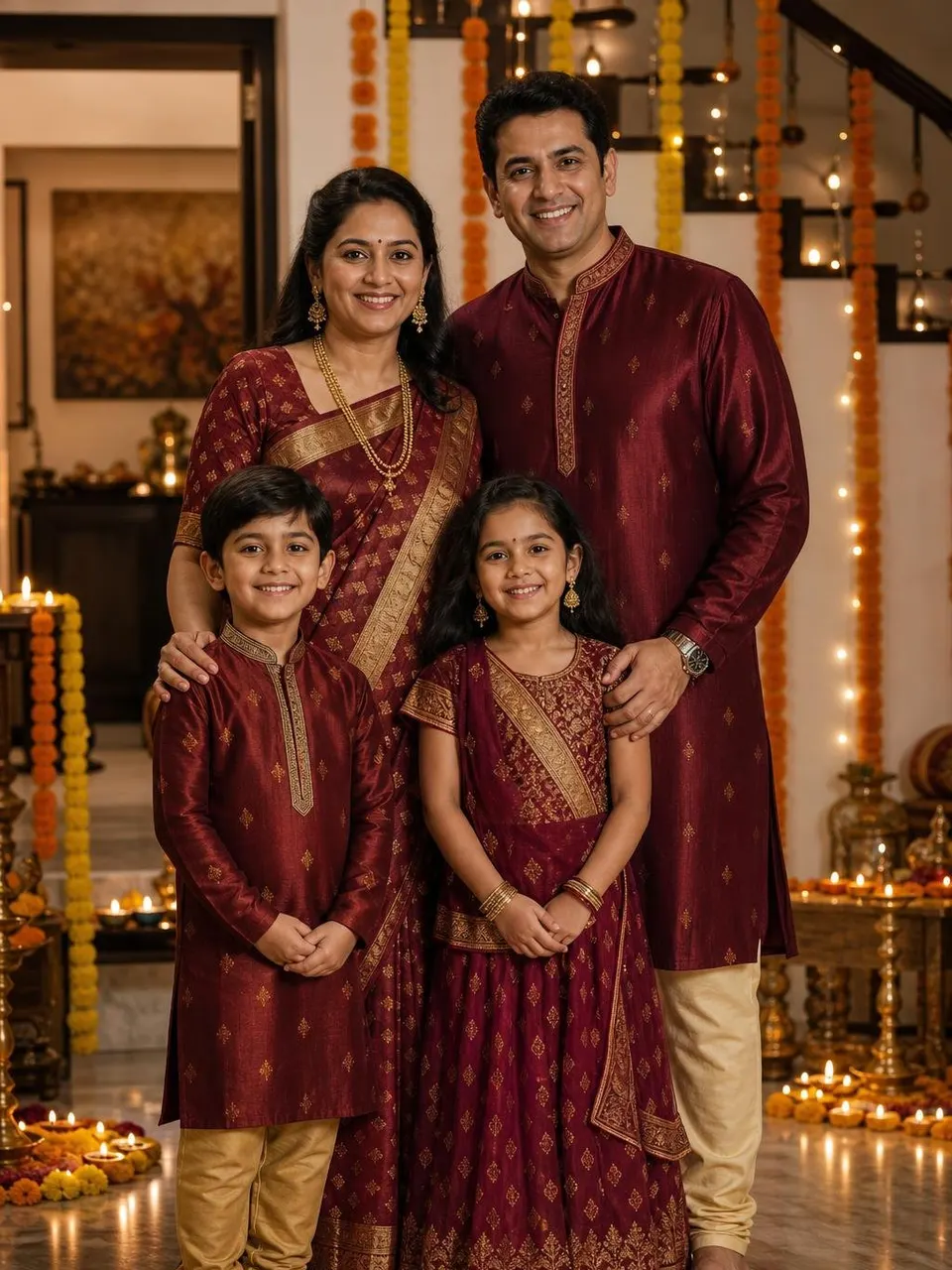
- Text promptChatGPT Career AstrologyAct as a Vedic astrologer and a practical career coach. My birth details: [Birth details] Current work: [Current work] My question: [Question] 1.…ChatGPT Career Astrology Prompt
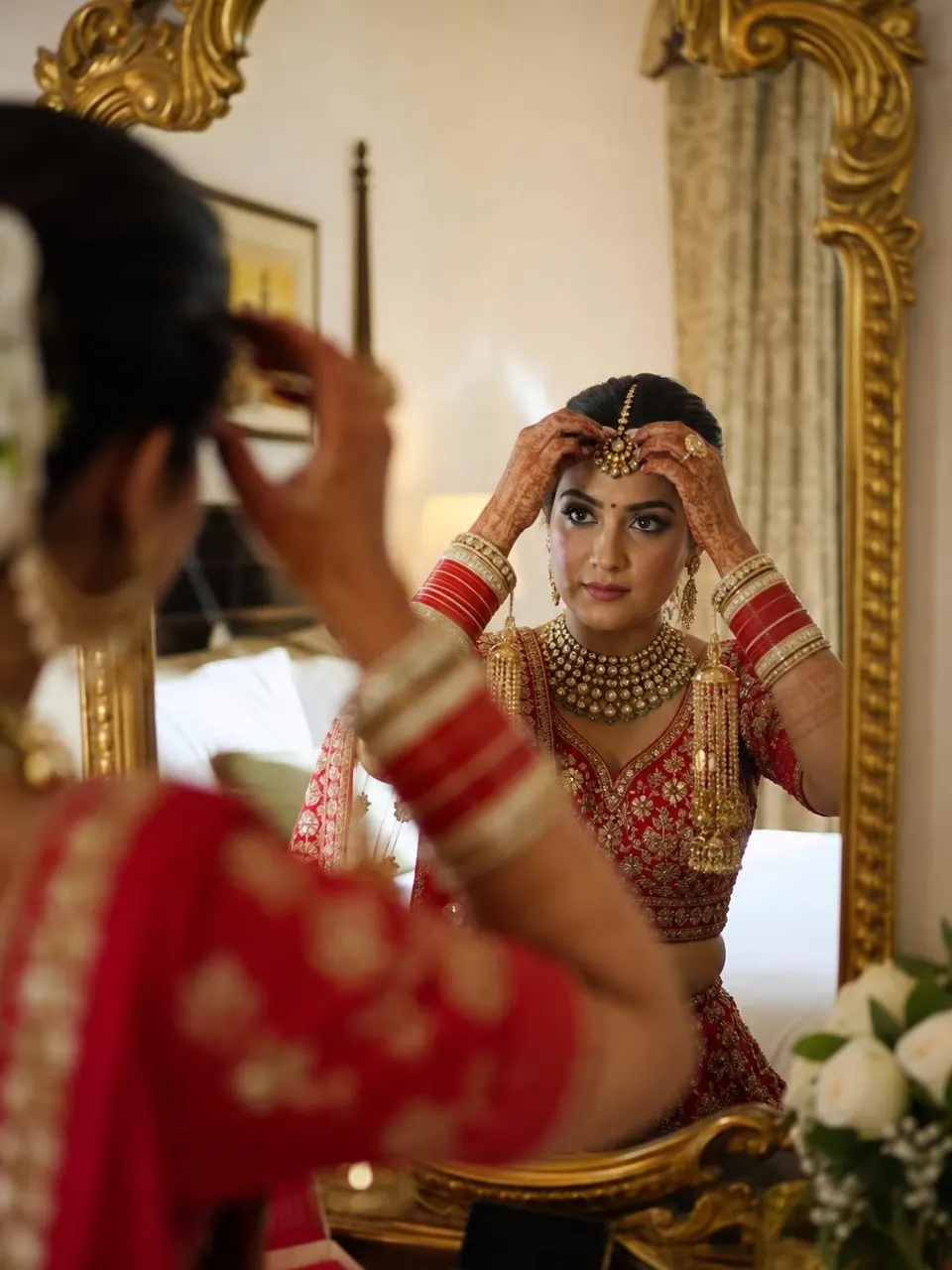

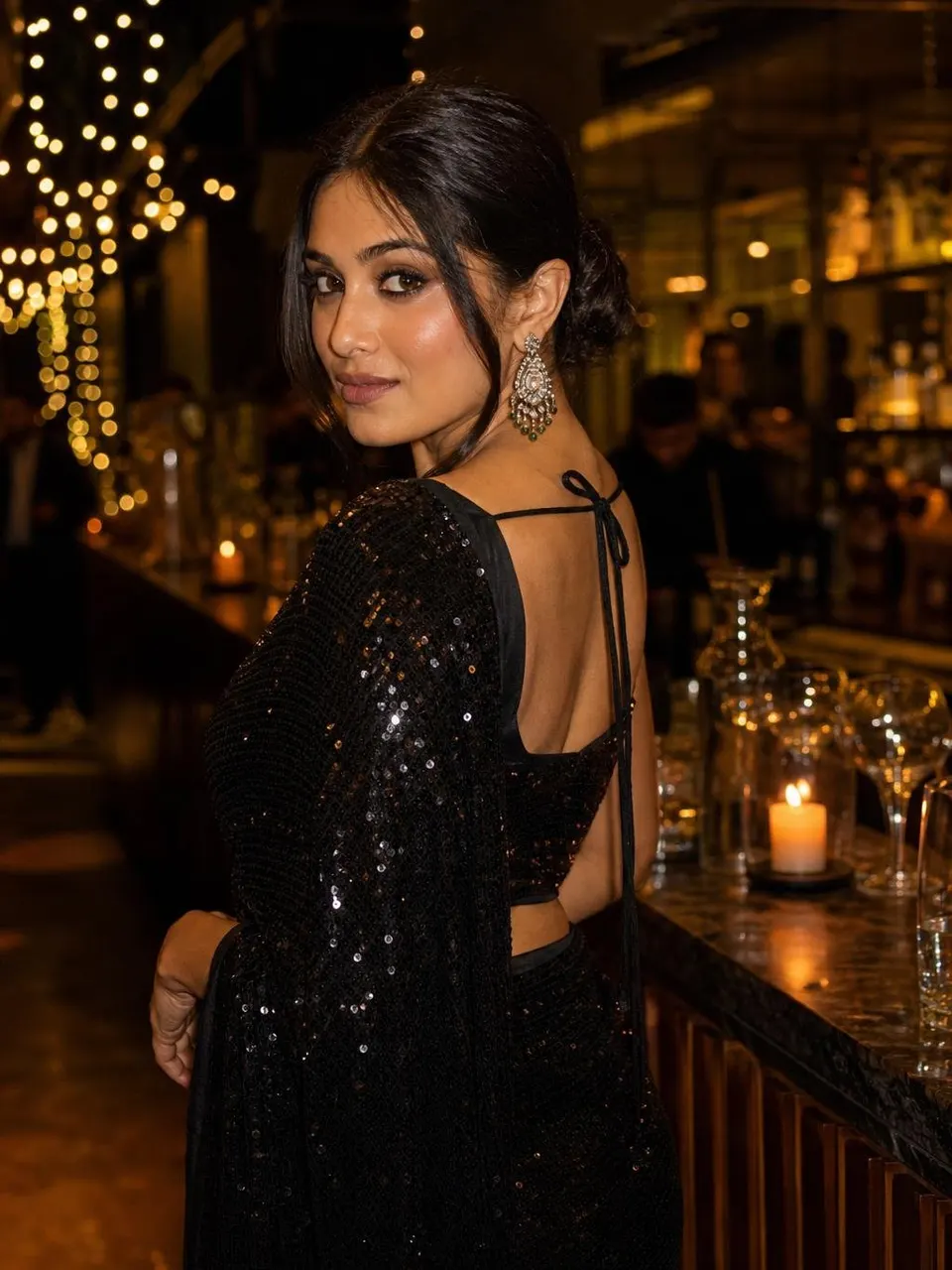
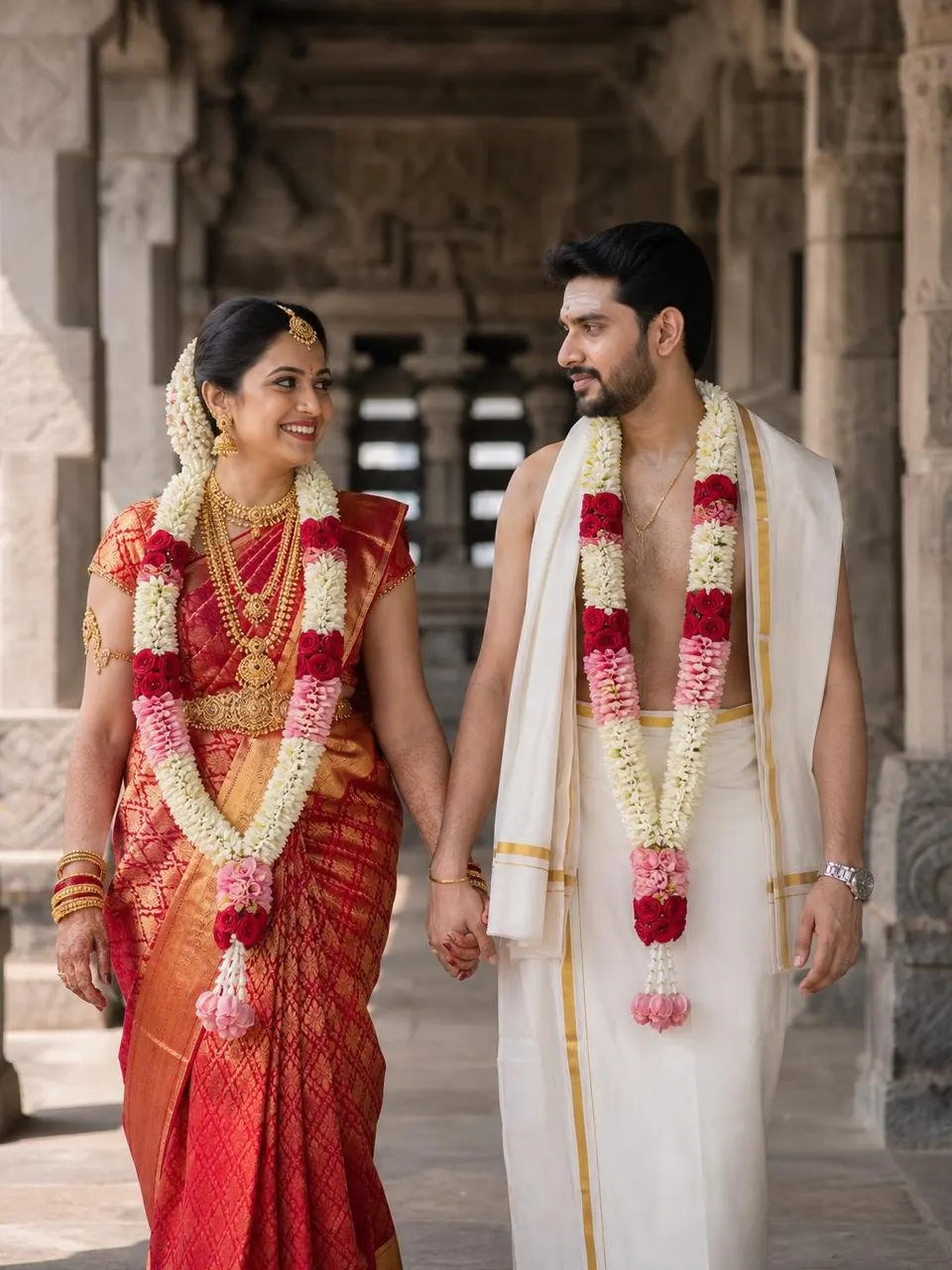
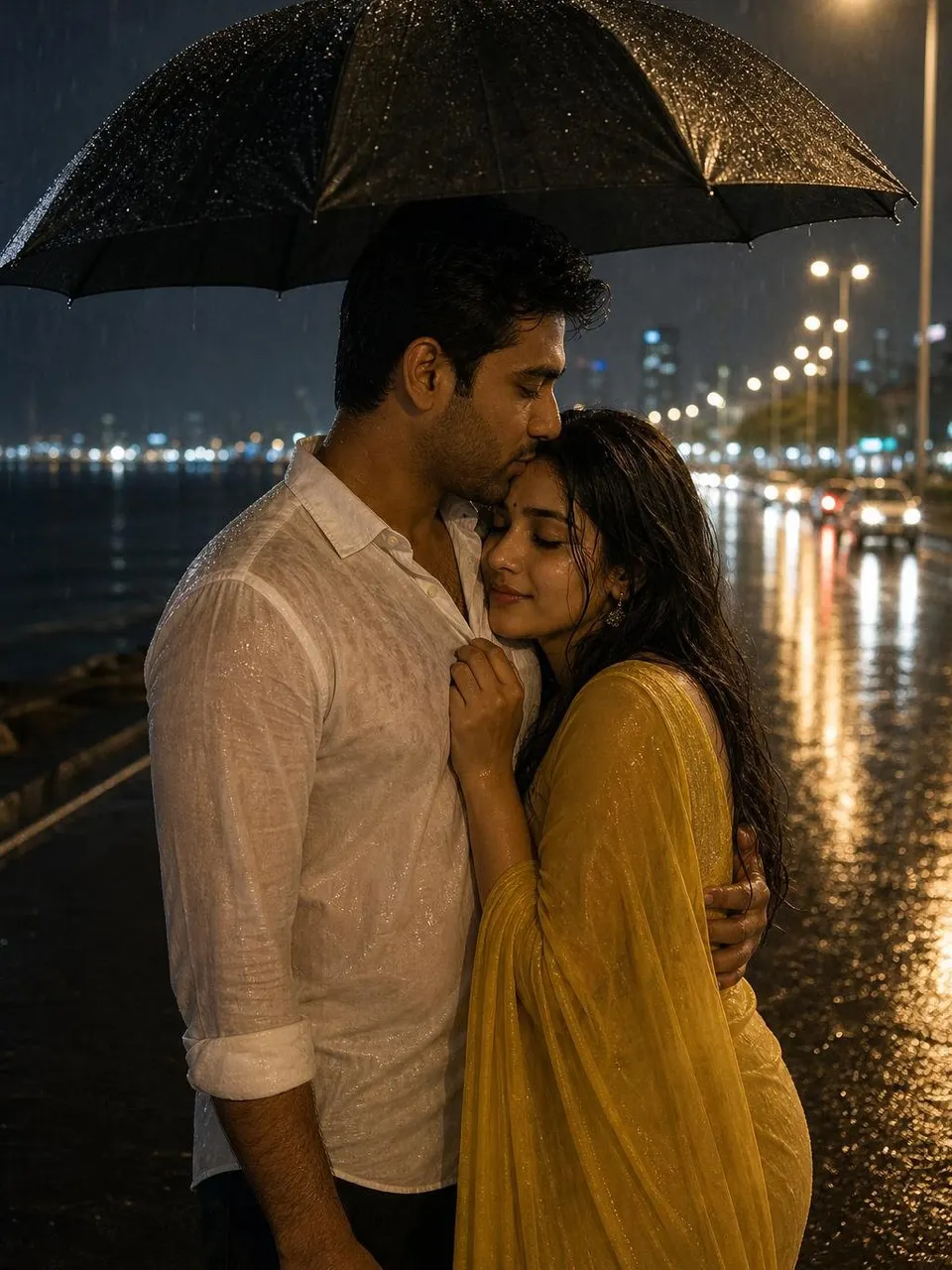
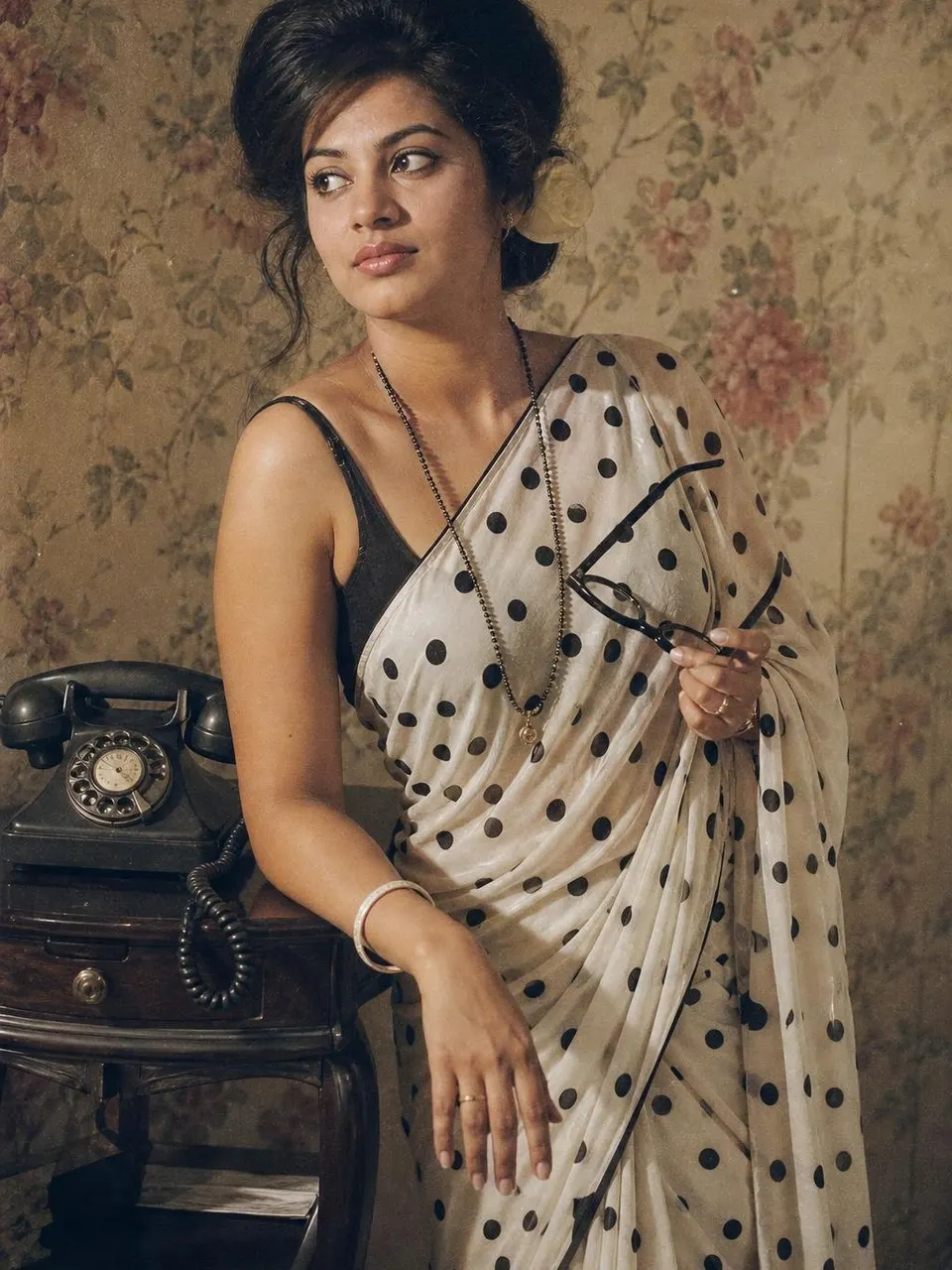
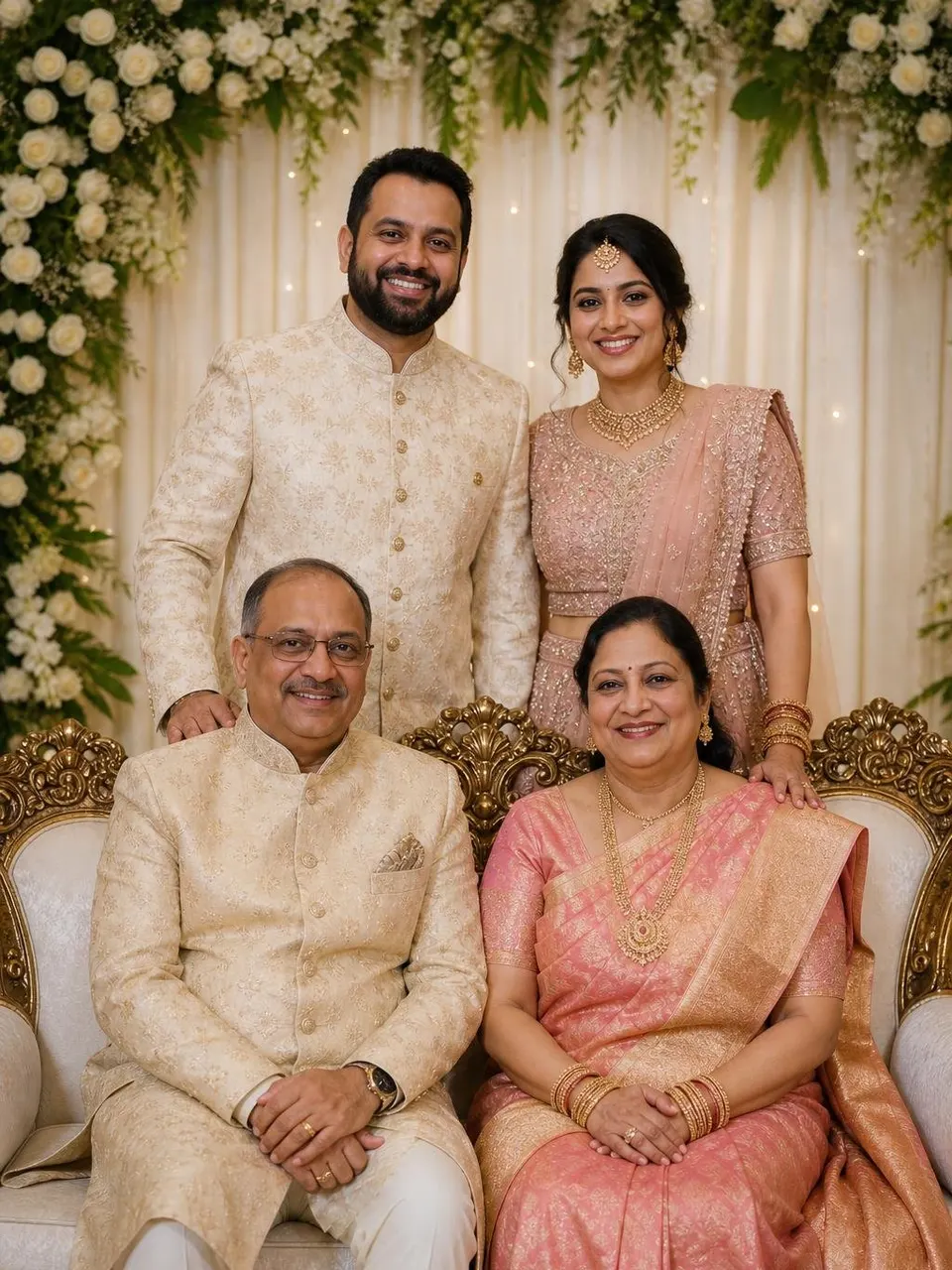
- Text promptChatGPT NumerologyAct as a numerologist using the Chaldean system. Full name: [Full name] Date of birth: [Date of birth] 1. Calculate my Life Path number, Destiny…ChatGPT Numerology Prompt (Name & Date of Birth)
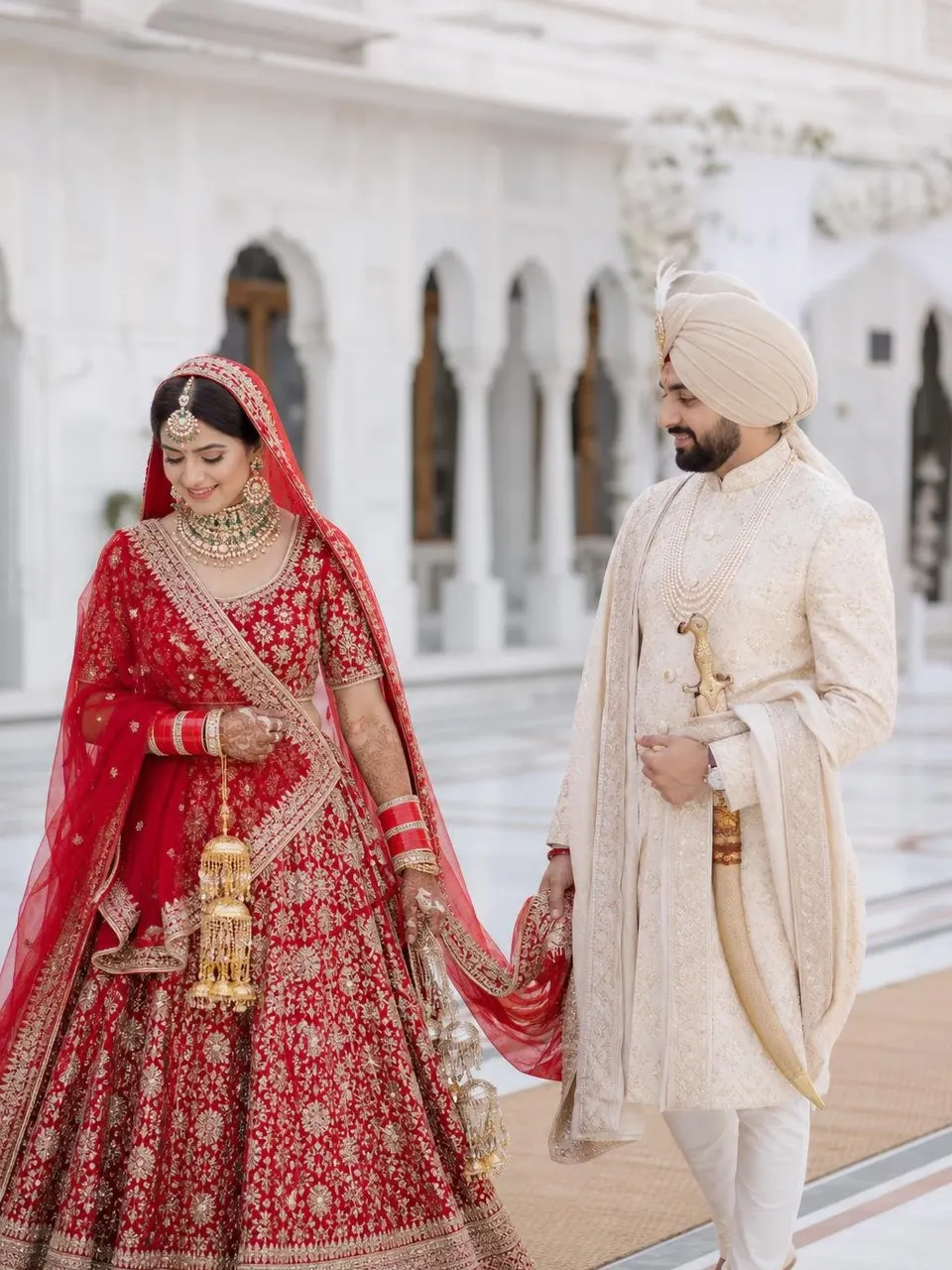
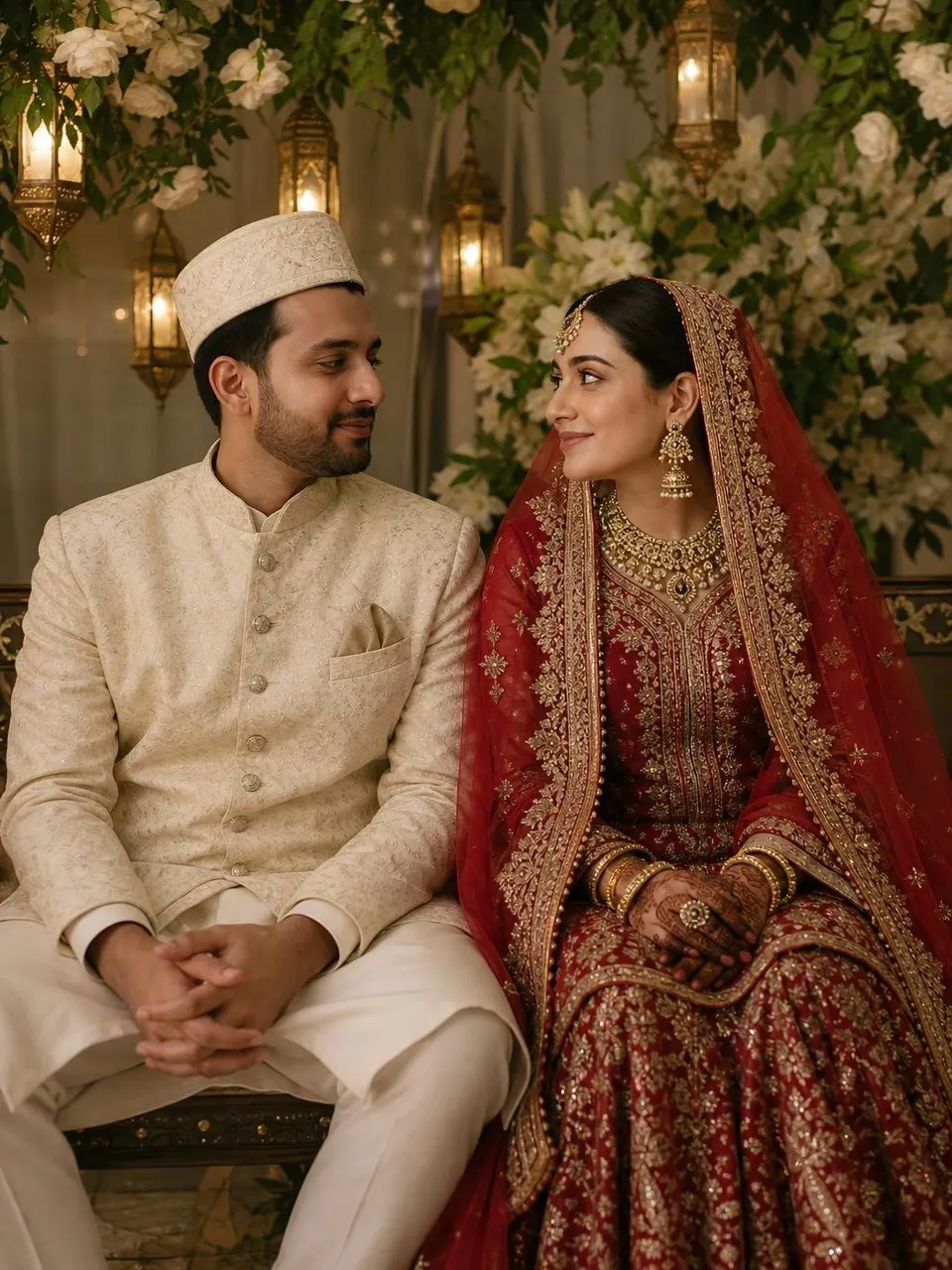
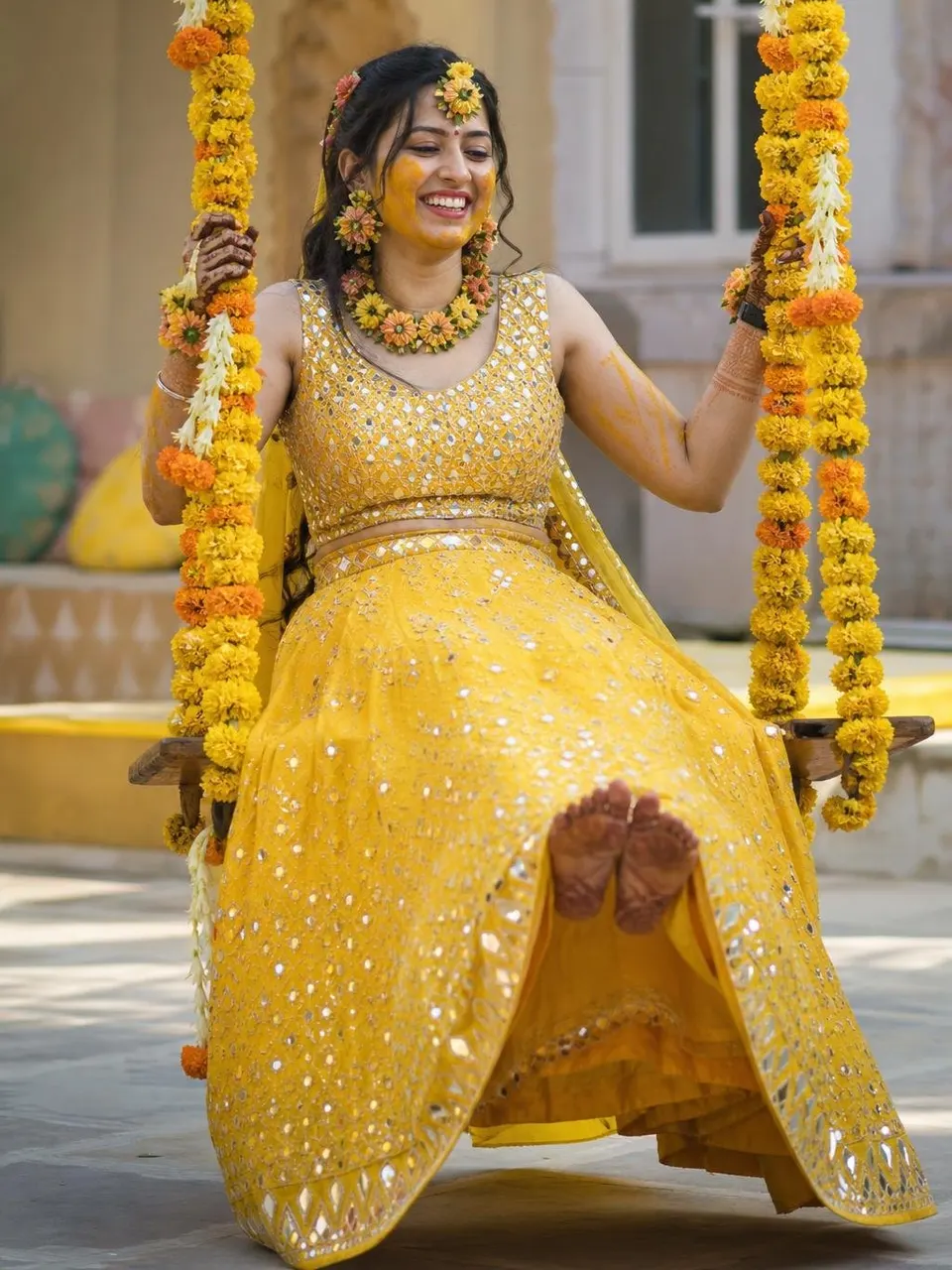
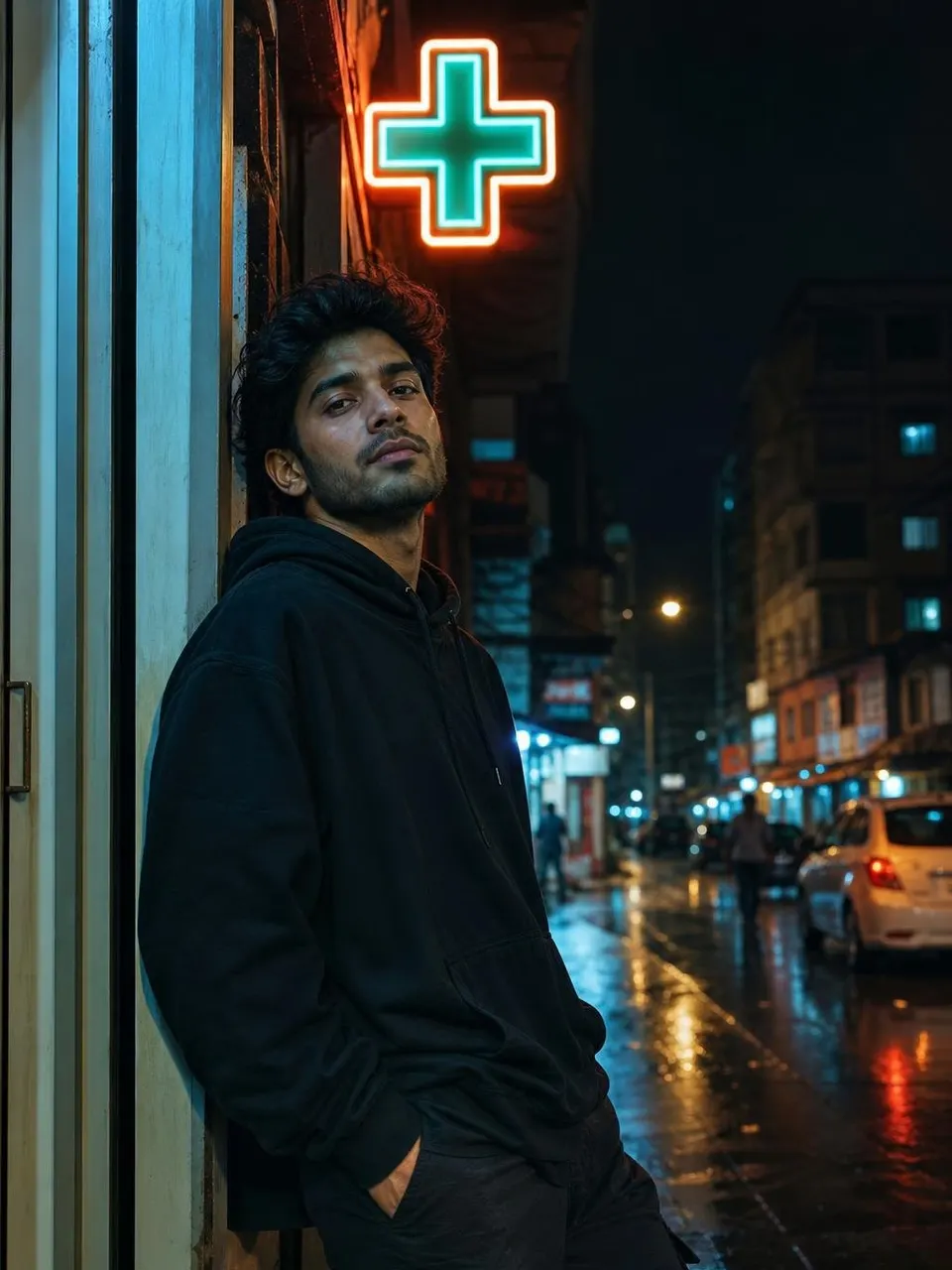
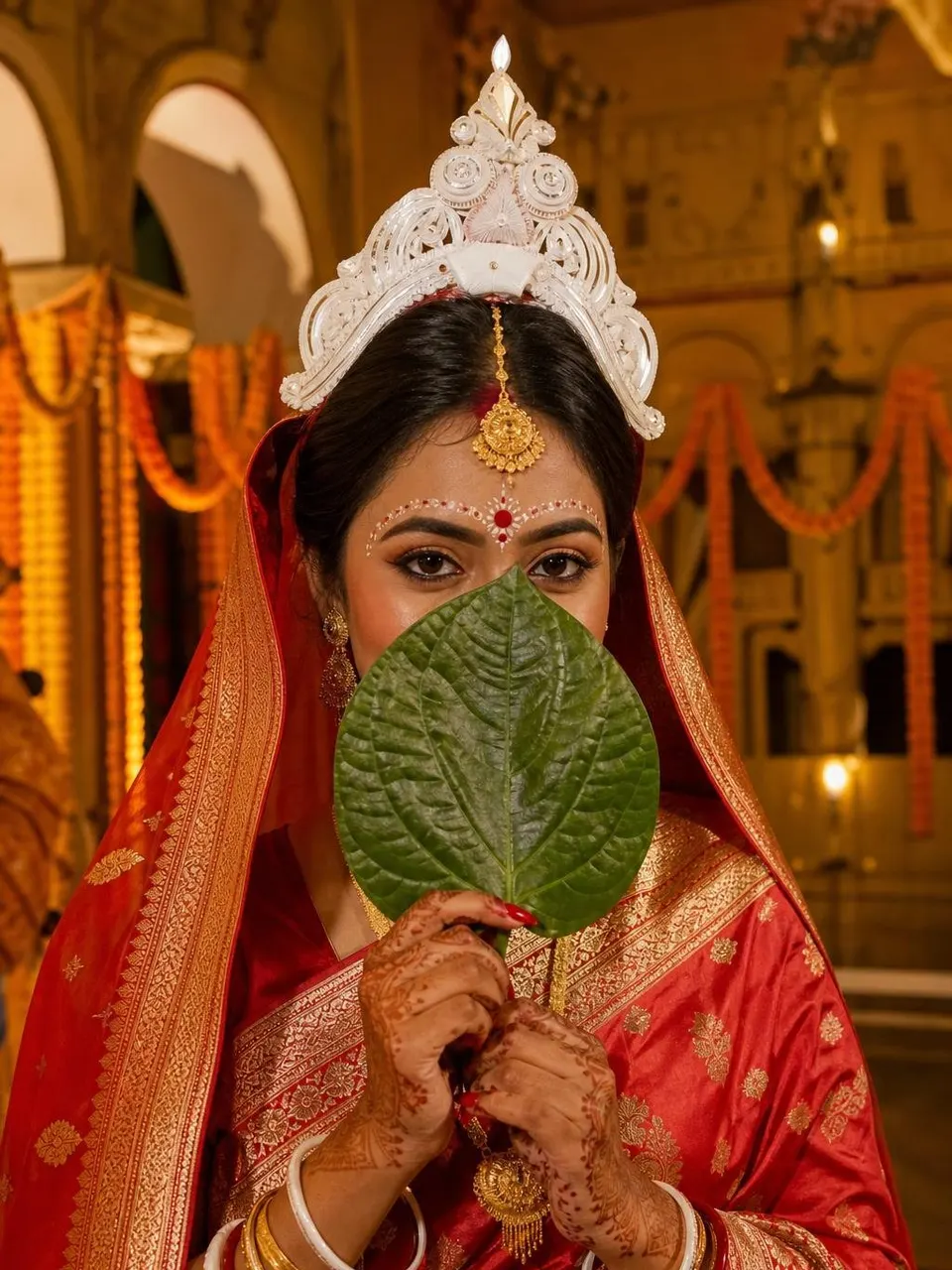
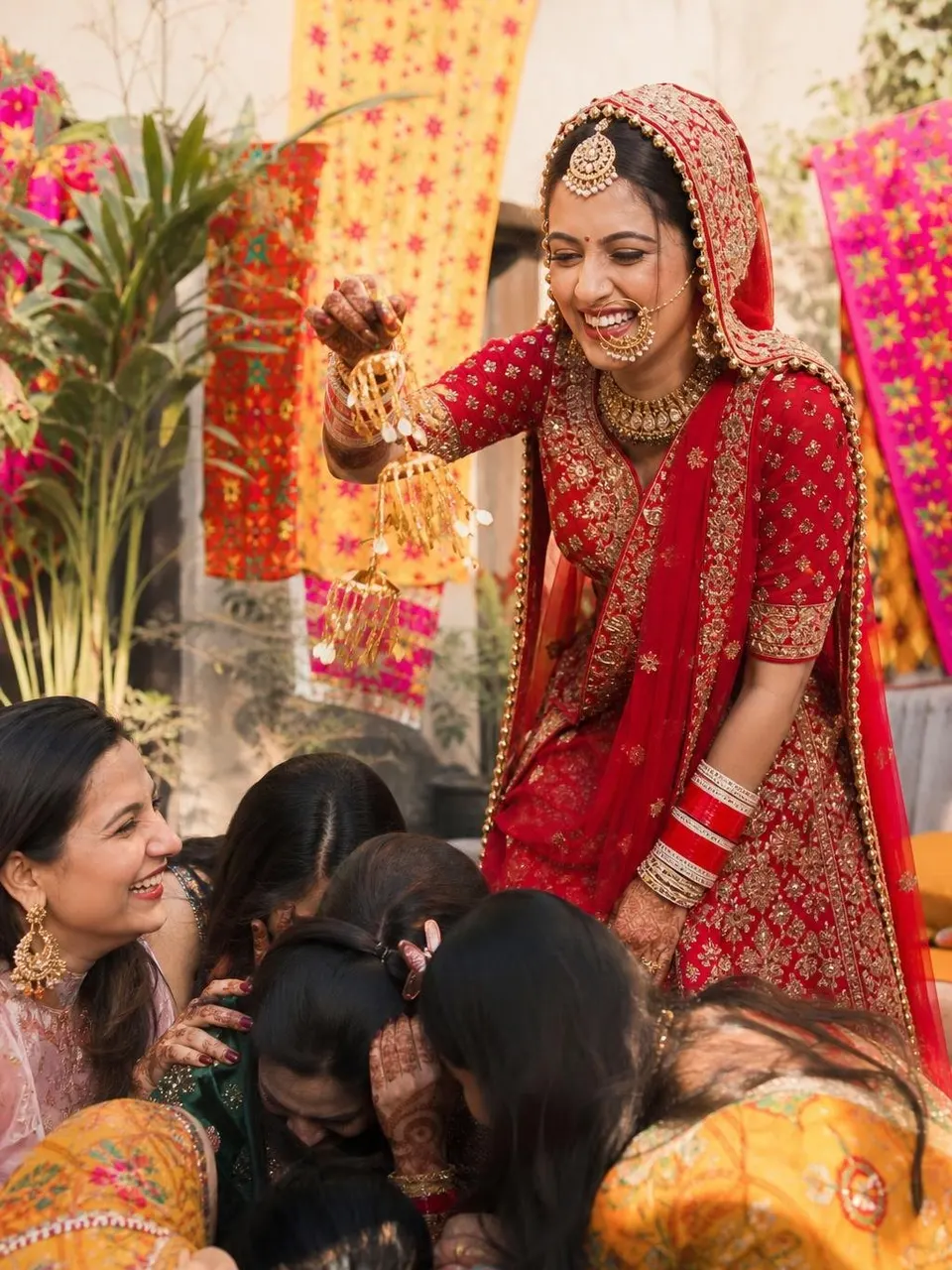
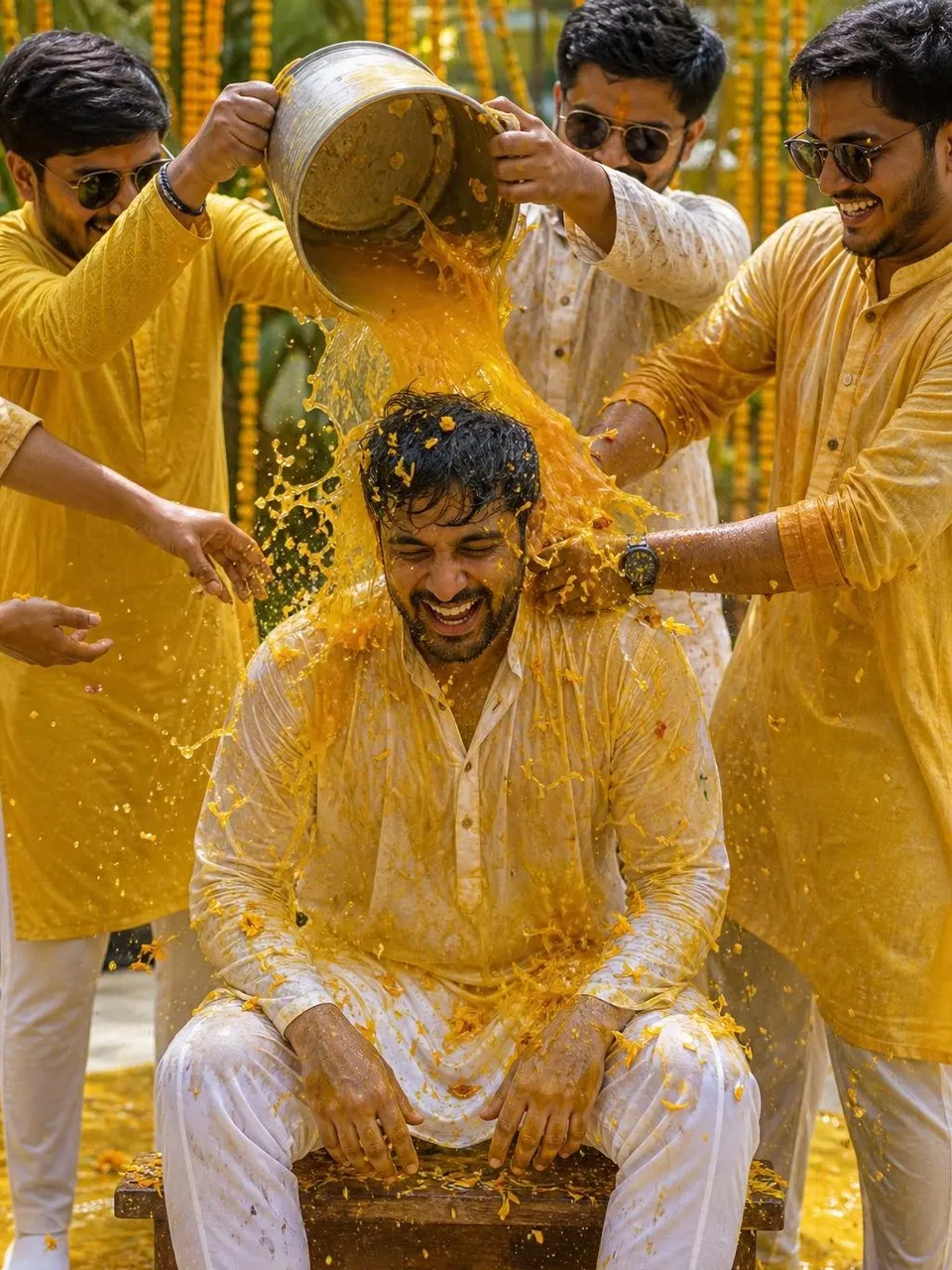
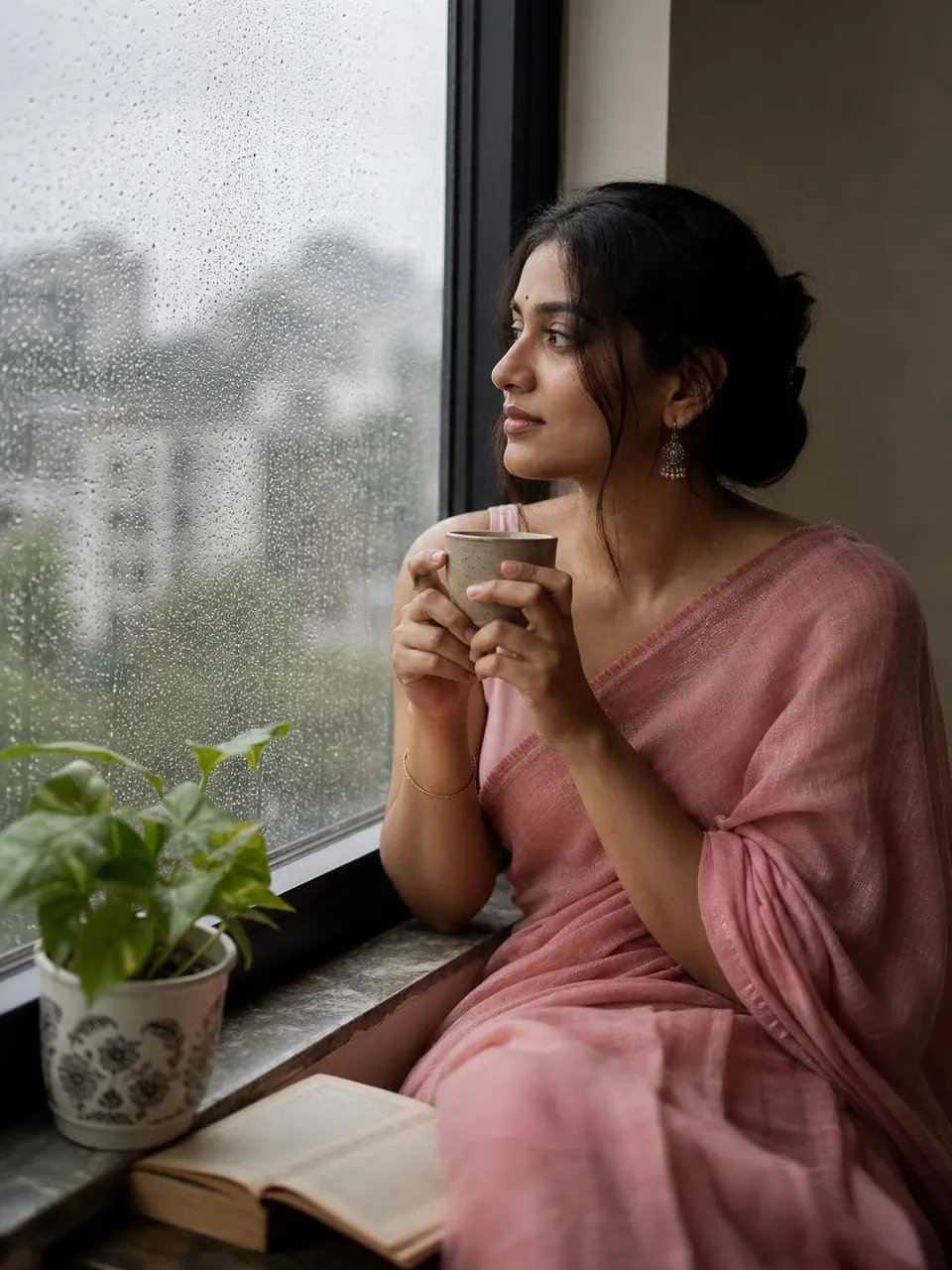
- Text promptChatGPT Moon Sign PersonalityAct as a Vedic astrologer. My Moon sign (rashi): Aries (Mesh) My nakshatra (optional): [Nakshatra] Describe my emotional nature, what makes me…ChatGPT Moon Sign Personality Prompt

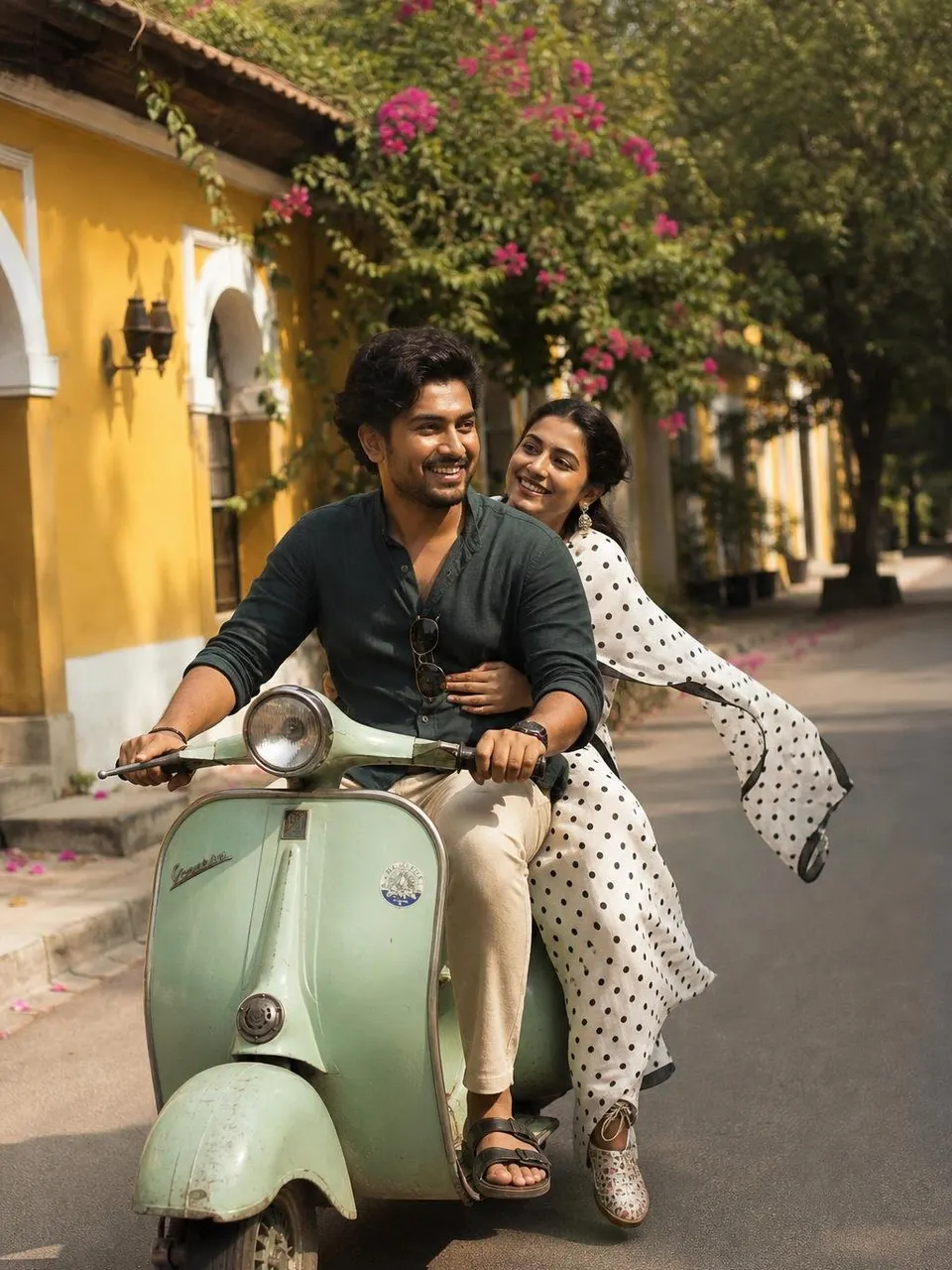
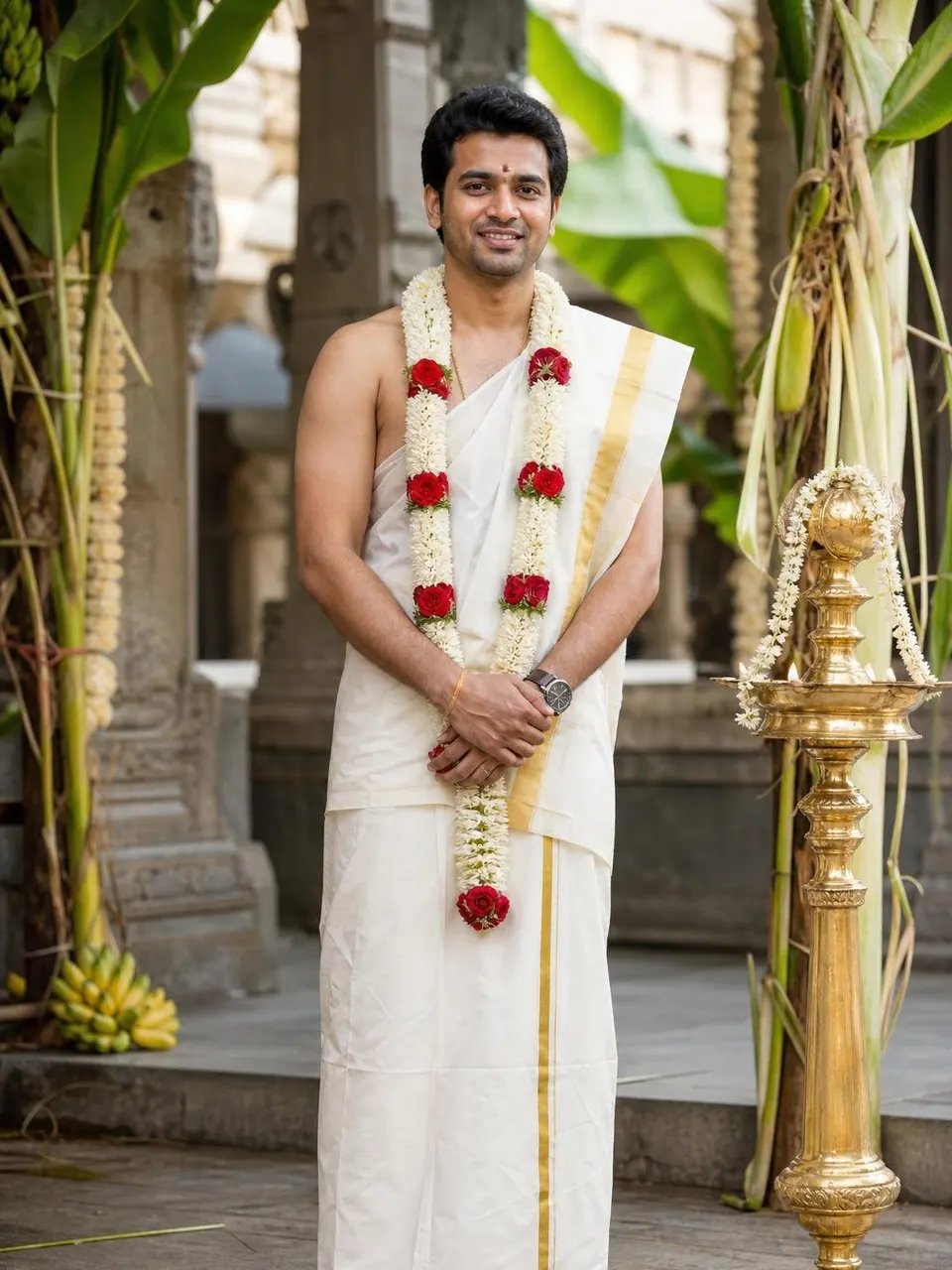
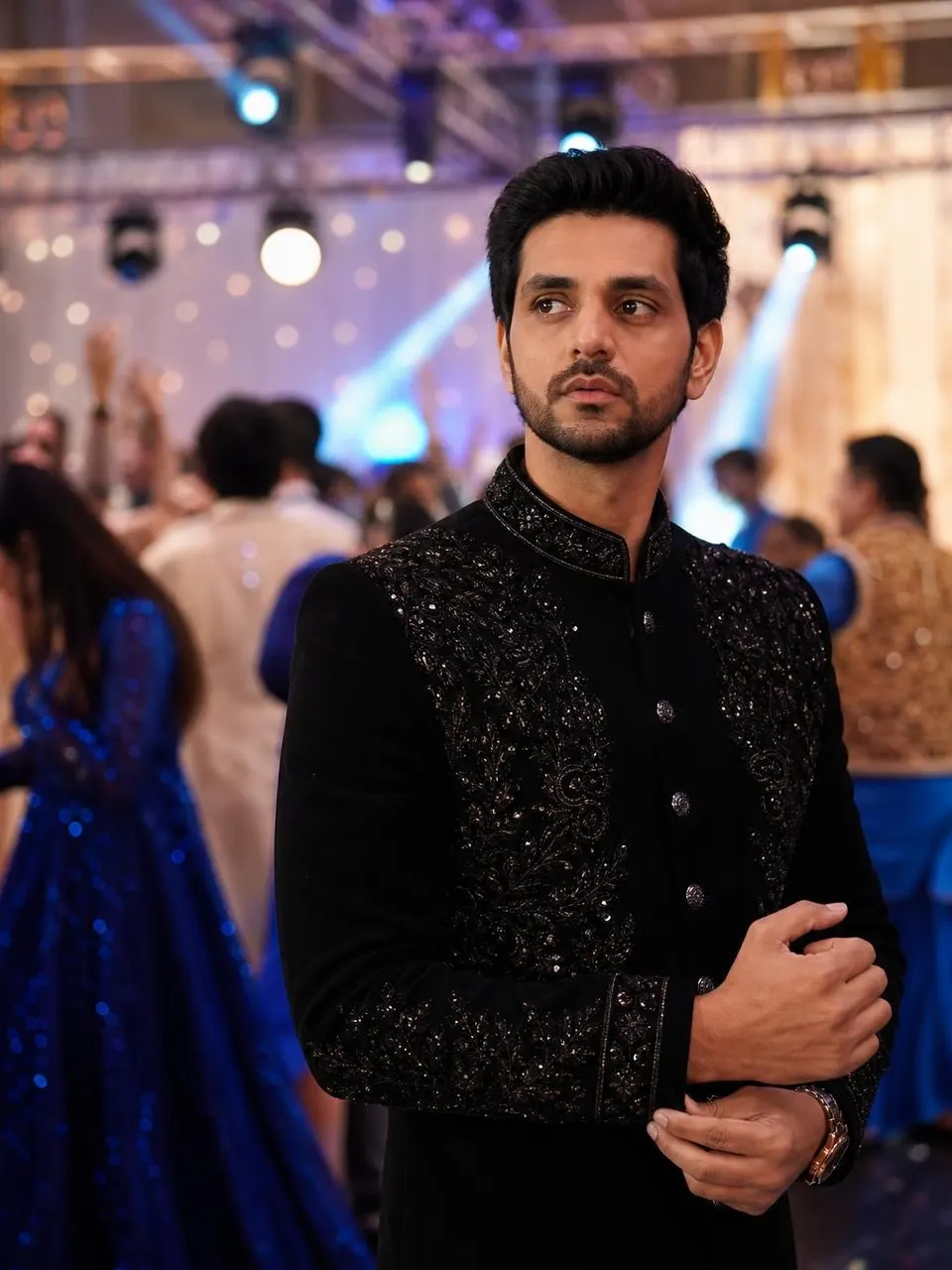
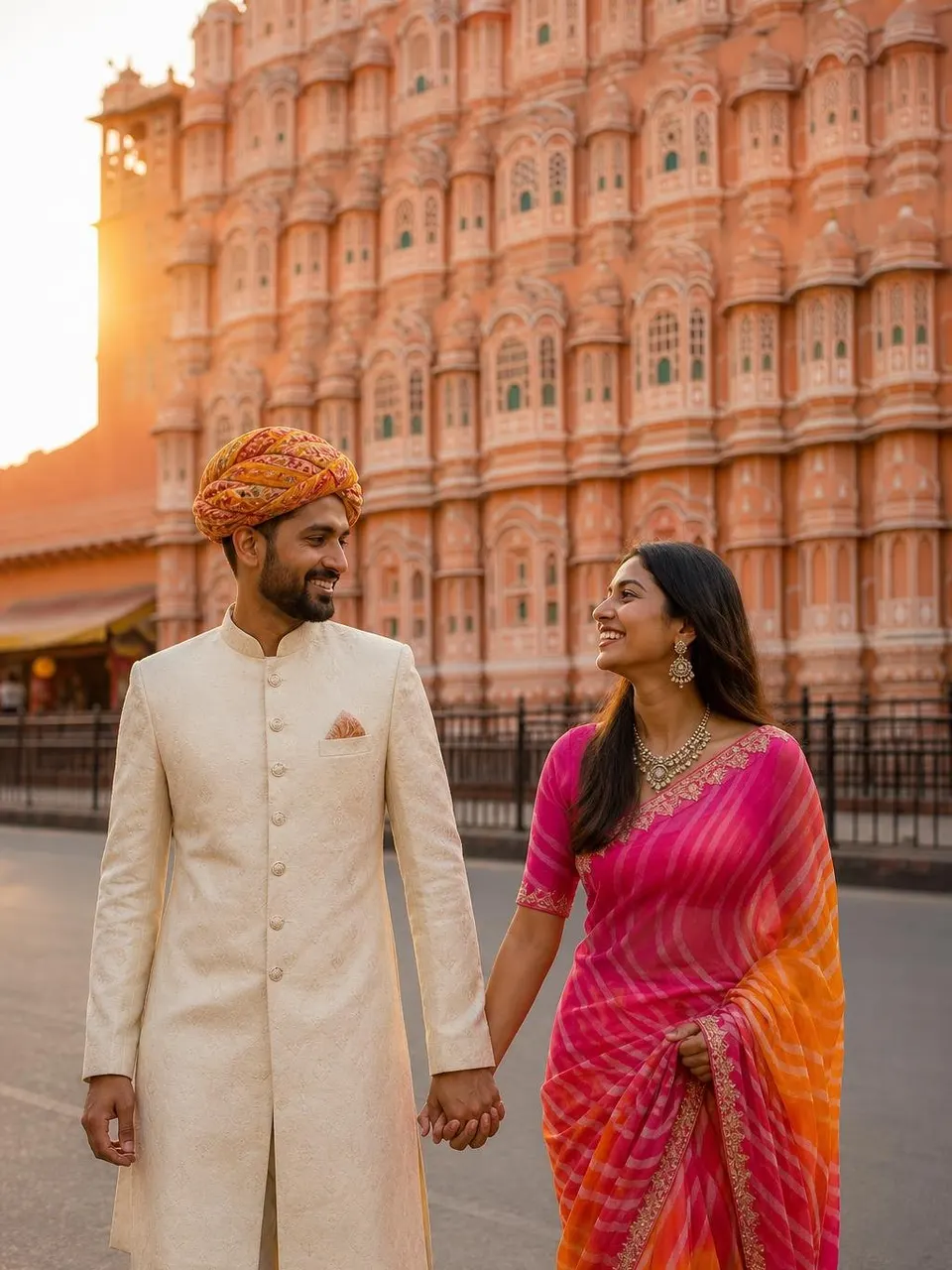
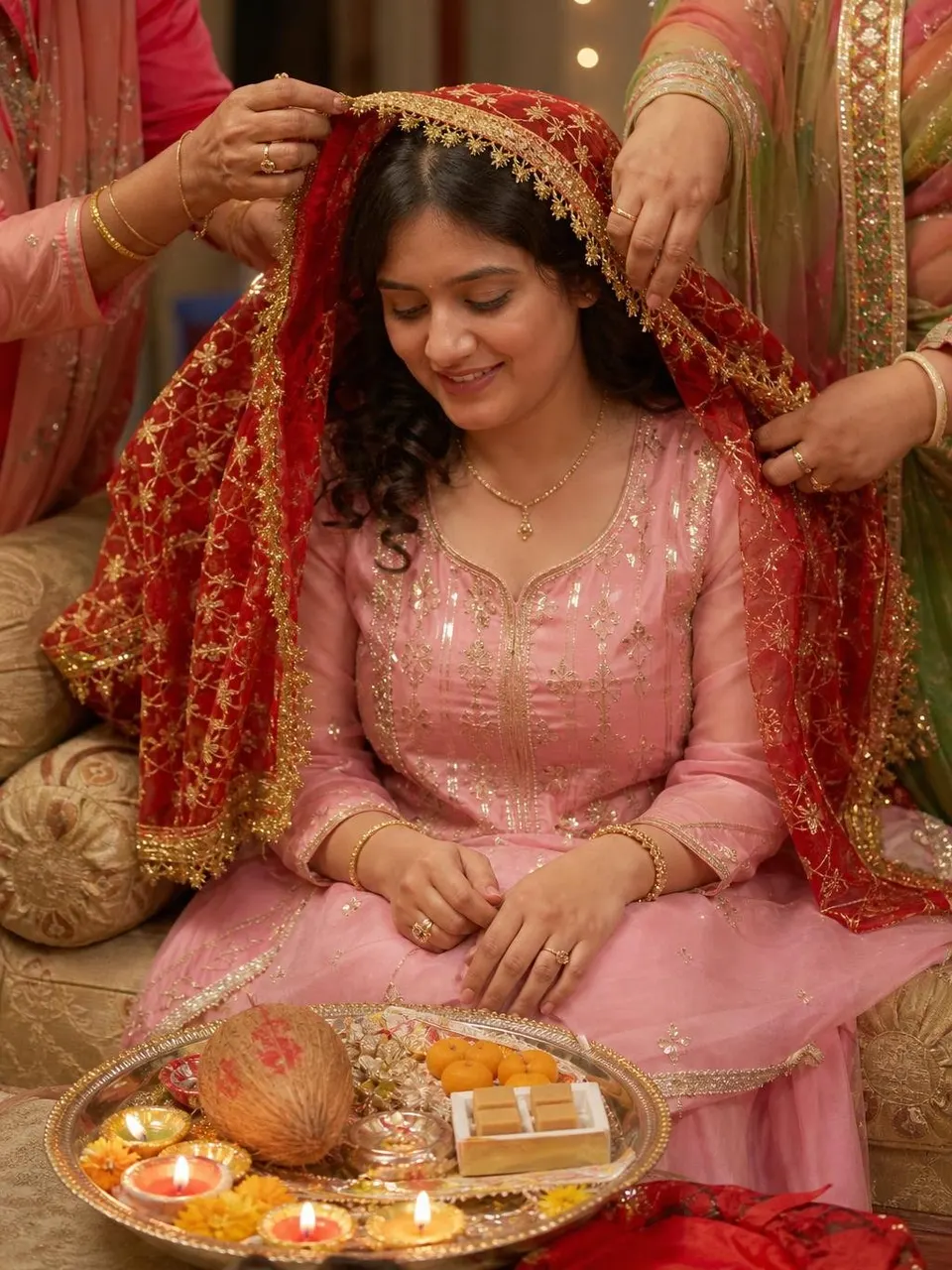
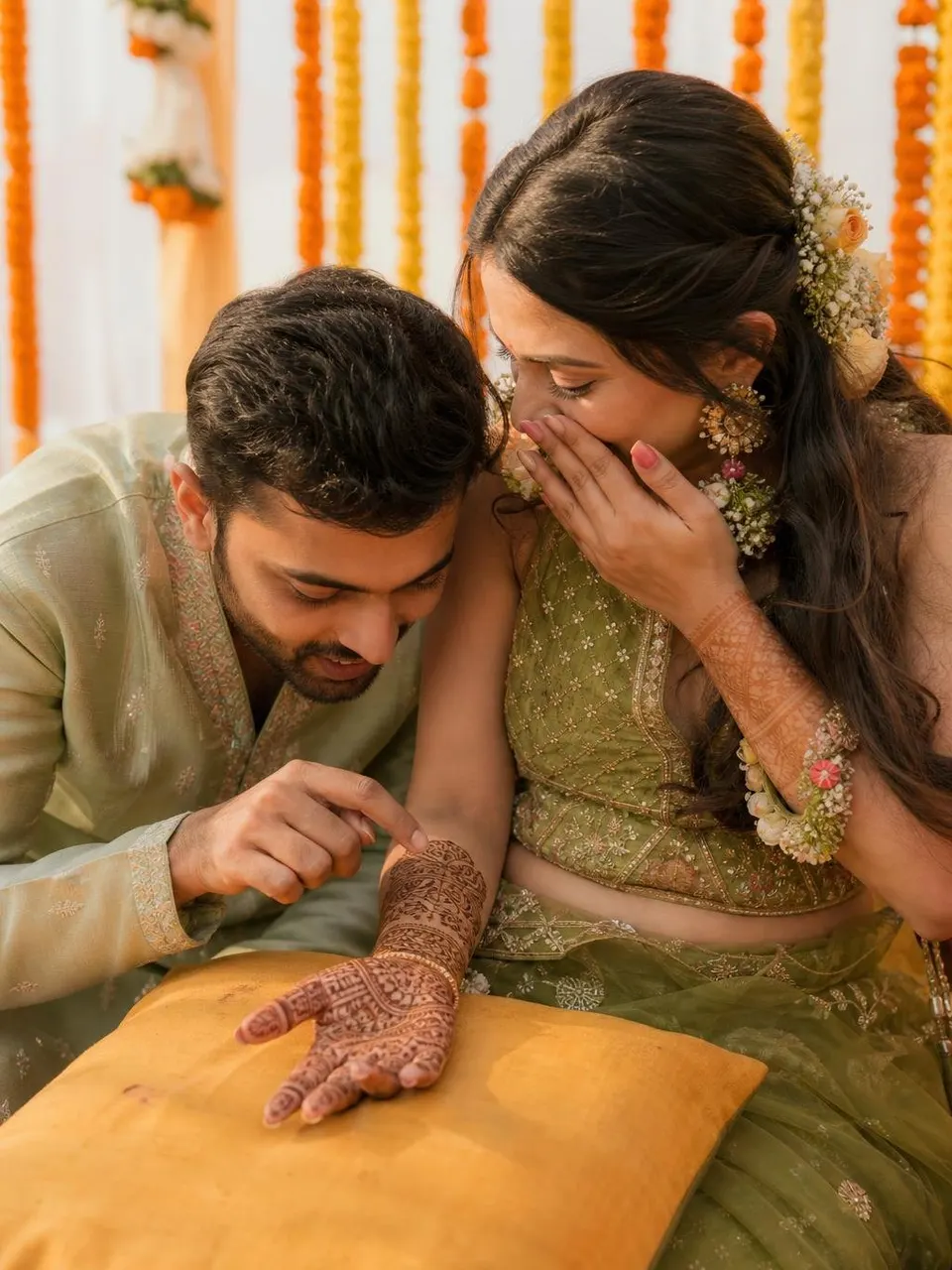
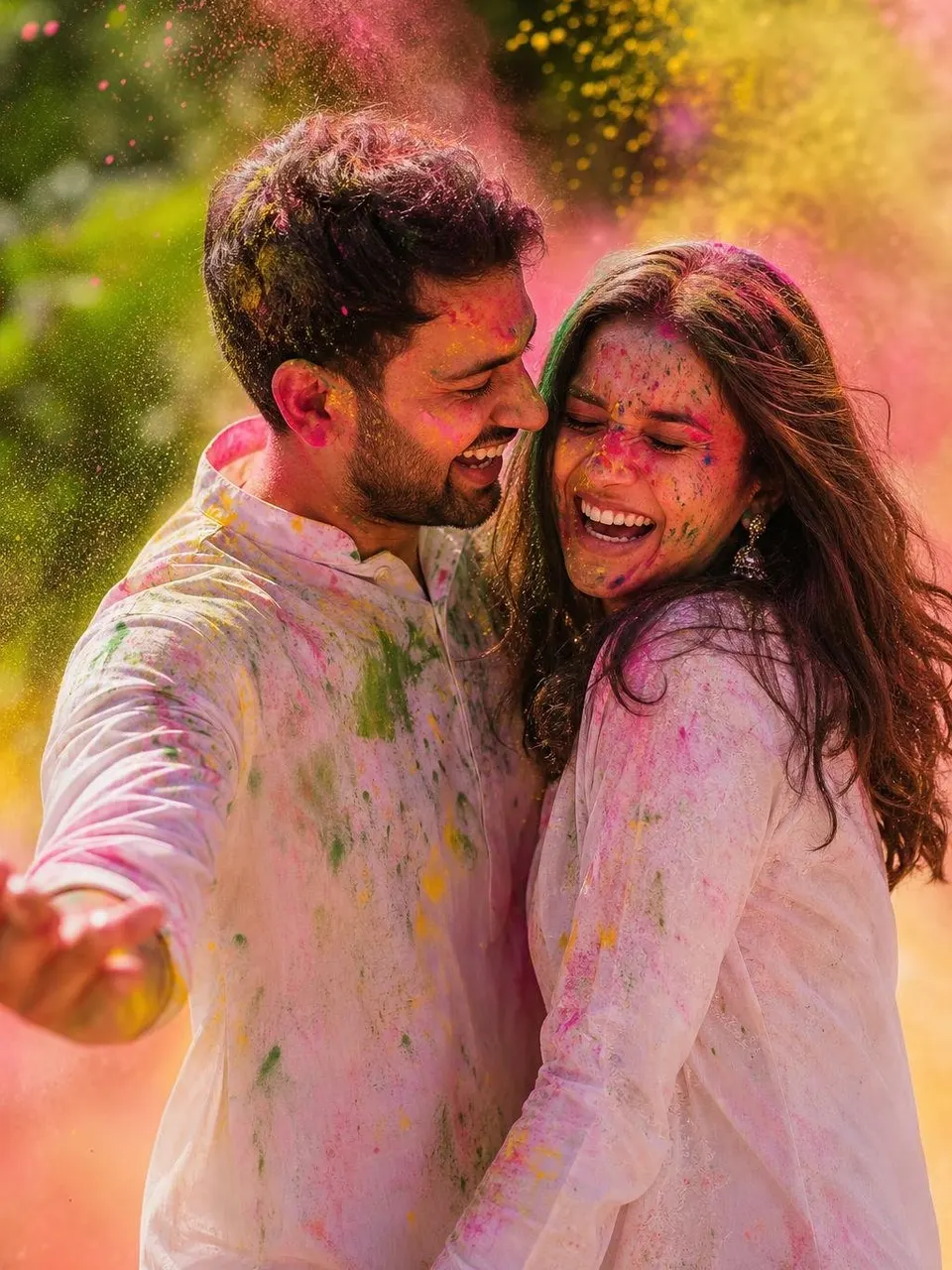
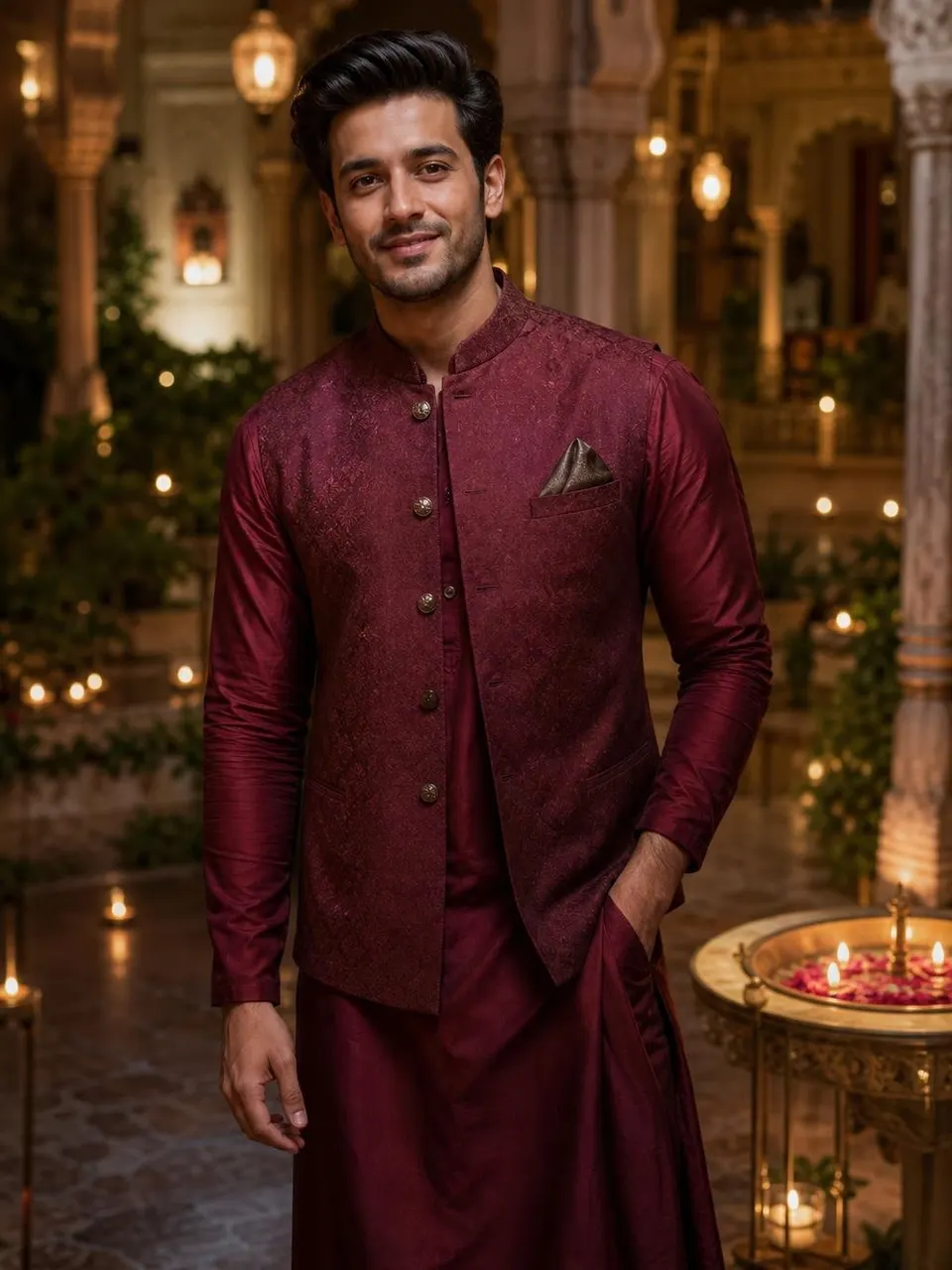

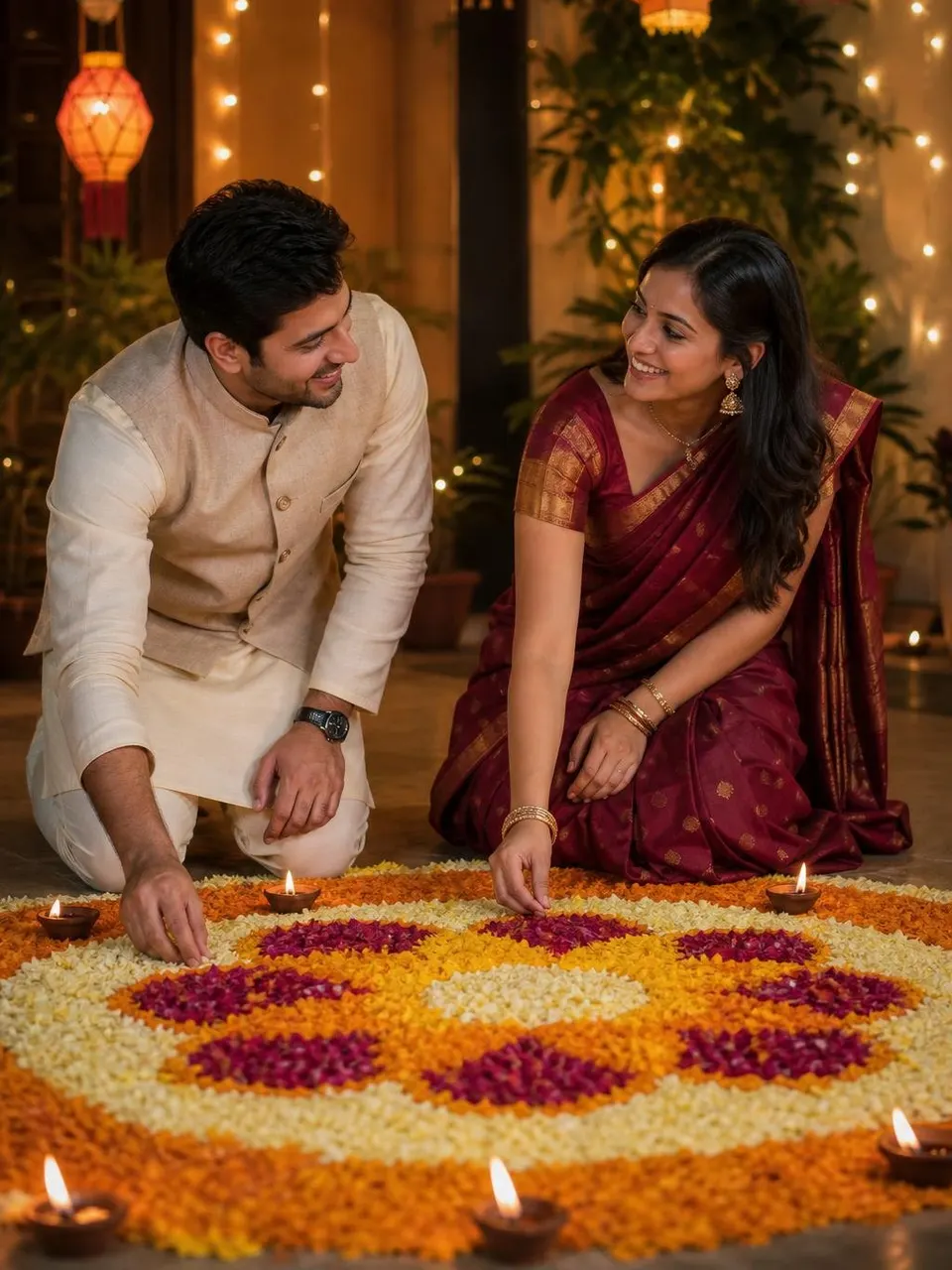
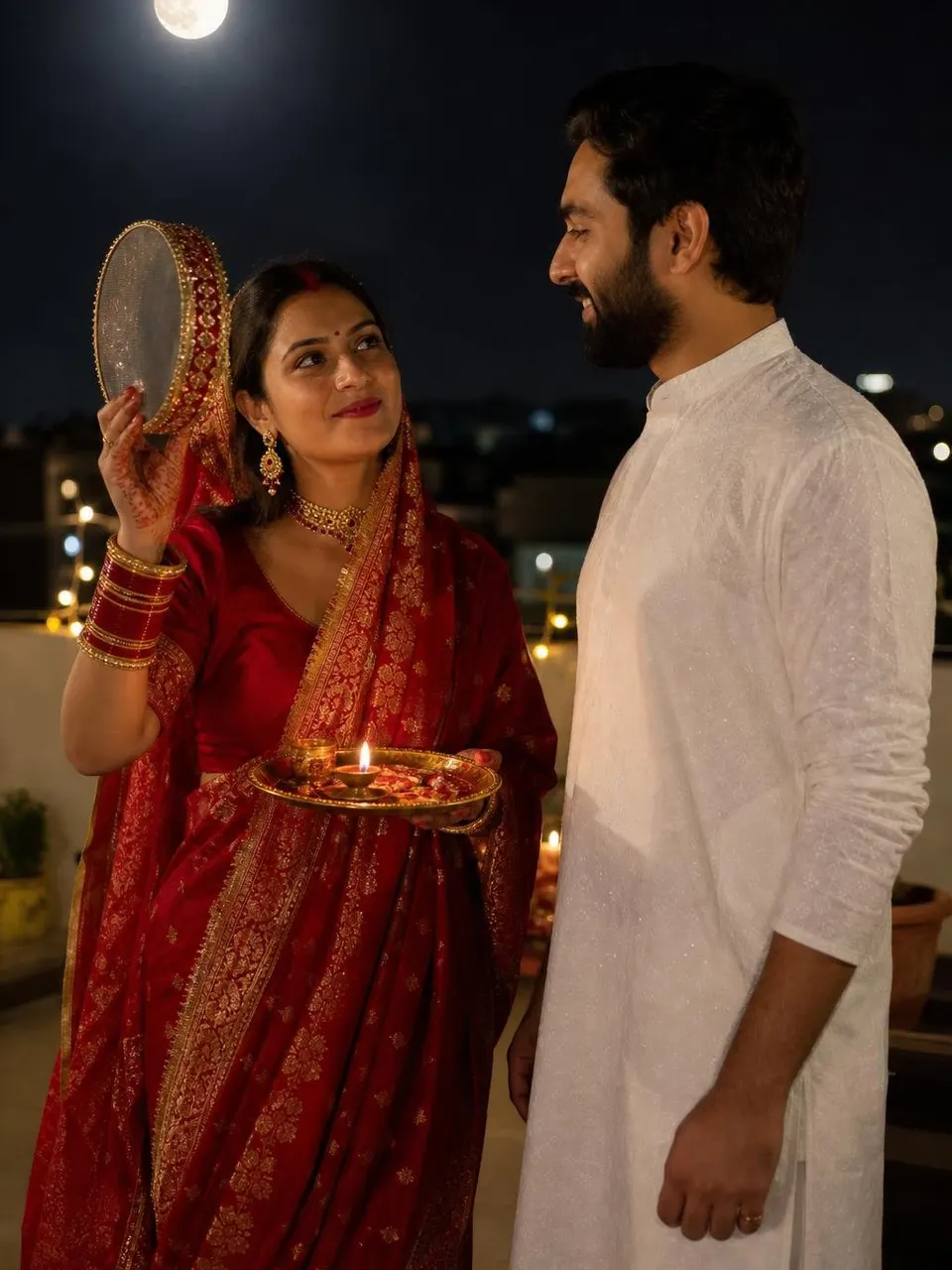
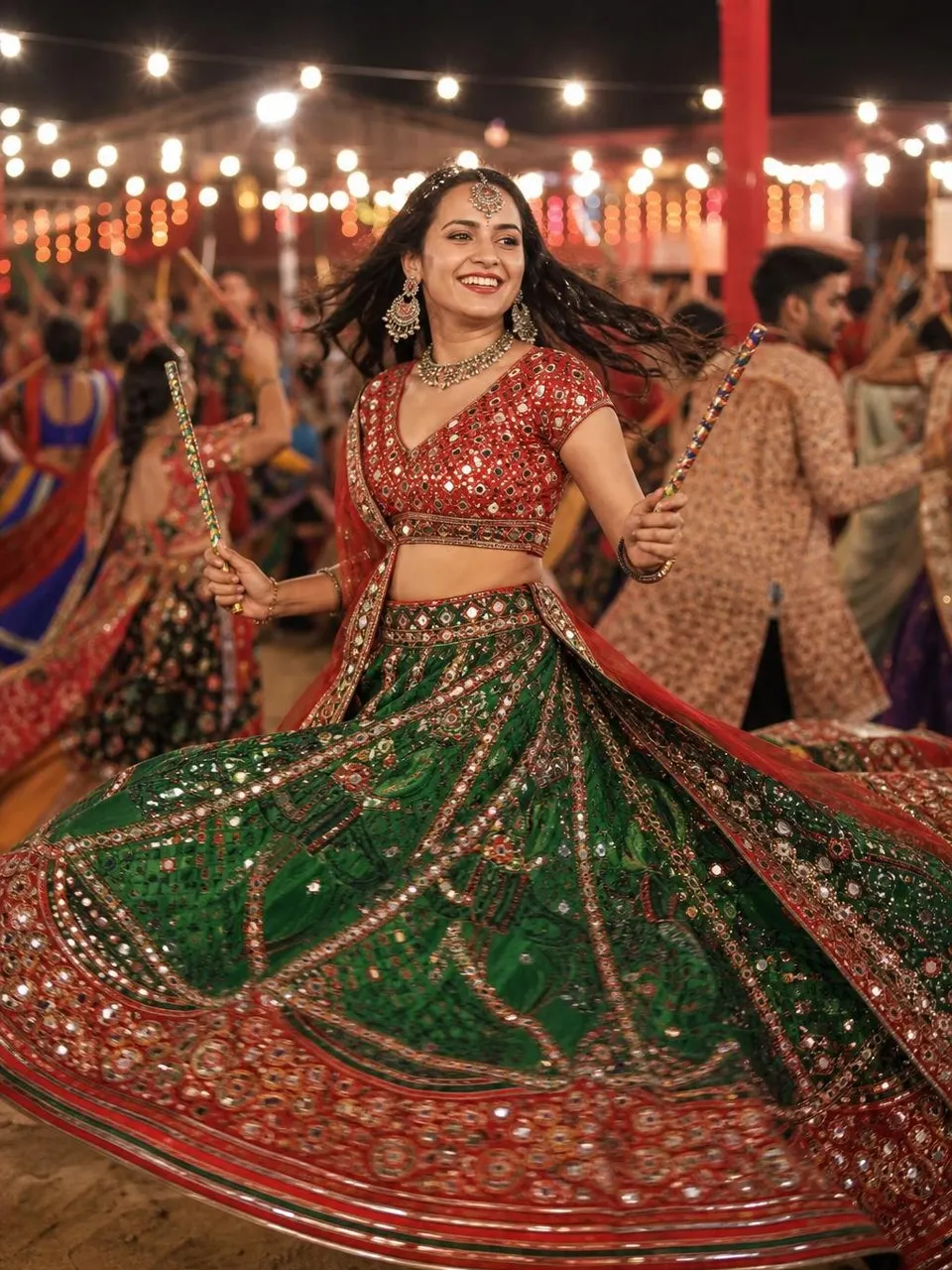


No prompts match that search yet. Try the prompt generator.
How to use a prompt
- CopyTap Copy on any pin, or open it to customise outfit and colours first.
- UploadOpen ChatGPT or Gemini and upload a clear, front-facing photo.
- Paste & sendPaste the prompt and send. Regenerate once or twice for the best result.
Need a biodata for marriage?
Dozens of designs, Hindi and English, PDF and WhatsApp image. No watermark, no login.
Questions
How do I use these AI photo editing prompts?
Tap Copy on any prompt, open ChatGPT or Gemini, upload a clear photo of yourself, paste the prompt and send. Each prompt has a version for ChatGPT and a version for Gemini.
Are the prompts free?
Yes. Every prompt is free to copy, with no login and no limit. ChatGPT and Gemini both let you create images on their free plans, with daily limits.
Will the AI keep my face the same?
Every prompt starts with a face-lock instruction that tells the AI to keep your face, skin tone and features identical. Use a sharp, well-lit, front-facing photo for the best likeness.
What is the difference between the ChatGPT and Gemini versions?
ChatGPT follows long, cinematic descriptions well, so its version is richer. Gemini (Nano Banana) works best with short, labelled instructions, so its version is more direct. Same scene, tuned for each app.
Can I change the outfit or colour in a prompt?
Yes. Open any prompt and use the Customise chips to switch outfits, colours, decades or backgrounds. The prompt text updates instantly before you copy it.